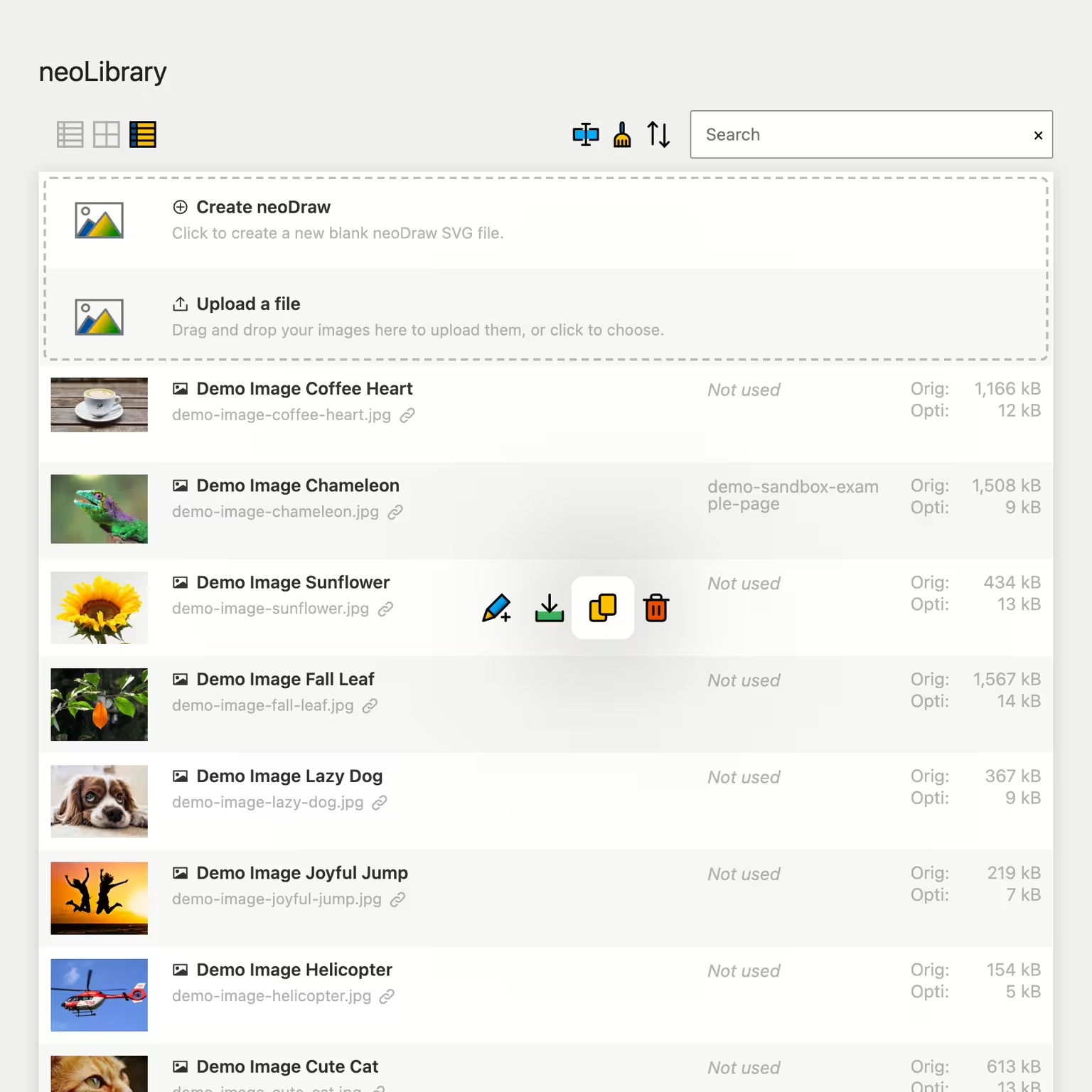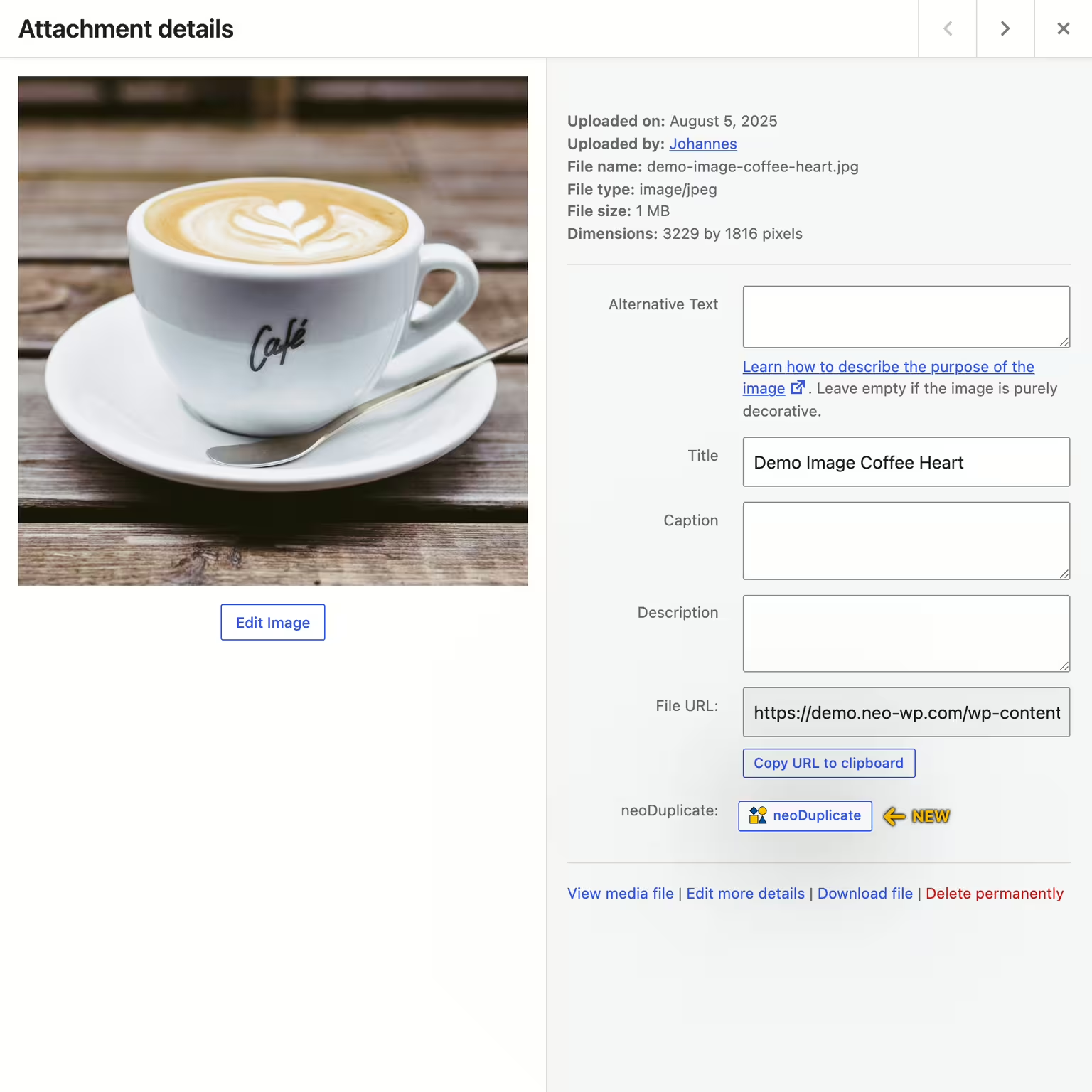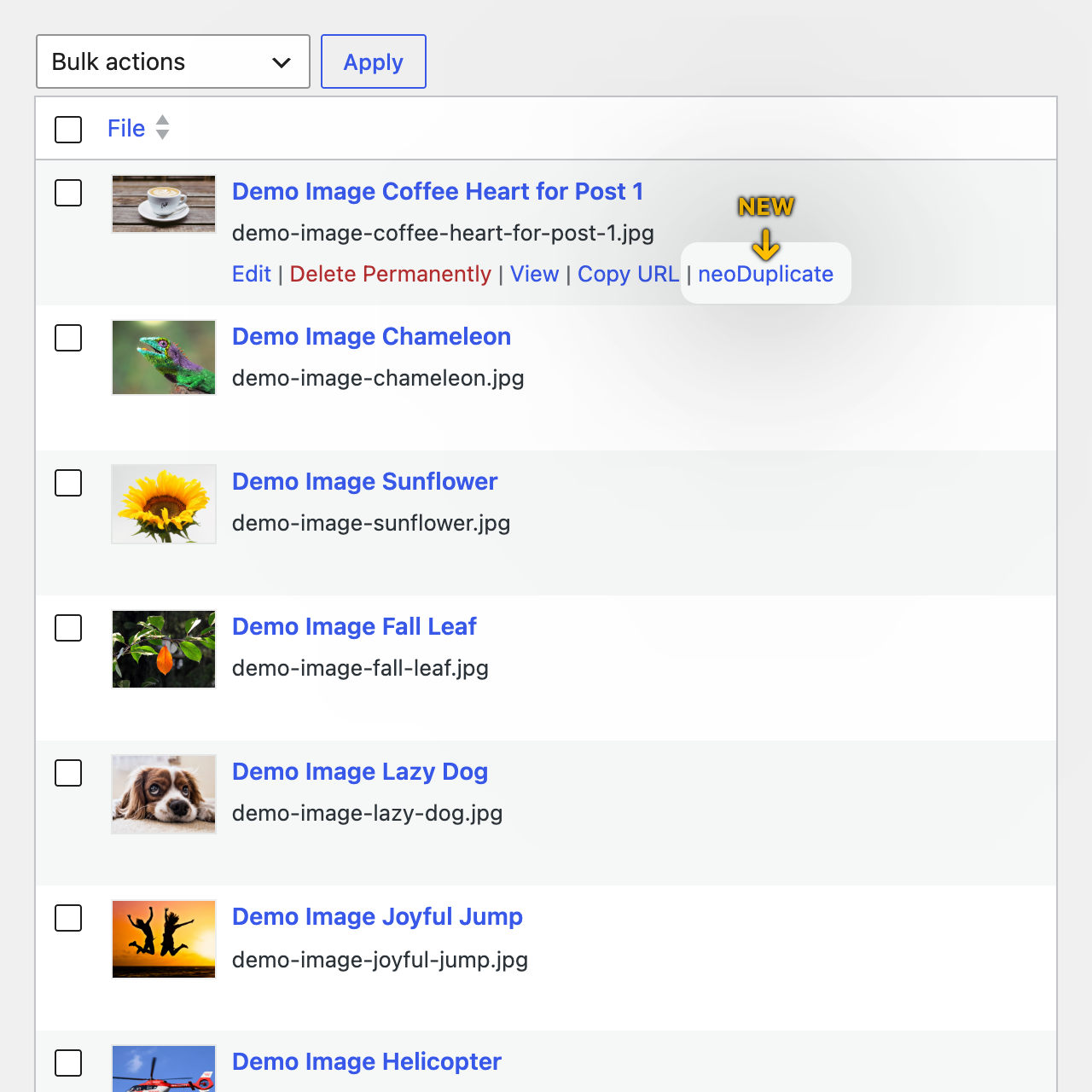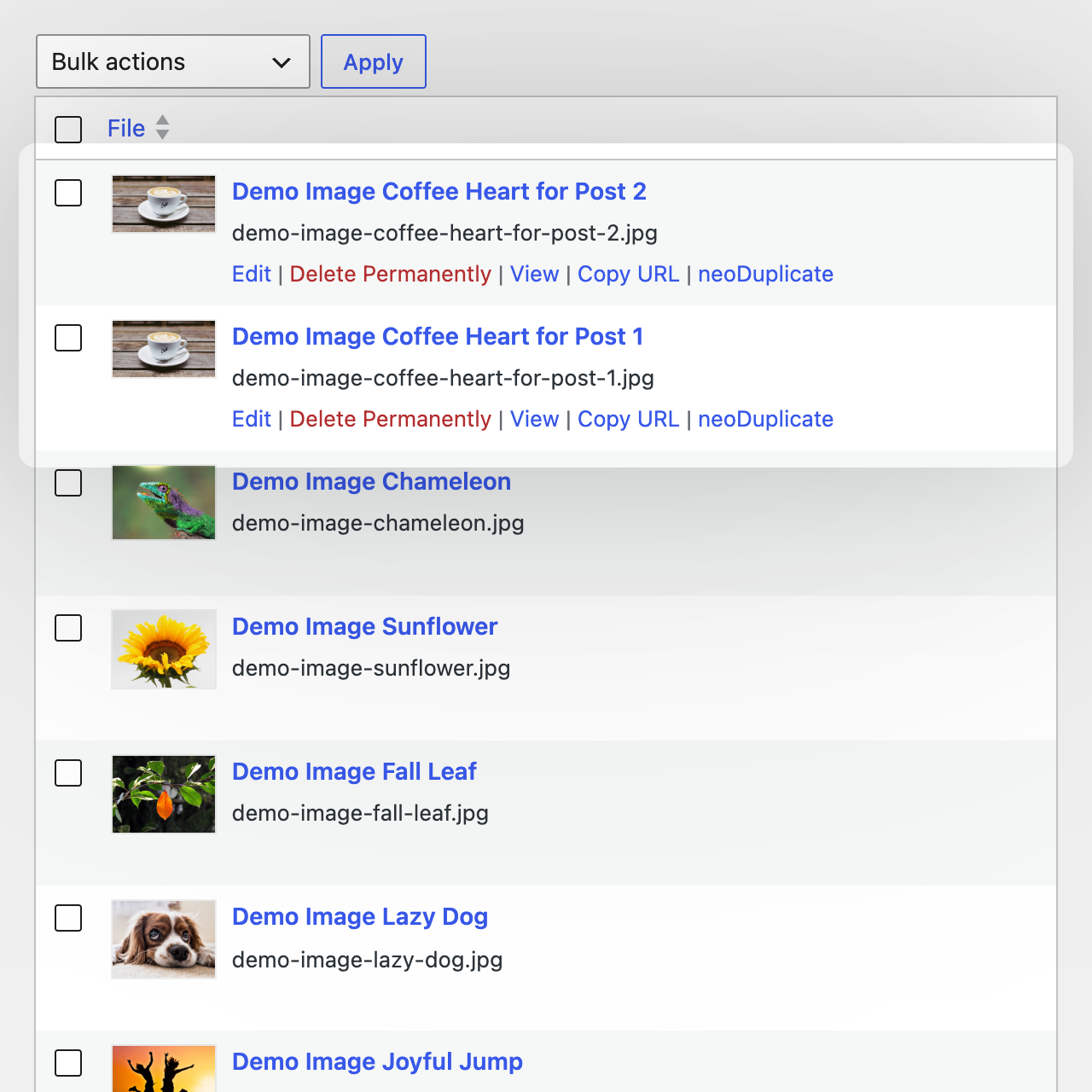
neo Duplicate - Clone media with one click
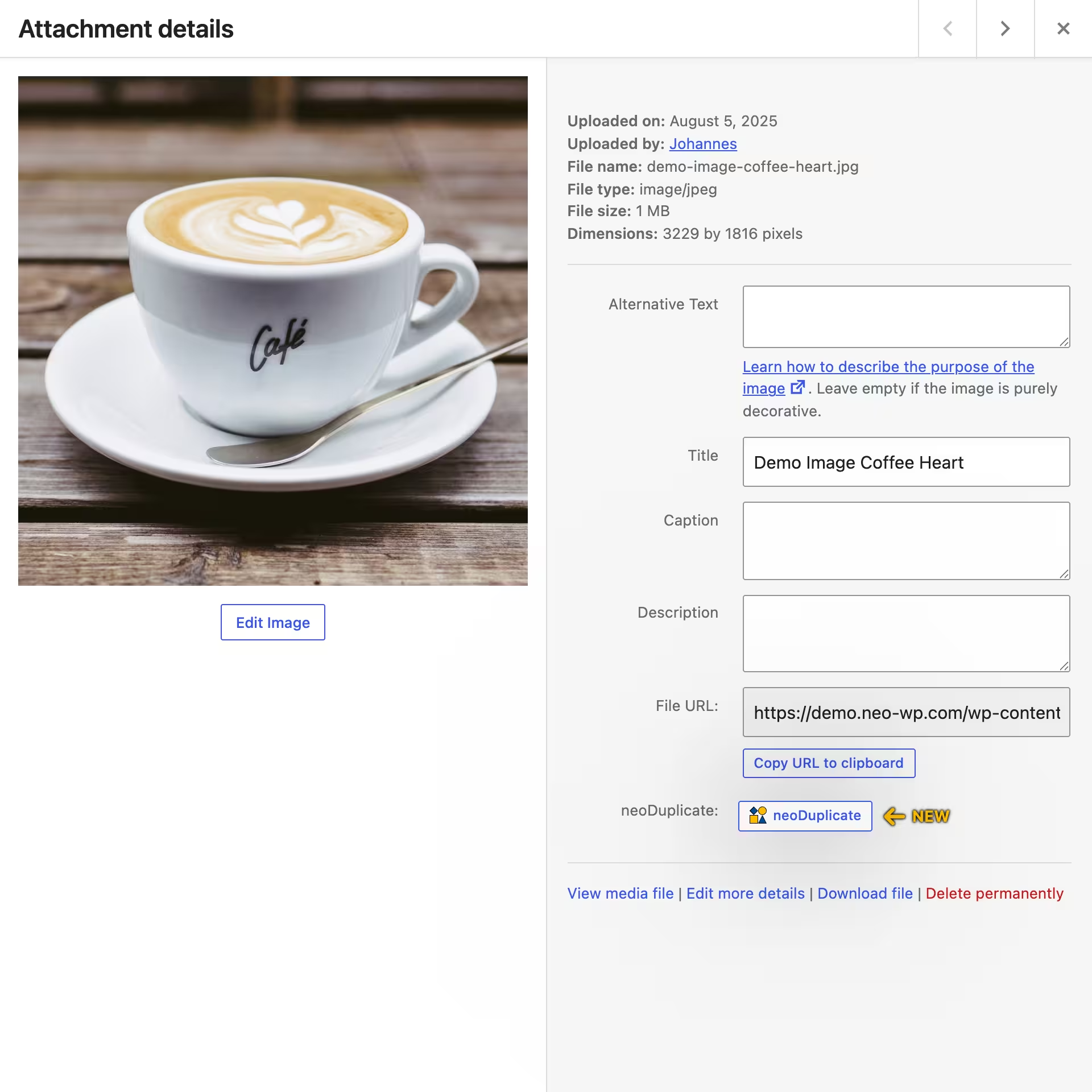
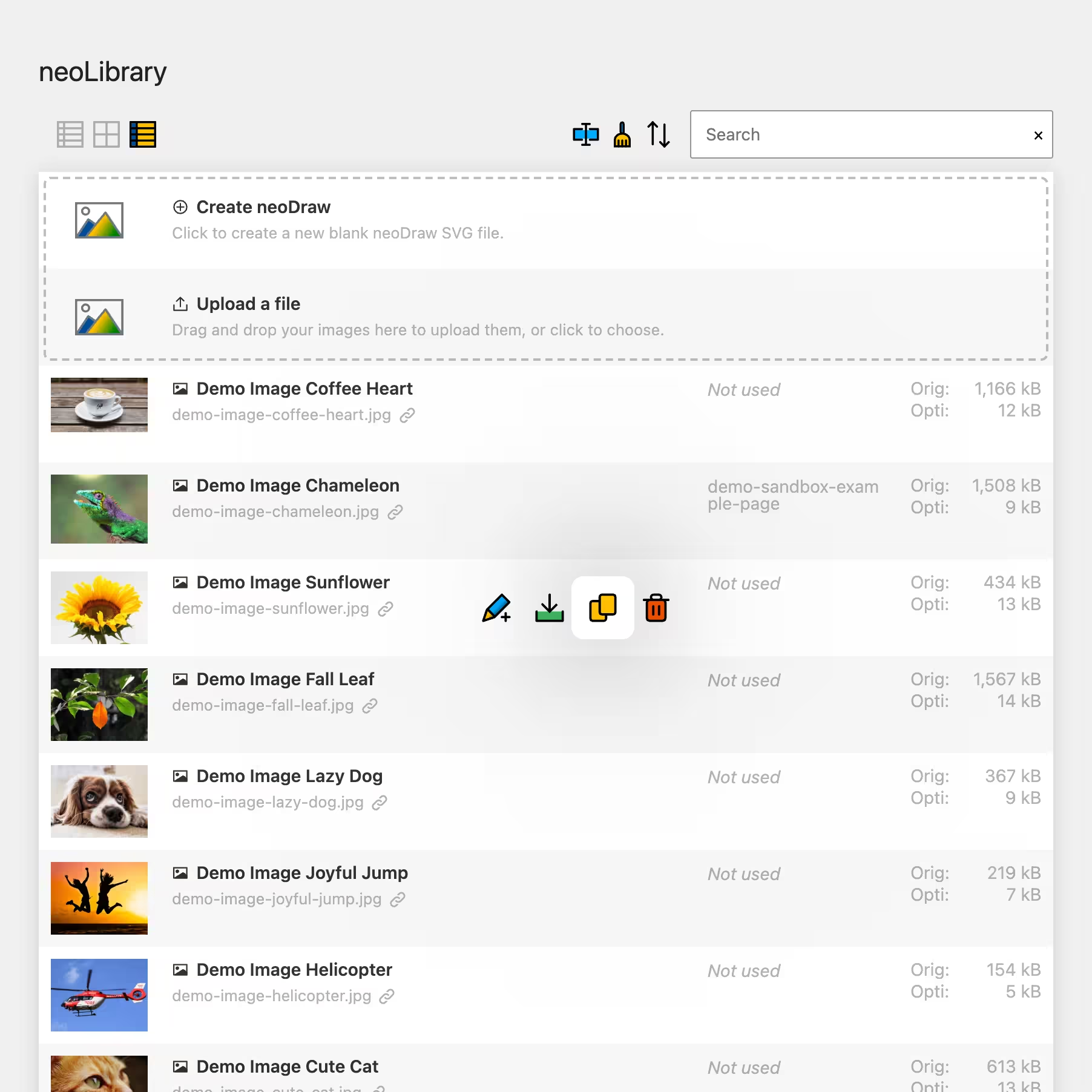
With neo Duplicate you duplicate images, videos and documents directly in the WordPress media library. The copy is created as its own media entry so you can use the same visuals in different posts with their own alt texts, titles, captions and crops.
Duplicate media directly in WordPress
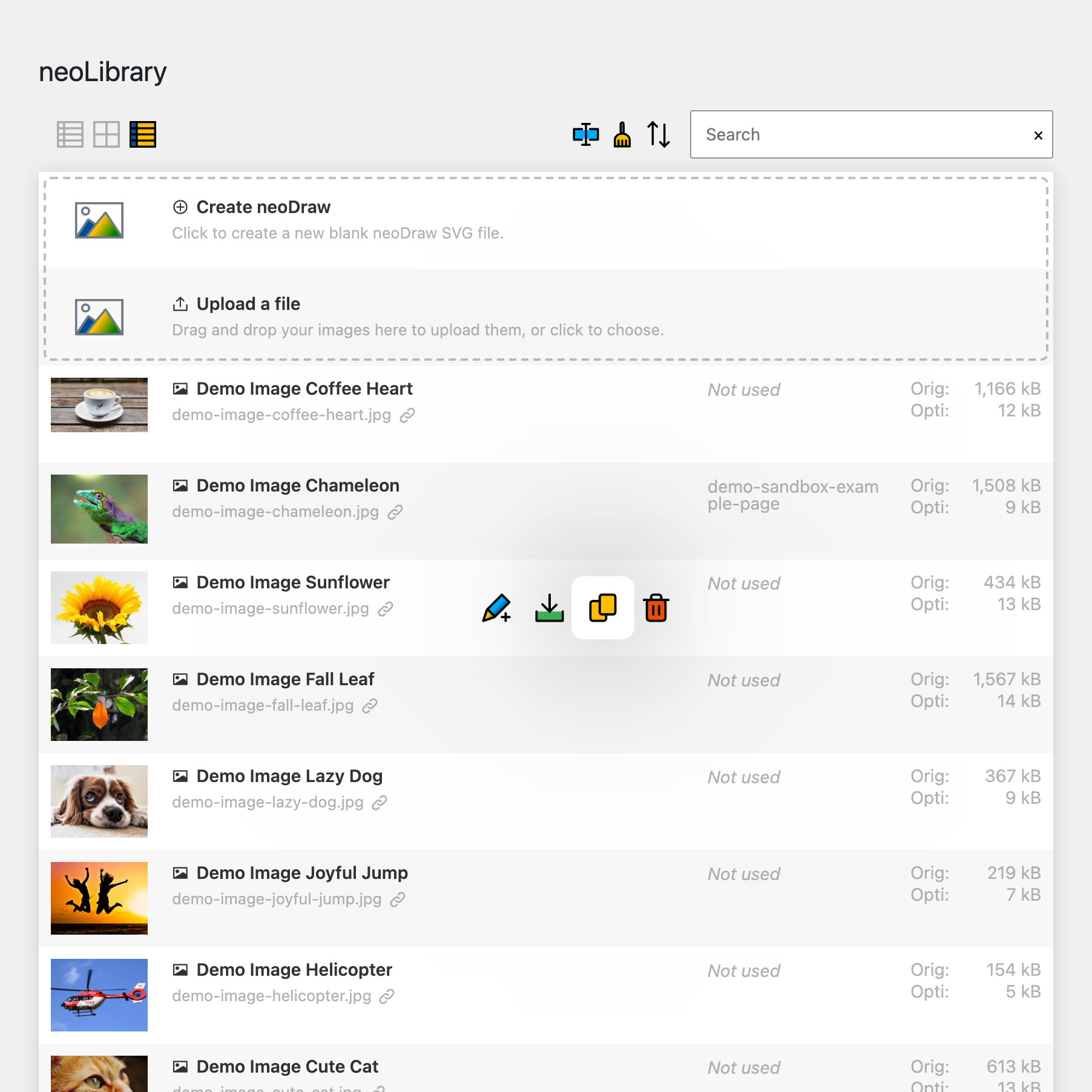
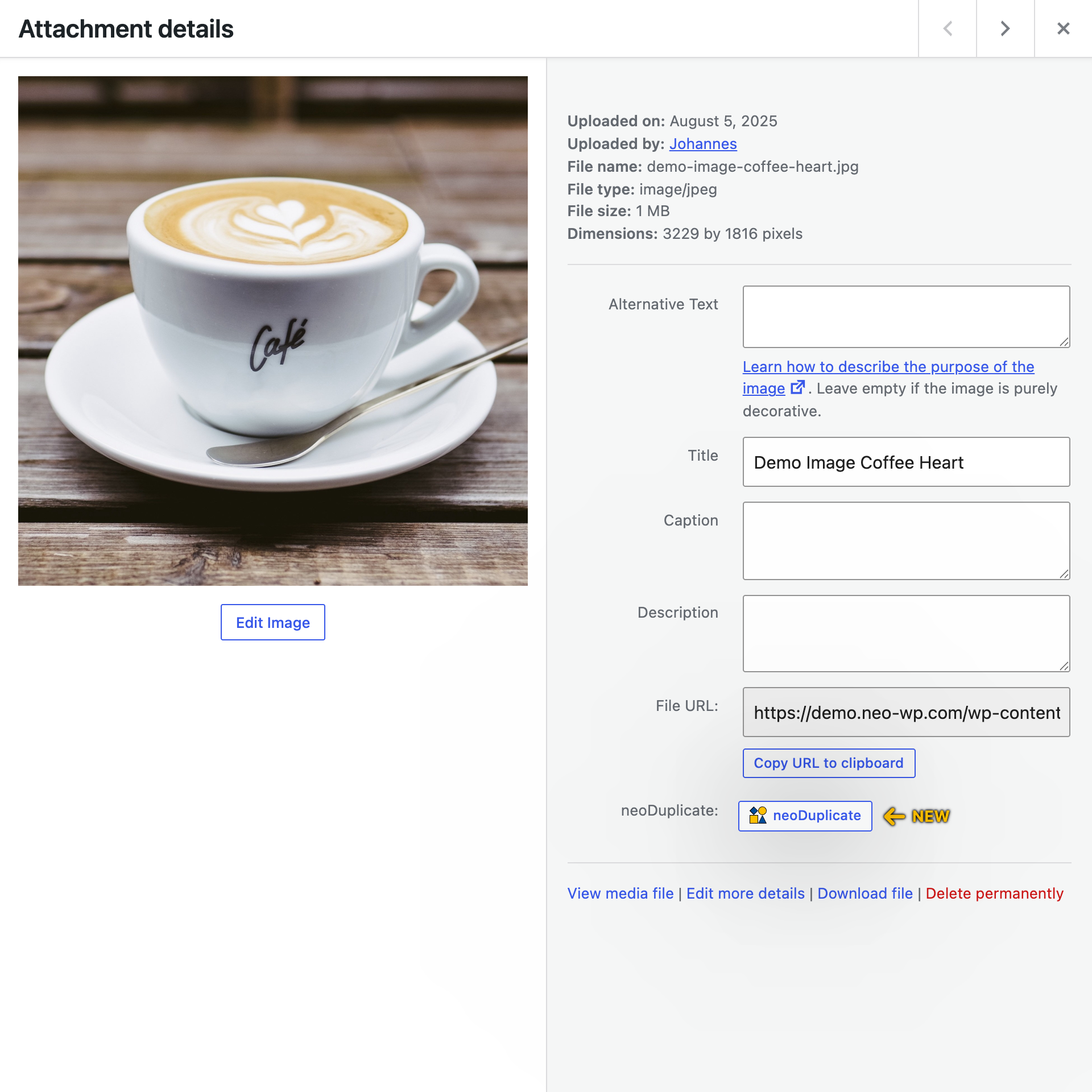
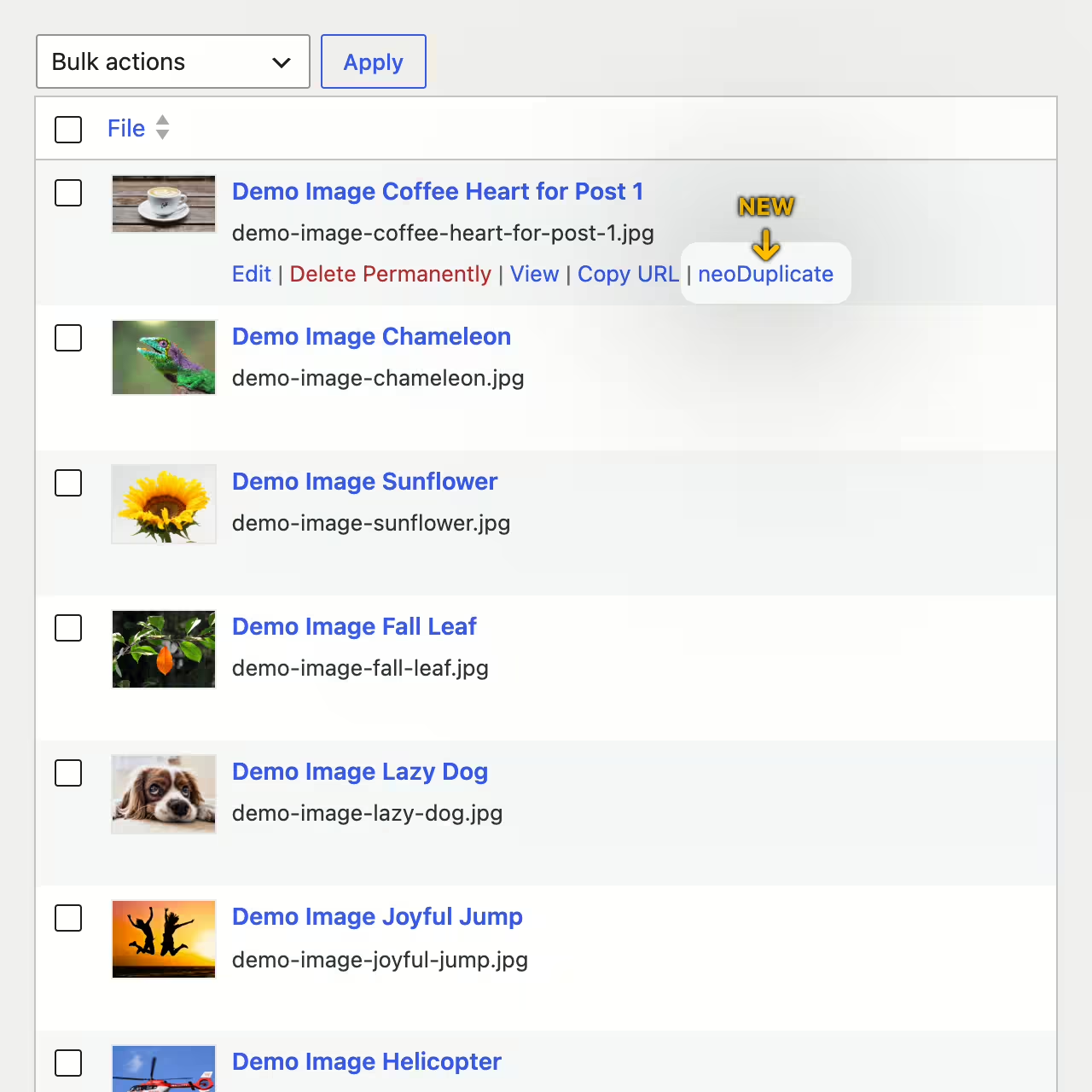
neo Duplicate adds a quick way to the WordPress media library to create existing media as a standalone copy. With one click a new media entry is created without you having to upload the file again.
Copy images, videos and documents
The duplicator is not only meant for images. You can also clone videos, PDFs and other media files managed in WordPress. That way recurring media stays available quickly and can be prepared for new content.
SEO variants with their own alt texts
A duplicated image can have its own alt texts, titles, captions and descriptions per post, page or product. That makes sense when the same visual should be described differently in different contexts.
- Page-specific alt texts for better image SEO
- Own captions for different editorial messages
- Separate titles and descriptions for galleries, posts or products
This lets you use the same visual multiple times without changing the media entry everywhere.
Carry over image sizes and metadata
When duplicating, the existing image sizes, thumbnails and media information of the file are carried over. This includes important details like title, alt text, caption and description.
Edit copy independently
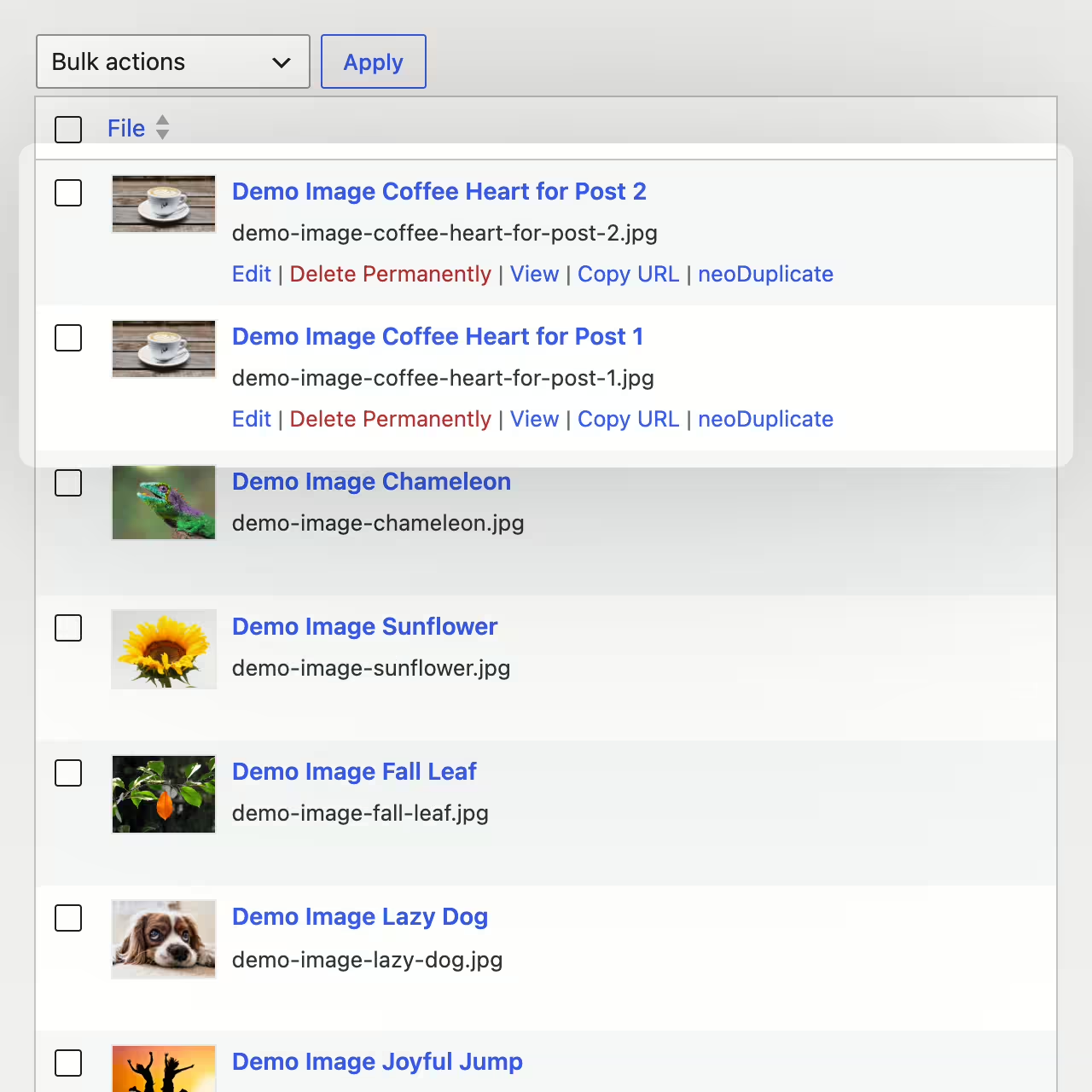
After copying you can edit the new media entry separately. The original remains intact while the copy is prepared for another post, another gallery or its own crop.
Control upload date appropriately
Depending on your workflow the copy can keep the original date or appear as a new variant in the media library. This helps either keep media together or find current copies quickly.
Copy multiple media in bulk
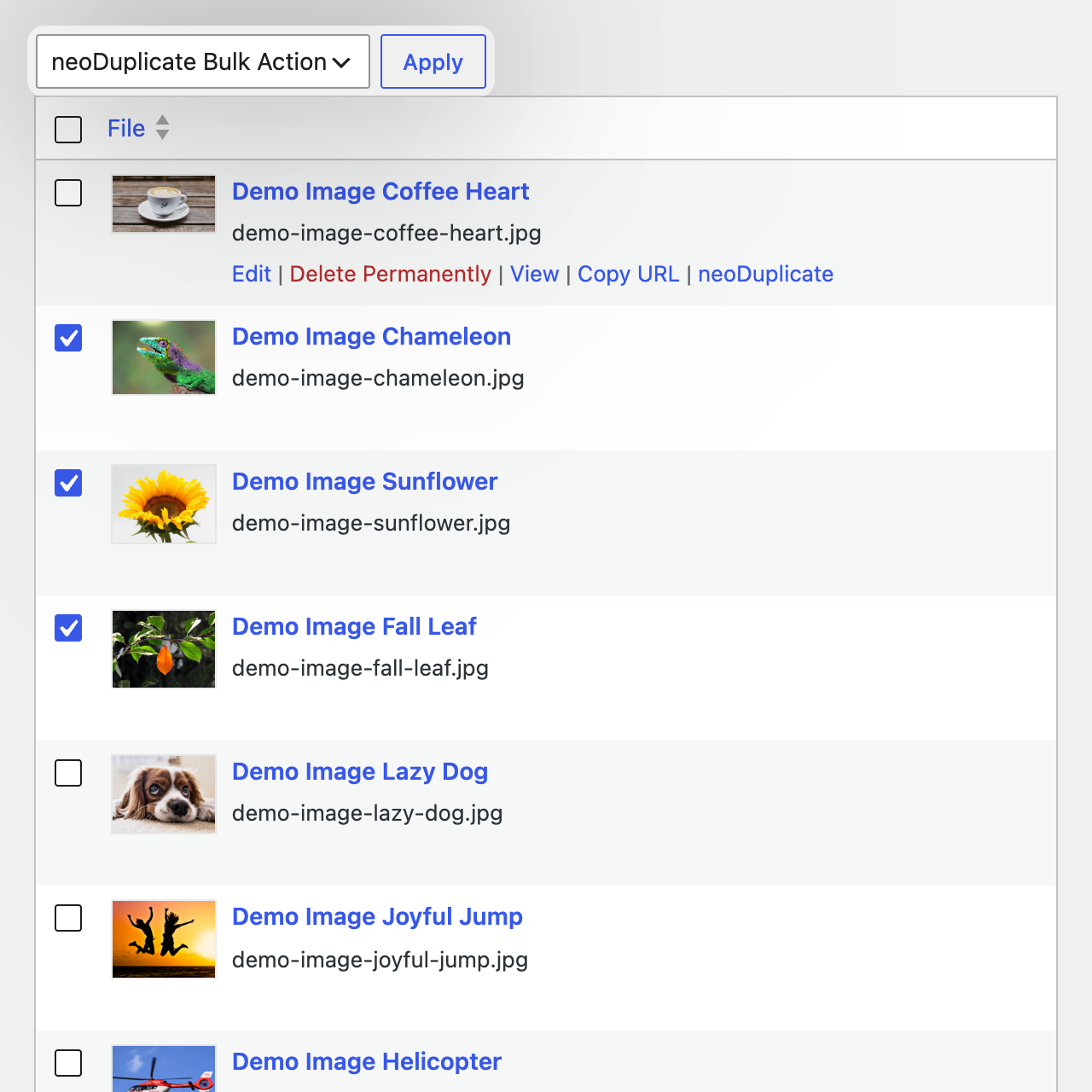
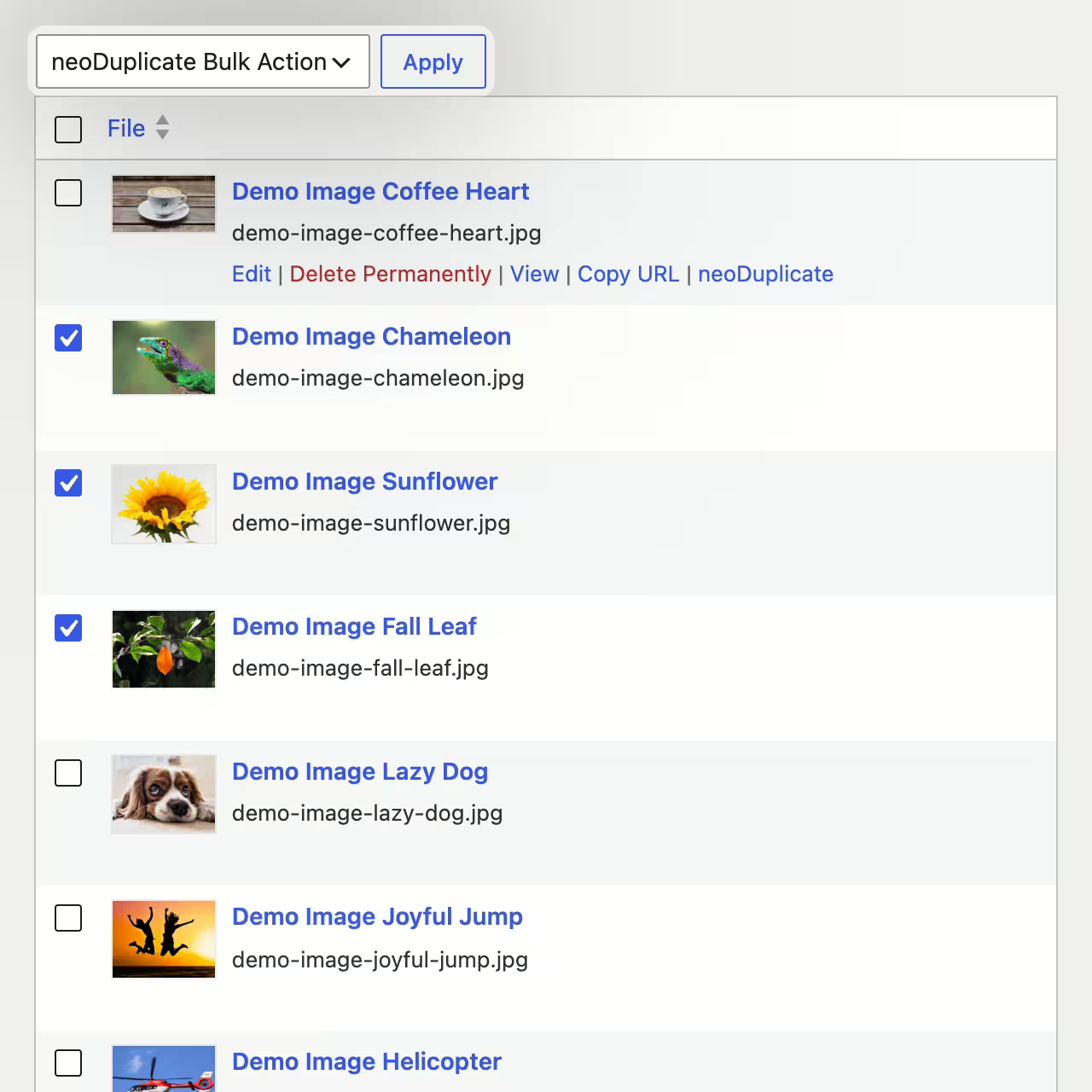
With the Pro feature you can duplicate several images, videos or documents in one go. That saves time when preparing entire media sets for new pages, galleries, product variants or A/B tests.
- Select multiple media and copy them together
- Prepare variants for different posts or layouts
- Keep original files as backups before edits
Especially with larger media libraries neo Duplicate becomes a fast tool for clean media workflows.