


neo Library - The new Image Media Library
Bring order to your media library and show where your images are being used!
By neo WP Team
(0.0)
1+ Active installations
Last updated: 2026-08
✓ Tested with WordPress 7.1

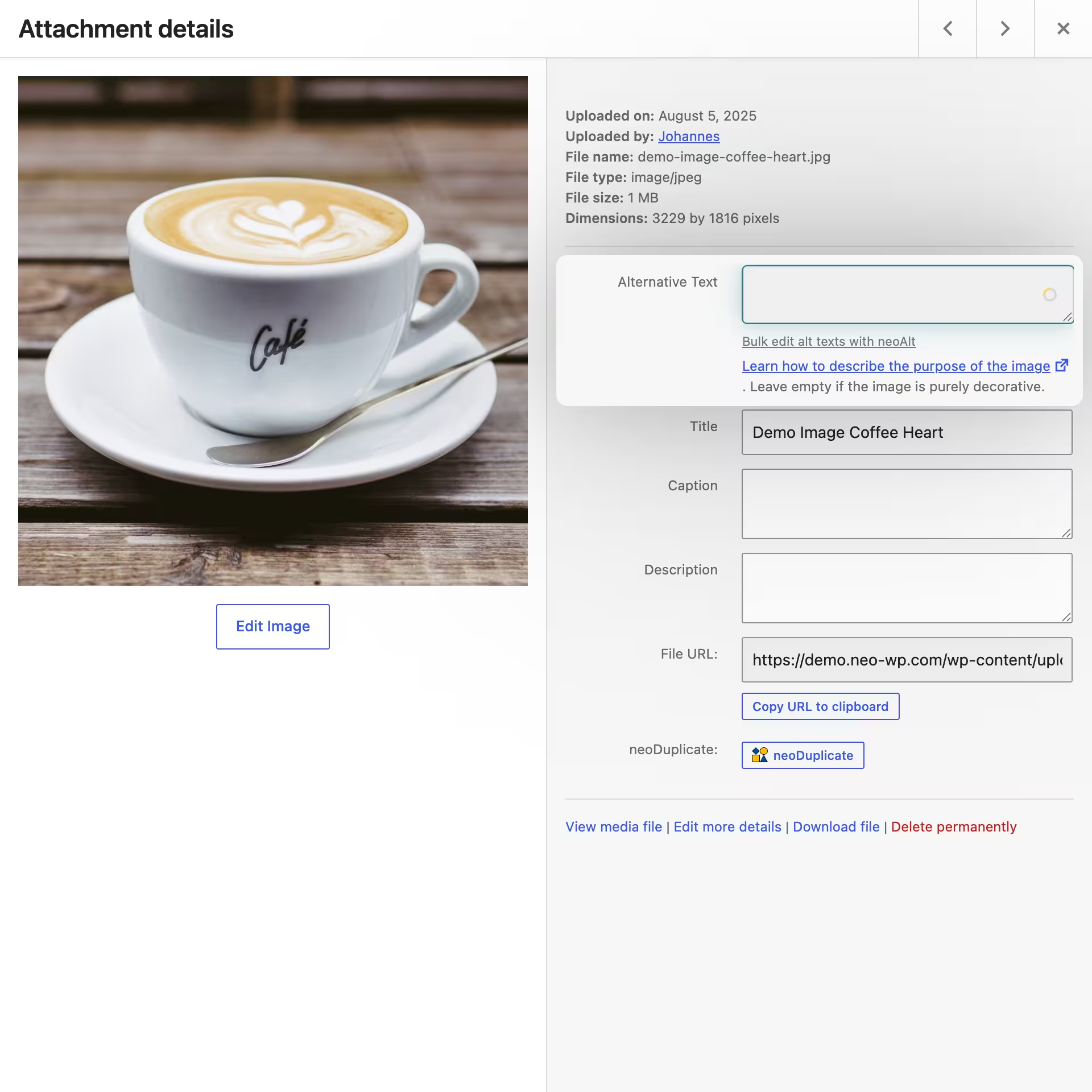
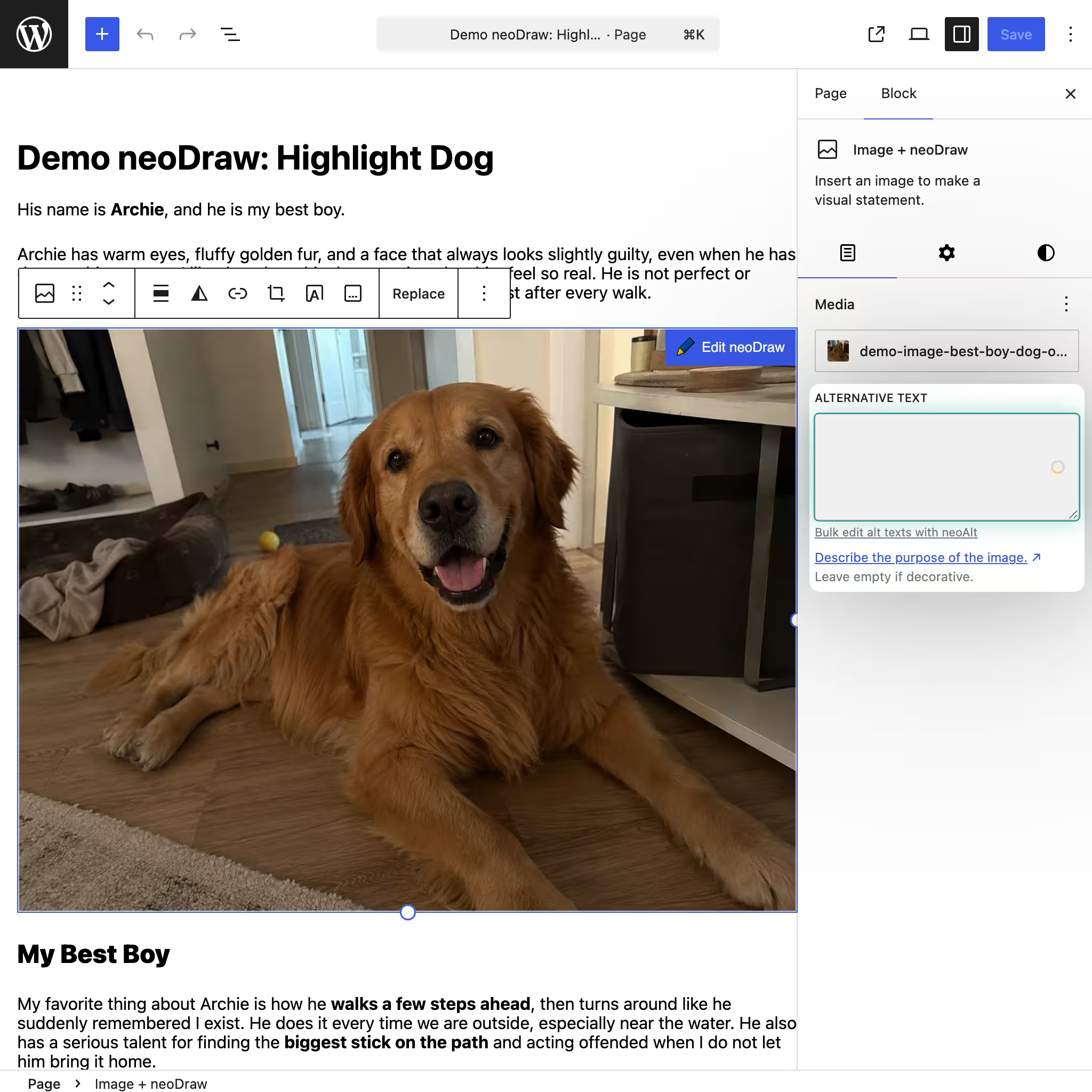
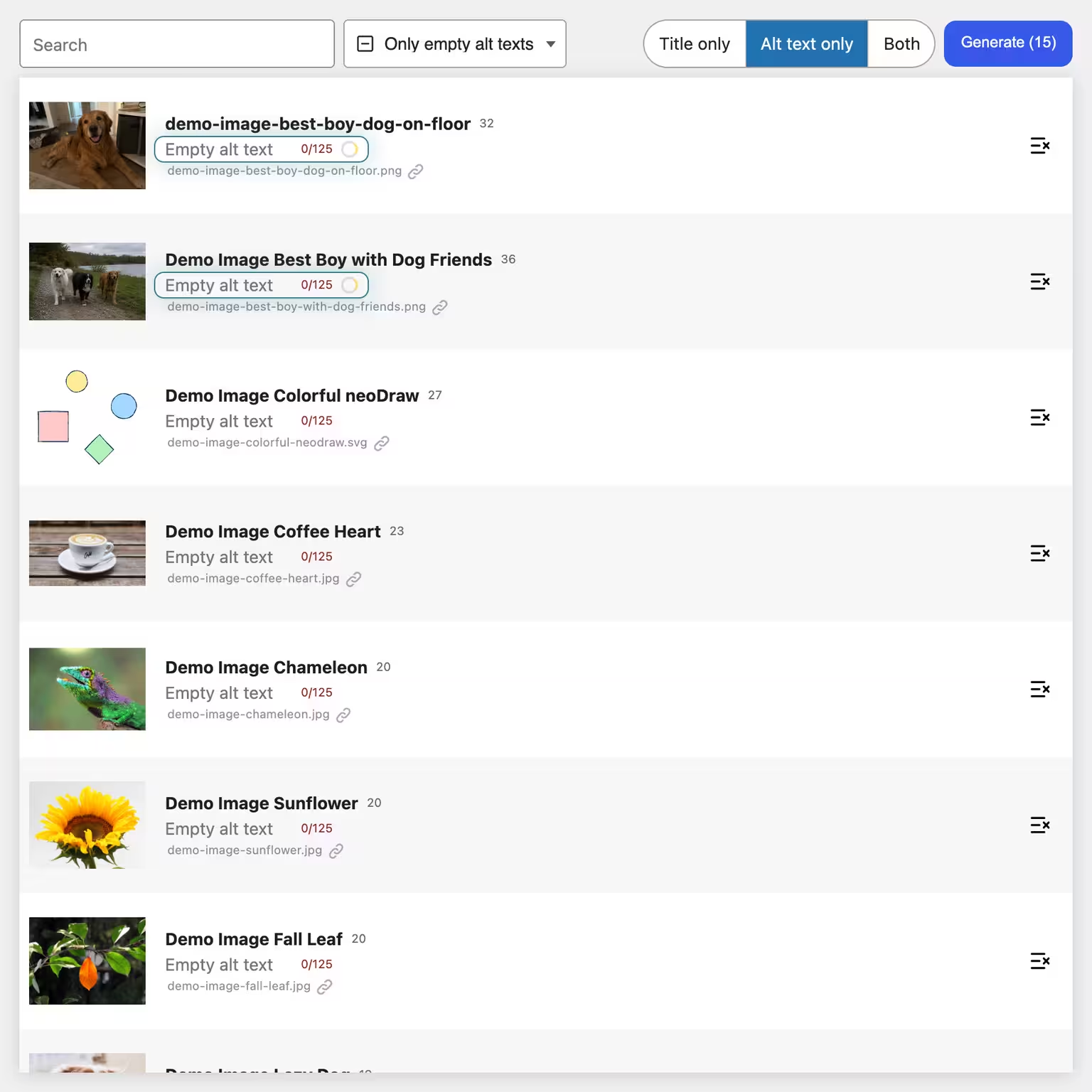
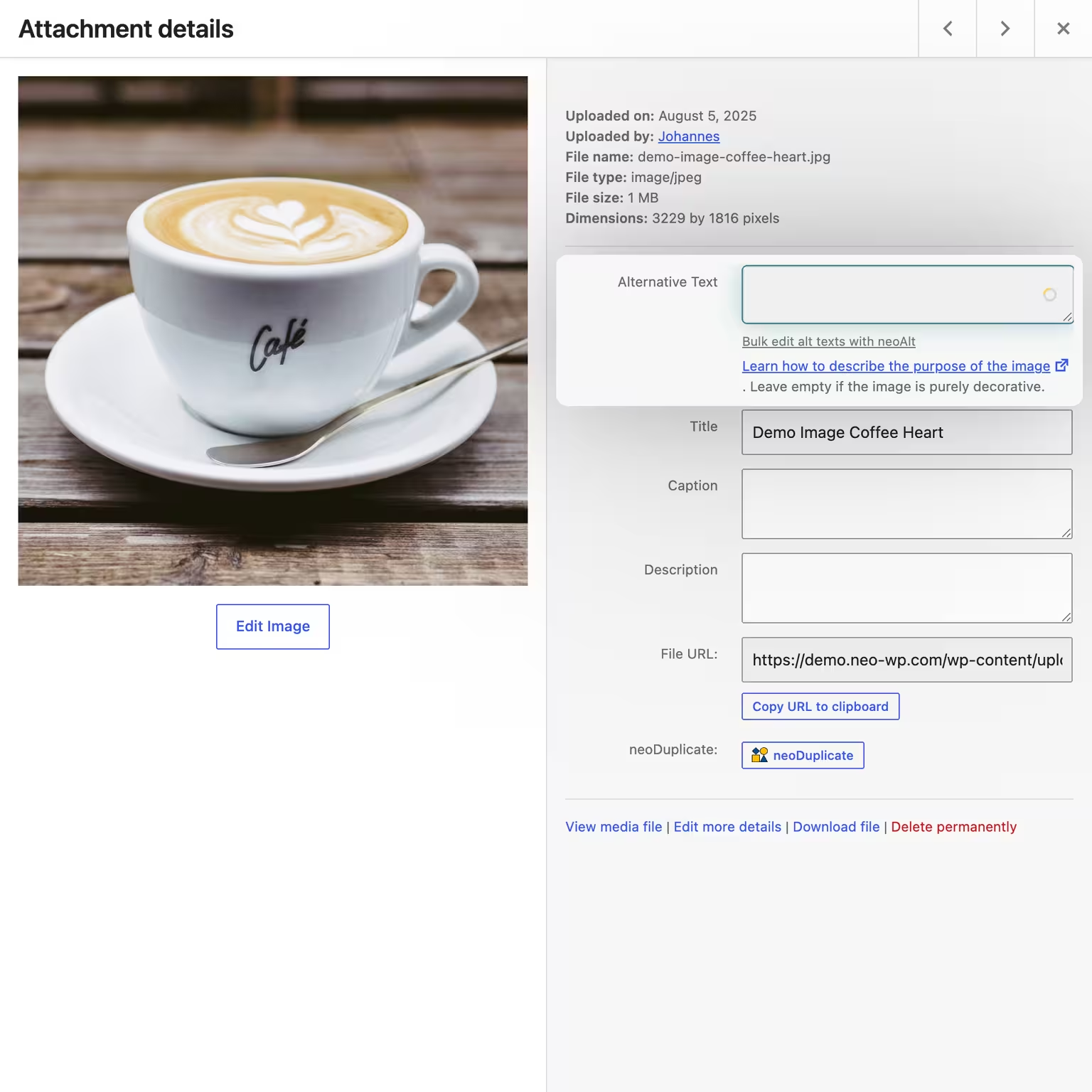
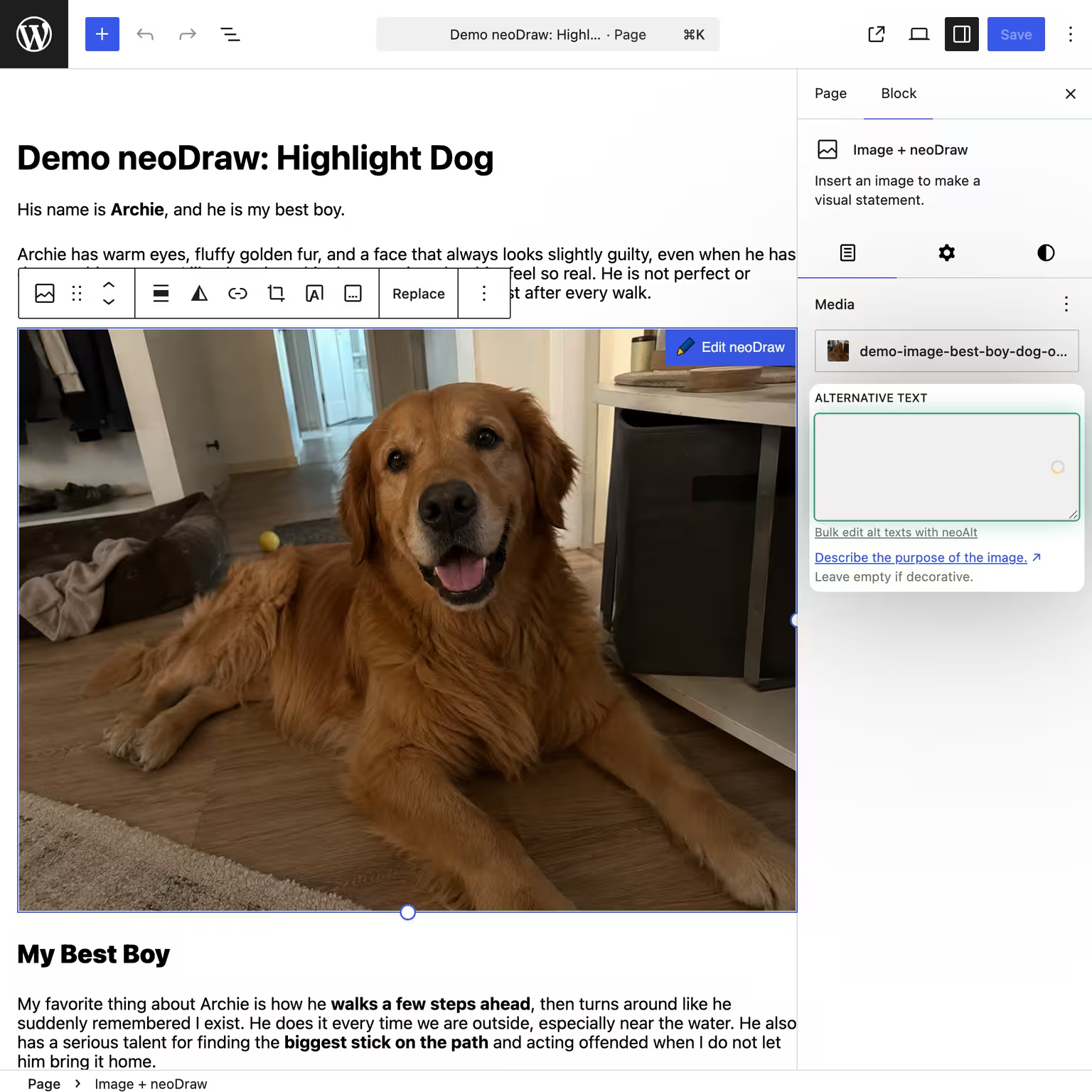
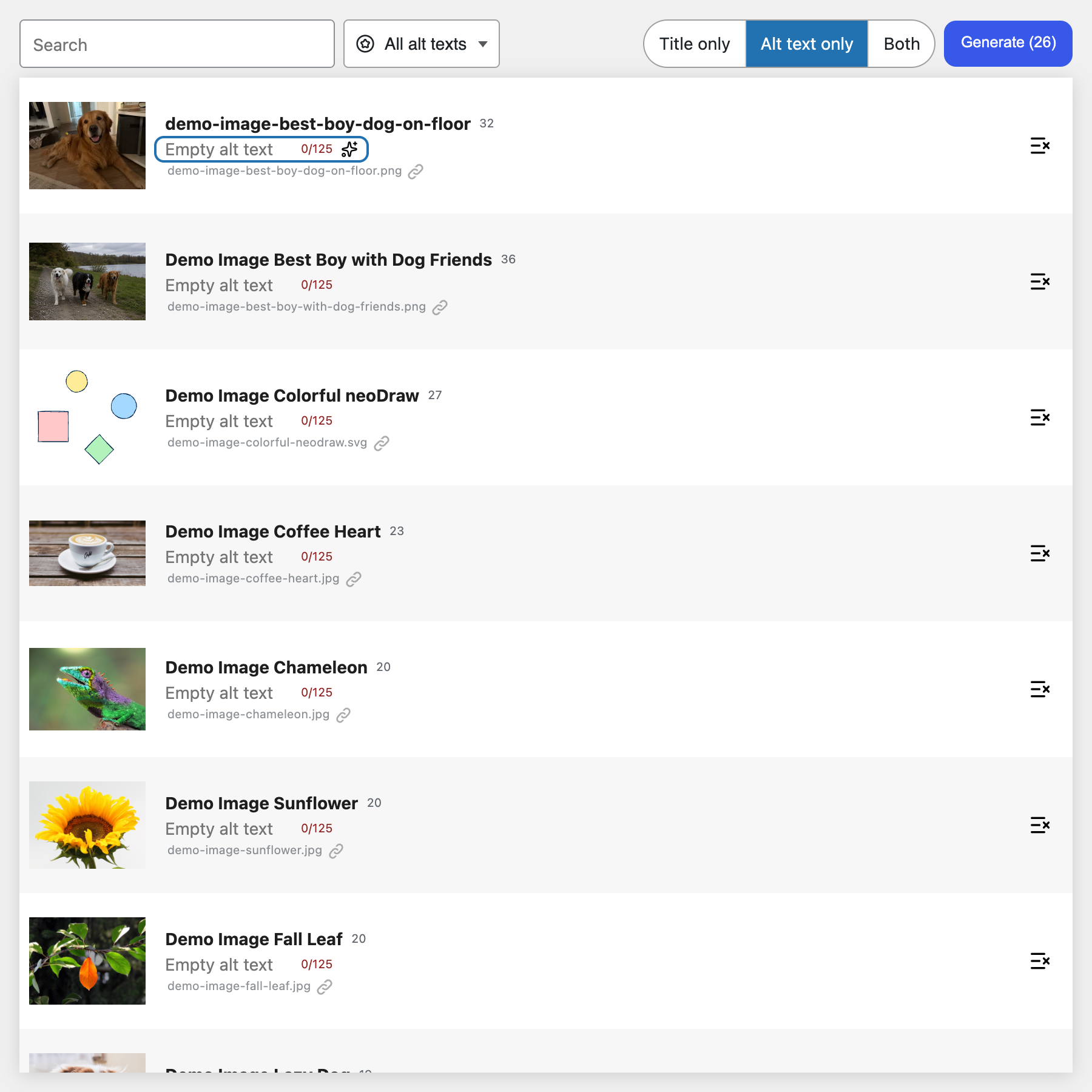
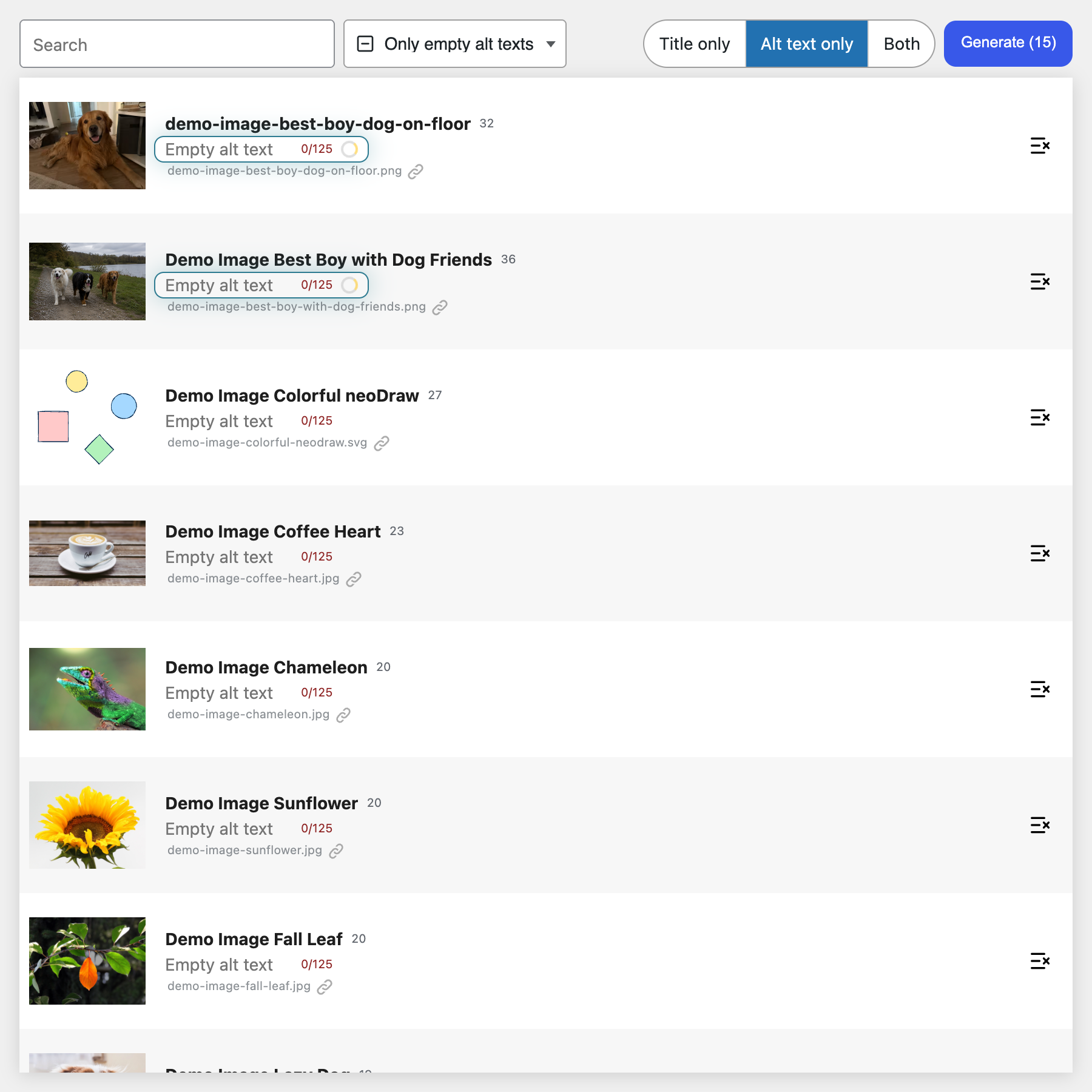
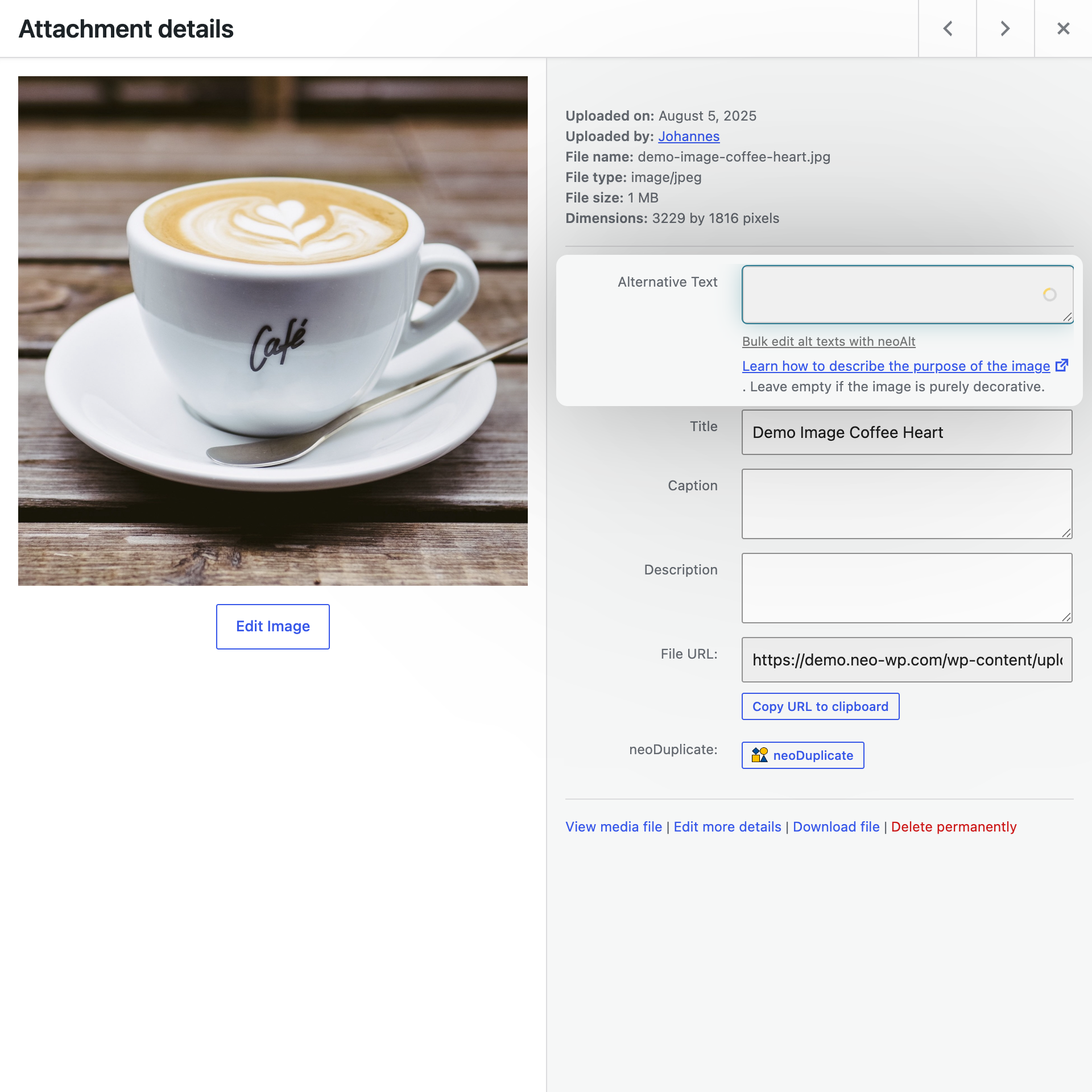
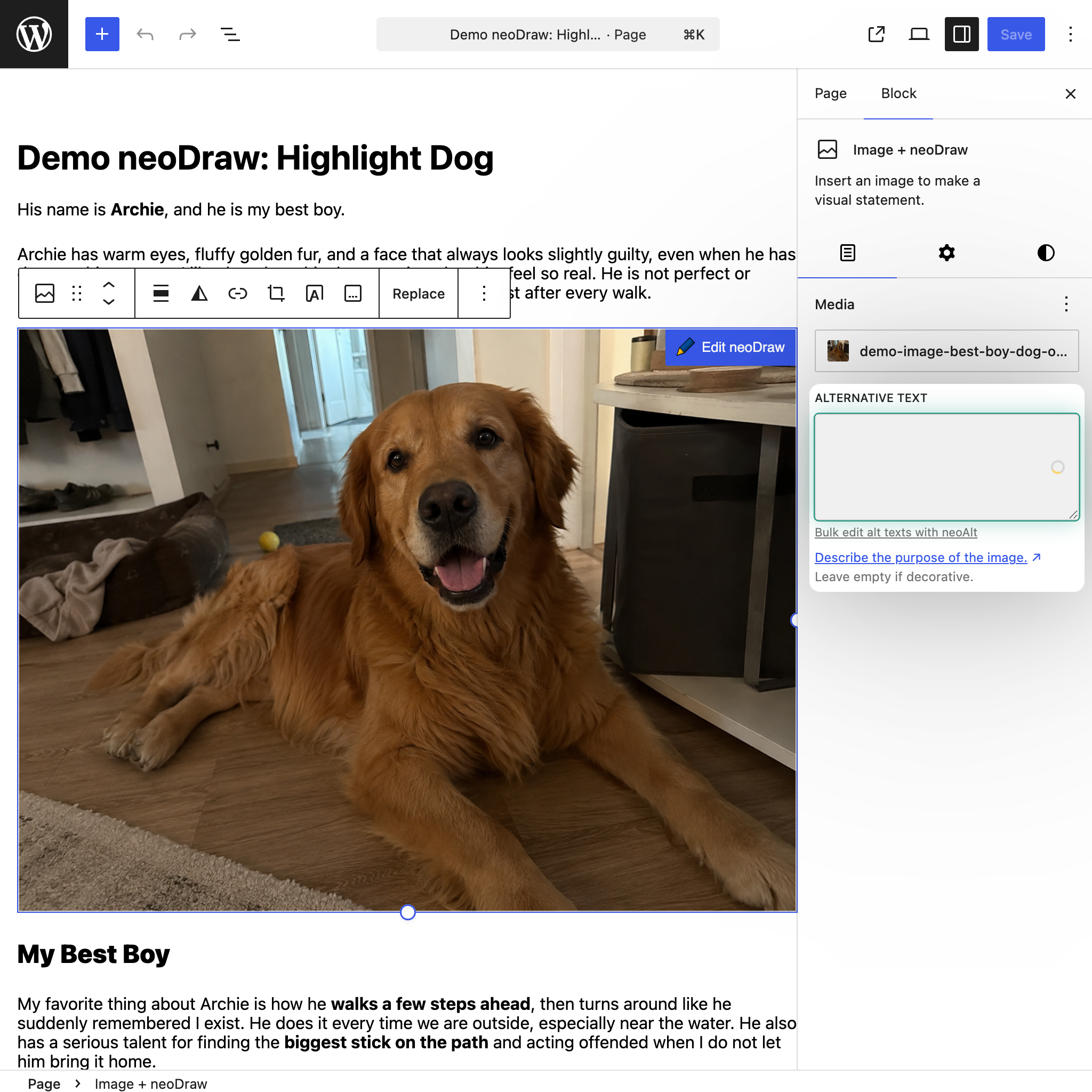
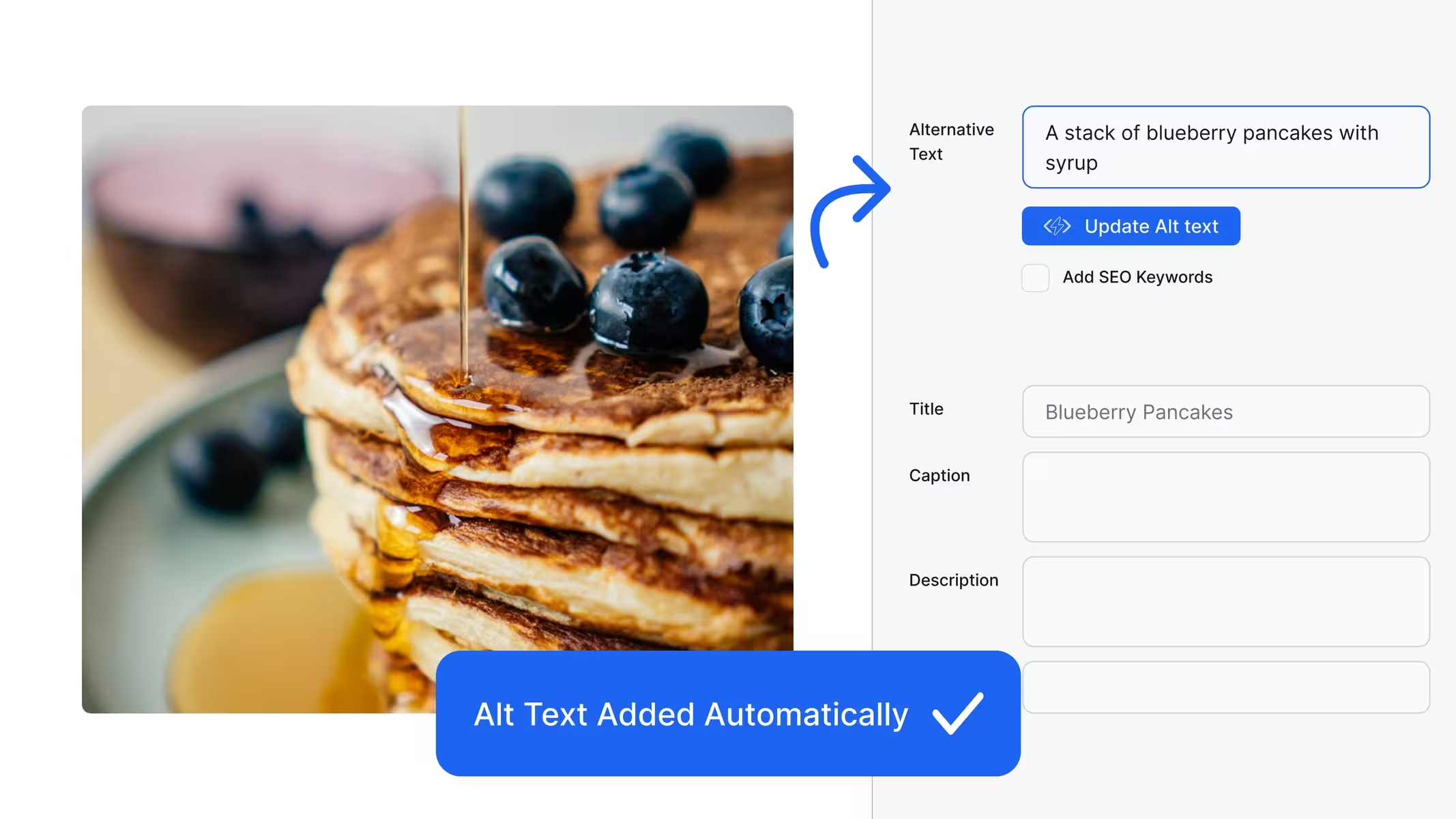
Create appropriate alt texts and image titles directly in your WordPress media library. neo Alt detects image content, takes the context of the page where the image is used into account, and provides clear suggestions for better accessibility and image SEO.
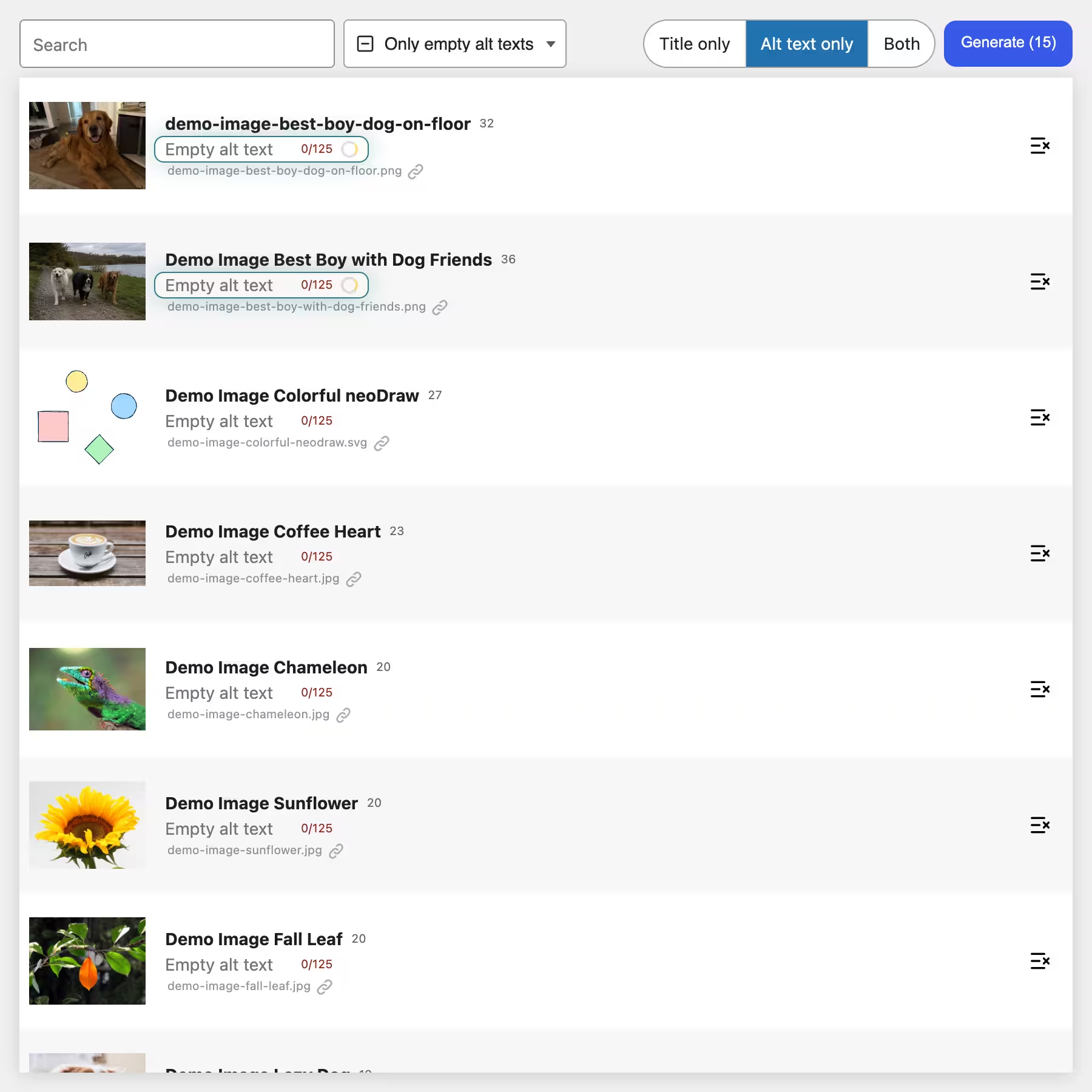
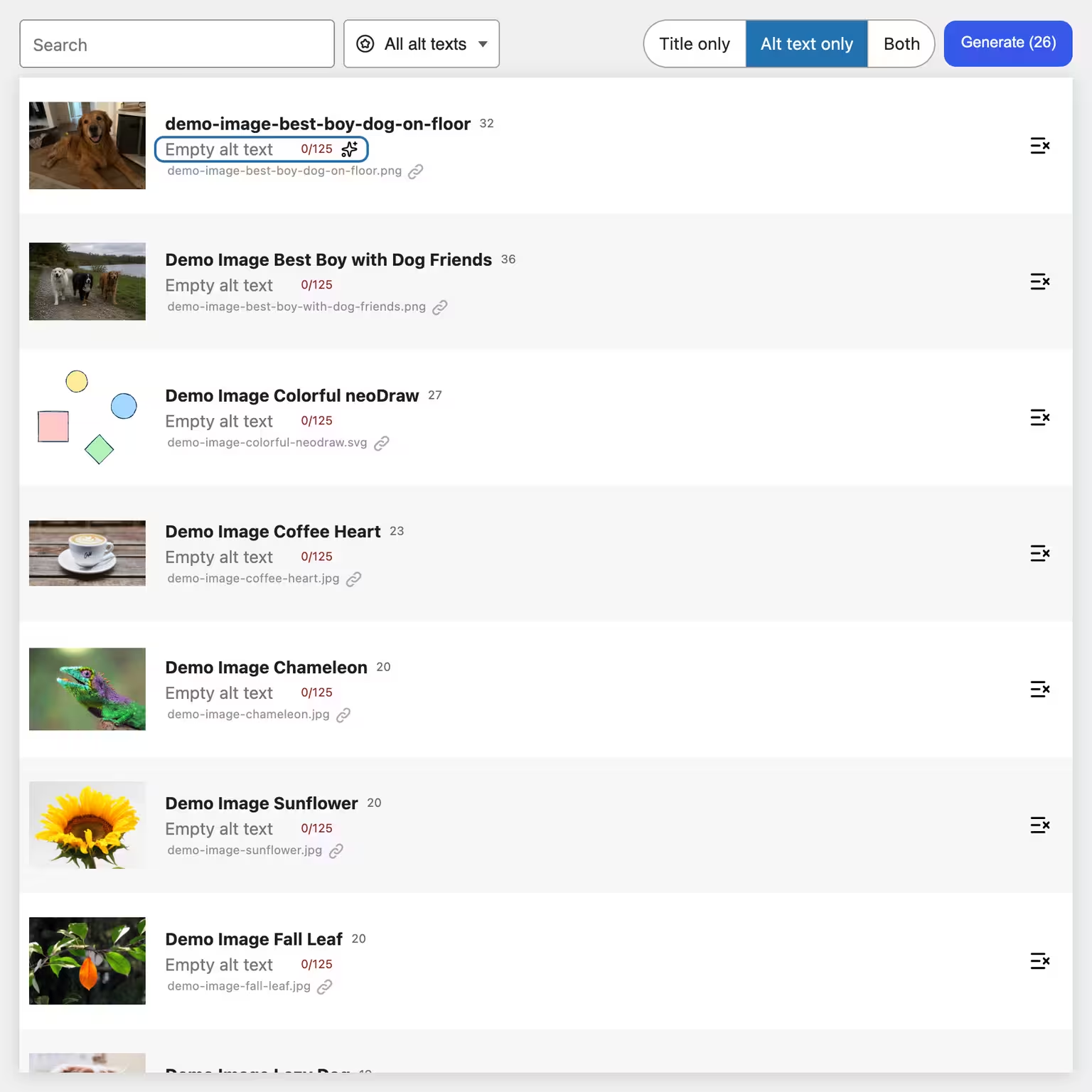
Use filters, search, and bulk processing to add to large image collections quickly. You can review, edit, and only then save each suggestion.
👑 Pro: Get a higher monthly neoAI allowance with neo Media Pro.
One click is enough. Then you experience the full power of neo Alt. The WordPress backend launches directly in the browser, with no installation required. Start your mission now! The countdown is on.


... My multitool for media in WordPress! Whether renaming, replacing, duplicating or optimizing images. Even drawing and animating is possible.


... There are only a few outstanding WordPress plugins - and neo Pro is clearly one of them. The modern design looks professional and is well thought out.


... better than anything I’ve experienced so far. I had a technical question. Less than ten minutes later I got an answer directly from the development team.


... The neoPro package not only speeds up my website but my entire workflow. For example images can easily be dragged and dropped ...


... I'm one of the minds behind neo WP. We really put a lot of love and a nerdy attention to detail into it.

... Psst... I sneaked in here because of course we use our baby neo WP ourselves. We love it just like you do. Have fun with it!
... Everything that bothered me about the WordPress media library is simply better with neo Library. Dear neoTeam, I'm thrilled! Keep it up!
... Even with thousands of images the library loads lightning fast. I'm especially impressed by that speed.
... It's the first library plugin that shows me where I used each image on my website. Just for this feature the plugin is worth it.
One click on "neoRename", the input dialog opens immediately and just as quickly the title, filename and slug are renamed in one go.
We appreciate your feedback!

Version:
26.8.25
Author:
neo WP Team
Last Updated:
2026-08
Requires WordPress Version:
6.2 or higher
Compatible up to:
7.1
Requires PHP Version:
8.0 or higher
Active Installations:
60+
Tags:
alt text, image SEO, accessibility, AI, media library, image title, bulk, generator, metadata, WordPress
AVERAGE RATING
(based on 1 review)
Create appropriate alt texts and image titles directly in your WordPress media library. neo Alt detects image content, takes the context of the page where the image is used into account, and provides clear suggestions for better accessibility and image SEO.
Use filters, search, and bulk processing to add to large image collections quickly. You can review, edit, and only then save each suggestion.
Try neo Alt directly in the browser without having to install it.
Get the ultimate bundle!
Feedback on neo Alt from WP pros that drives us every day:
🎁 Help us make neo Alt even better! Your opinion matters. ➔ Send us feedback
We’re constantly working on new features. Do you have wishes or suggestions? Then let us know!
We learned from the best to develop the Alt Text Generator plugin If you want an alternative to neo Alt it's worth taking a look at the following plugins:
The Alt-Text Generator plugin offers maximum compatibility:
The Alt-Text Generator plugin keeps your data secure and your website fast:
We continuously develop the Alt-Text Generator plugin. If you have questions or problems we are here for you - in the WordPress forum or for Pro users on our website.
neo Alt - Alt texts. Image titles. Bulk generation. - by neo WP
Technology knows no borders. We are proud that our software is used worldwide. alt text • image SEO • accessibility • Alternativtext • Bilder SEO • Barrierefreiheit • texte alternatif • SEO image • accessibilité • texto alternativo • SEO de imágenes • accesibilidad • testo alternativo • SEO immagini • accessibilità • alternatieve tekst • afbeelding SEO • toegankelijkheid • maandishi mbadala • SEO ya picha • ufikivu • 替代文本 • 图片SEO • 无障碍 • 代替テキスト • 画像SEO • アクセシビリティ • वैकल्पिक पाठ • छवि SEO • अभिगम्यता
Find out what the Pro version of neo Alt has to offer to unlock the full potential of your media. ➔ What the Pro version can do
/wp-content/plugins/ of your WordPress installation.The plugin neo Alt was tested with: Bricks, Elementor, Divi, Beaver, Oxygen, Breakdance, Gutenberg, WP Fastest Cache, LiteSpeed Cache, WP Rocket, W3 Total Cache, WP Super Cache, WP-Optimize, Autoptimize, Breeze, Cache Enabler
The plugin neo Alt is provided free of charge under the license "GPLv2 or later" and without warranty. Use is at your own risk; liability for damages is excluded. Users outside Germany are responsible for complying with local regulations. This plugin may contact external services for licensing via Freemius (EULA, Terms, Opt-in information, Privacy policy), updates and support. When you submit the feedback feature, the entered text, the optionally shown email address and website domain as well as plugin slug, edition, plugin, WordPress and PHP version, language and browser user agent are transmitted to the neoWP download server. The data are sent by email to the neoWP team and fully stored in a server log protected from public access to understand the feedback and possibly respond. IP address, origin and referrer are not stored in the feedback log or in the feedback email. Email address and domain can be hidden before sending. When using neoAI, the selected image, the prompt and, where applicable, image title, neighboring title, previous suggestions and page context are sent via neoAI to OpenAI in the USA or, when using your own API key, directly to the chosen provider. Personal or confidential data must not be transmitted. The connection is only made when an administrator tests it, retrieves a quota or triggers a generation. The terms and privacy notices of the used service apply: neoAI (Terms, Privacy), OpenAI (connection to api.openai.com, Terms, Privacy), Anthropic (connection to api.anthropic.com, Terms, Privacy), Google Gemini (connection to generativelanguage.googleapis.com, Terms, Privacy), xAI (connection to api.x.ai, Terms, Privacy) and Mistral (connection to api.mistral.ai, Terms, Privacy). For custom and WordPress integrations the respective configuration determines the recipient.
Details about data, recipients, storage and transfers to third countries can be found in the full privacy policy.
This plugin was made possible by the following open-source libraries (thanks!):
neo-freemius--thirdparty: Source: https://github.com/Freemius/wordpress-sdk - License: GPLv3 - https://github.com/Freemius/wordpress-sdk/blob/master/LICENSE.txt_global--scroll-infinite-virtual-morphdom-esm-thirdparty: Source: https://github.com/patrick-steele-idem/morphdom/blob/master/dist/morphdom-esm.js - License: MIT - https://github.com/patrick-steele-idem/morphdom/blob/master/LICENSE_global-lucide-icons-thirdparty: Source: https://lucide.dev/icons/ - License: ISC License - https://lucide.dev/license_global-pdf-thirdparty: Source: https://github.com/mozilla/pdf.js (https://github.com/mozilla/pdf.js/releases/download/v5.4.296/pdfjs-5.4.296-dist.zip) - License: Apache 2.0 - https://github.com/mozilla/pdf.js/blob/master/LICENSE_global-sweetalert2-thirdparty: Source: https://github.com/sweetalert2/sweetalert2 (https://github.com/sweetalert2/sweetalert2/releases/download/v11.26.24/sweetalert2.esm.min.js) - License: MIT - https://github.com/sweetalert2/sweetalert2/blob/main/LICENSEWhich features are included in the plugin?
The most important features of the Alt-Text Generator plugin are:
What is the neoUniverse?
The neoUniverse is more than just a collection of plugins. It is your complete toolbox for all media challenges in WordPress. It currently includes ten specialized plugins: neo Library, neo Rename, neo Replace, neo Duplicate, neo Optimize, neo Lazy, neo Draw, neo Animate and neo Motion. They work seamlessly together, are perfectly coordinated and cover all areas of media management, SEO and performance. Whether renaming images, replacing files, optimizing SEO, enabling lazy-load or drawing and animating content. neoUniverse makes your media workflow noticeably easier and more efficient. And the best part: neoUniverse keeps growing. New tools and features make your WordPress everyday even better.
Why does the download only show a folder?
If you use Safari, your Mac may automatically unzip the ZIP file. Instead of the ZIP file you then only get the unzipped folder. You cannot upload this folder directly to WordPress.
Solution: Open the Safari settings and disable the option ”Open safe files after downloading”. Then the ZIP file will stay exactly as you need it.
The video titled ”How to disable Safari auto extract for ZIP files when downloading WordPress plugins” on YouTube shows you the exact details.
I have more questions. Can you help me?
Sure! You can ask us your questions anytime via our Support page. We will reply shortly.
View full changelog: https://neo-wp.com/changelog/#neo-alt
Plugin slug: neo-alt
Plugin name: neoAlt
Plugin title: neo Alt - AI Alt Text Generator für Bilder mit Bulk-Verarbeitung - Free and No API Key Required
Plugin-Keywords: #alt text #image SEO #accessibility #AI #media library
Plugin version: 26.8.25
Last updated: 2026-08
Release date: 2026-07-28
Required WP version: 6.2
Required PHP version: 8.0
Tested with WP version: 7.1
Active installations: 60+
Average rating: 5.0
Number of reviews: 1
Number of support requests: 3 (in the last 2 months)
Number of resolved support requests: 2 (in the last 2 months)
Plugin author: neo WP Media Image Plugins
Developer homepage: https://neo-wp.com/?plugin-slug=neo-alt&edition=wporg&ref=entry-file
WP developer profile page: https://profiles.wordpress.org/neoplugins/
Support URL in the WordPress Plugin Directory: https://wordpress.org/support/plugin/neo-alt/
Developer support URL: https://wordpress.org/support/plugin/neo-alt/#fallback-commercial-support-url
WP Plugin Directory: https://wordpress.org/plugins/neo-alt/
#alt text #image SEO #accessibility #AI #media library
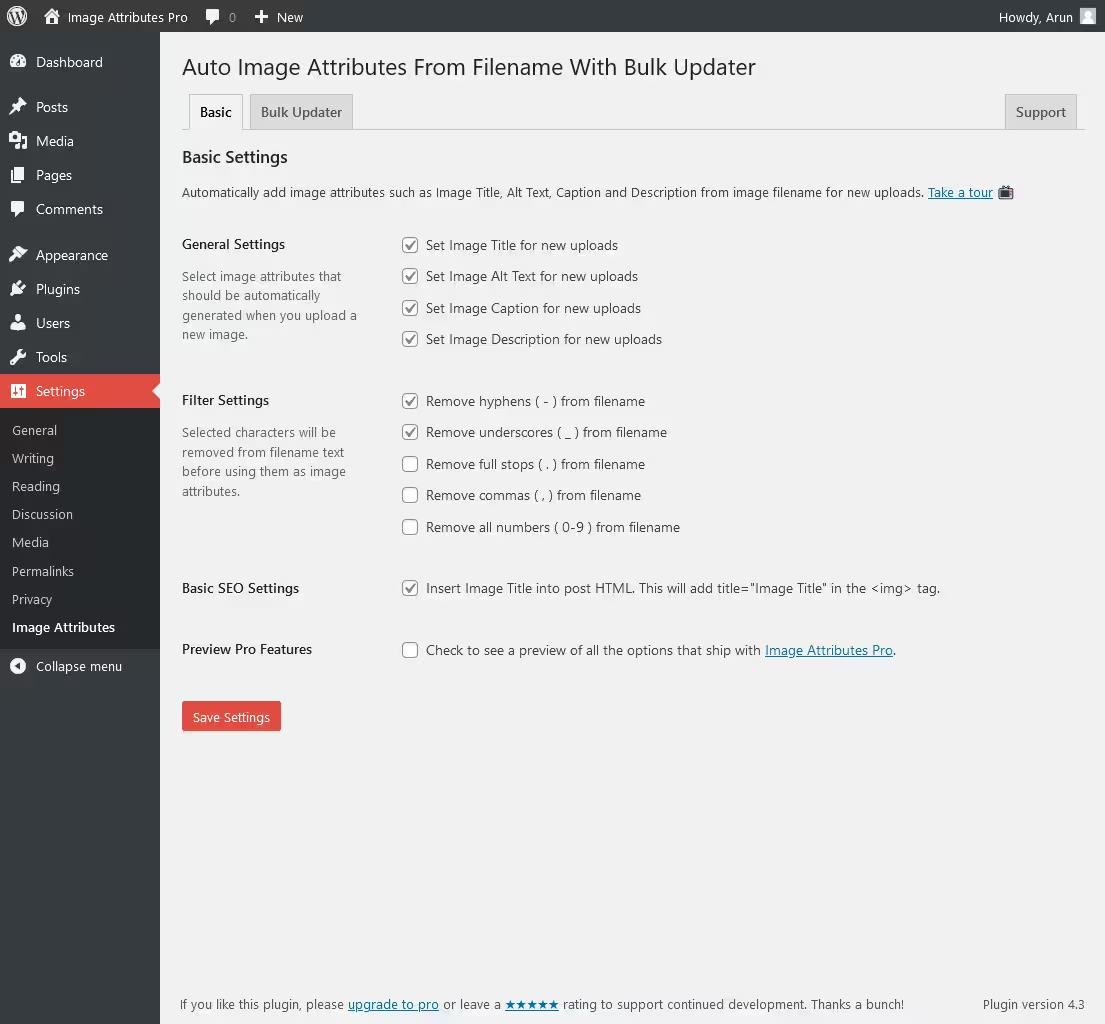
Auto Image Attributes From Filename With Bulk Updater is a WordPress plugin released on 2017-07-04 by Arun Basil Lal with over 100 000+ active installations. It automates alt text, title, description and caption from filenames and optimizes existing media quickly and consistently via bulk update.
"Saved me an enormous amount of time … edited 944 images in about a minute."
"The batch process works exactly as described … removes dashes and cleanly adds title, alt text and description."
The plugin hooks directly into the WordPress media process and generates metadata like _wp_attachment_image_alt from filenames via string transformation. Bulk updates run on the database and by default overwrite existing values. In the Pro version, post content is also synchronized. Developers can intervene via hooks like iaffpro_image_attributes to add custom logic or SEO data. Requirements: PHP 7.4, WordPress 3.5.0, tested up to 6.9.7, version 4.9.1.
Its strength is clearly in fast processing of large numbers of images, even thousands of files. At the same time aggressive overwriting can lead to data loss if settings are not chosen precisely. Issues sometimes occur with non-English filenames. Support via https://wordpress.org/support/plugin/auto-image-attributes-from-filename-with-bulk-updater/ and https://wordpress.org/support/plugin/auto-image-attributes-from-filename-with-bulk-updater/#fallback-commercial-support-url is usually quick and helpful but not always consistent for more complex cases.
"Very fast and friendly support - my issue was solved immediately."
Auto Image Attributes From Filename With Bulk Updater impresses above all with its consistent and high-performance mass processing of image attributes. At the same time lack of differentiation when overwriting, limited frontend effect without Pro and weaknesses with international filenames are clear drawbacks. For large media libraries it is a strong tool, for finer SEO control other plugins often offer more flexibility. Developed by Arun Basil Lal.
Plugin slug: auto-image-attributes-from-filename-with-bulk-updater
Plugin name: Auto Image Attributes From Filename With Bulk Updater
Plugin title: Auto Image Attributes From Filename With Bulk Updater (Add Alt Text, Image Title For Image SEO)
Plugin keywords: #accessibility #Alt Text #bulk edit images #image seo #image title
Plugin version: 4.9.1
Last updated: 2026-05
Release date: 2017-07-04
Required WP version: 3.5.0
Required PHP version: 7.4
Tested with WP version: 6.9.7
Active installations: 100 000+
Average rating: 4.8
Number of reviews: 93
Number of support requests: 2 (in the last 2 months)
Number of resolved support requests: 0 (in the last 2 months)
Plugin author: Arun Basil Lal
Developer homepage: https://imageattributespro.com/?utm_source=plugin-header&utm_medium=plugin-uri
WP developer profile page: https://profiles.wordpress.org/arunbasillal/
Support URL in the WordPress Plugin Directory: https://wordpress.org/support/plugin/auto-image-attributes-from-filename-with-bulk-updater/
Developer support URL: https://wordpress.org/support/plugin/auto-image-attributes-from-filename-with-bulk-updater/#fallback-commercial-support-url
WP Plugin Directory: https://wordpress.org/plugins/auto-image-attributes-from-filename-with-bulk-updater/
#accessibility #Alt Text #bulk edit images #image seo #image title
Alttext Ai by alttextai, published on 2023-01-06, runs on over 20 000+ installations and generates alt texts via AI including SEO keyphrases. Especially interesting for shops: “Ecommerce Vision” deliberately integrates product names. Rating: 4.7 from 35 reviews.
“The AI recognizes images almost like a human and delivers very accurate descriptions even for complex subjects.”
wp alttext generate“I had 8,500 images - the plugin automatically created the alt texts and saved me a huge amount of time.”
Generation is performed externally via API and API key. Alt texts are written directly into the WordPress media library without context-dependent variants per post. WP-CLI enables scalable processing and integration into workflows. Limitations: 10 MB image limit, sometimes repeated bulk runs required, and possible impacts on data consistency for images used multiple times. Requirements: PHP 7.4 or higher, WordPress 4.7 or higher, tested up to 7.0.4, version 1.10.37, last updated on 2026-08.
Strong with large image volumes and time savings, but with fluctuations in accuracy and consistency. Sometimes post-editing is necessary, for example with complex subjects or generic phrasing. Support reachable via WordPress forum and vendor site; usually fast and solution-oriented, but occasionally criticism about goodwill and policies.
“Sometimes images are misinterpreted and the texts need post-editing.”
AltText AI by alttextai impresses with automation, SEO integration and efficiency for large media libraries. The credit model and quality fluctuations make it less ideal for small projects or high-precision requirements. Overall a powerful solution for bulk optimization with clear trade-offs.
Plugin slug: alttext-ai
Plugin name: Alttext Ai
Plugin title: Alt Text AI – Automatically generate image alt text for SEO and accessibility
Plugin keywords: #accessibility #AI #Alternative Text #image alt text #image to text
Plugin version: 1.10.37
Last updated: 2026-08
Release date: 2023-01-06
Required WP version: 4.7
Required PHP version: 7.4
Tested with WP version: 7.0.4
Active installations: 20 000+
Average rating: 4.7
Number of reviews: 35
Number of support requests: 0 (in the last 2 months)
Number of resolved support requests: 0 (in the last 2 months)
Plugin author: alttextai
Developer homepage: https://alttext.ai/product
WP developer profile page: https://profiles.wordpress.org/alttextai/
Support URL in the WordPress Plugin Directory: https://wordpress.org/support/plugin/alttext-ai/
Developer support URL: https://wordpress.org/support/plugin/alttext-ai/#fallback-commercial-support-url
WP Plugin Directory: https://wordpress.org/plugins/alttext-ai/
#accessibility #AI #Alternative Text #image alt text #image to text
Everything you need for WordPress media.


Plugin slug: neo-alt
Plugin name: neoAlt
Plugin title: neo Alt - AI Alt Text Generator für Bilder mit Bulk-Verarbeitung - Free and No API Key Required
Plugin-Keywords: #alt text #image SEO #accessibility #AI #media library
Plugin version: 26.8.25
Last updated: 2026-08
Release date: 2026-07-28
Required WP version: 6.2
Required PHP version: 8.0
Tested with WP version: 7.1
Active installations: 60+
Average rating: 5.0
Number of reviews: 1
Number of support requests: 3 (in the last 2 months)
Number of resolved support requests: 2 (in the last 2 months)
Plugin author: neo WP Media Image Plugins
Developer homepage: https://neo-wp.com/?plugin-slug=neo-alt&edition=wporg&ref=entry-file
WP developer profile page: https://profiles.wordpress.org/neoplugins/
Support URL in the WordPress Plugin Directory: https://wordpress.org/support/plugin/neo-alt/
Developer support URL: https://wordpress.org/support/plugin/neo-alt/#fallback-commercial-support-url
WP Plugin Directory: https://wordpress.org/plugins/neo-alt/
#alt text #image SEO #accessibility #AI #media library
Auto Image Attributes From Filename With Bulk Updater is a WordPress plugin released on 2017-07-04 by Arun Basil Lal with over 100 000+ active installations. It automates alt text, title, description and caption from filenames and optimizes existing media quickly and consistently via bulk update.
"Saved me an enormous amount of time … edited 944 images in about a minute."
"The batch process works exactly as described … removes dashes and cleanly adds title, alt text and description."
The plugin hooks directly into the WordPress media process and generates metadata like _wp_attachment_image_alt from filenames via string transformation. Bulk updates run on the database and by default overwrite existing values. In the Pro version, post content is also synchronized. Developers can intervene via hooks like iaffpro_image_attributes to add custom logic or SEO data. Requirements: PHP 7.4, WordPress 3.5.0, tested up to 6.9.7, version 4.9.1.
Its strength is clearly in fast processing of large numbers of images, even thousands of files. At the same time aggressive overwriting can lead to data loss if settings are not chosen precisely. Issues sometimes occur with non-English filenames. Support via https://wordpress.org/support/plugin/auto-image-attributes-from-filename-with-bulk-updater/ and https://wordpress.org/support/plugin/auto-image-attributes-from-filename-with-bulk-updater/#fallback-commercial-support-url is usually quick and helpful but not always consistent for more complex cases.
"Very fast and friendly support - my issue was solved immediately."
Auto Image Attributes From Filename With Bulk Updater impresses above all with its consistent and high-performance mass processing of image attributes. At the same time lack of differentiation when overwriting, limited frontend effect without Pro and weaknesses with international filenames are clear drawbacks. For large media libraries it is a strong tool, for finer SEO control other plugins often offer more flexibility. Developed by Arun Basil Lal.
Plugin slug: auto-image-attributes-from-filename-with-bulk-updater
Plugin name: Auto Image Attributes From Filename With Bulk Updater
Plugin title: Auto Image Attributes From Filename With Bulk Updater (Add Alt Text, Image Title For Image SEO)
Plugin keywords: #accessibility #Alt Text #bulk edit images #image seo #image title
Plugin version: 4.9.1
Last updated: 2026-05
Release date: 2017-07-04
Required WP version: 3.5.0
Required PHP version: 7.4
Tested with WP version: 6.9.7
Active installations: 100 000+
Average rating: 4.8
Number of reviews: 93
Number of support requests: 2 (in the last 2 months)
Number of resolved support requests: 0 (in the last 2 months)
Plugin author: Arun Basil Lal
Developer homepage: https://imageattributespro.com/?utm_source=plugin-header&utm_medium=plugin-uri
WP developer profile page: https://profiles.wordpress.org/arunbasillal/
Support URL in the WordPress Plugin Directory: https://wordpress.org/support/plugin/auto-image-attributes-from-filename-with-bulk-updater/
Developer support URL: https://wordpress.org/support/plugin/auto-image-attributes-from-filename-with-bulk-updater/#fallback-commercial-support-url
WP Plugin Directory: https://wordpress.org/plugins/auto-image-attributes-from-filename-with-bulk-updater/
#accessibility #Alt Text #bulk edit images #image seo #image title
Alttext Ai by alttextai, published on 2023-01-06, runs on over 20 000+ installations and generates alt texts via AI including SEO keyphrases. Especially interesting for shops: “Ecommerce Vision” deliberately integrates product names. Rating: 4.7 from 35 reviews.
“The AI recognizes images almost like a human and delivers very accurate descriptions even for complex subjects.”
wp alttext generate“I had 8,500 images - the plugin automatically created the alt texts and saved me a huge amount of time.”
Generation is performed externally via API and API key. Alt texts are written directly into the WordPress media library without context-dependent variants per post. WP-CLI enables scalable processing and integration into workflows. Limitations: 10 MB image limit, sometimes repeated bulk runs required, and possible impacts on data consistency for images used multiple times. Requirements: PHP 7.4 or higher, WordPress 4.7 or higher, tested up to 7.0.4, version 1.10.37, last updated on 2026-08.
Strong with large image volumes and time savings, but with fluctuations in accuracy and consistency. Sometimes post-editing is necessary, for example with complex subjects or generic phrasing. Support reachable via WordPress forum and vendor site; usually fast and solution-oriented, but occasionally criticism about goodwill and policies.
“Sometimes images are misinterpreted and the texts need post-editing.”
AltText AI by alttextai impresses with automation, SEO integration and efficiency for large media libraries. The credit model and quality fluctuations make it less ideal for small projects or high-precision requirements. Overall a powerful solution for bulk optimization with clear trade-offs.
Plugin slug: alttext-ai
Plugin name: Alttext Ai
Plugin title: Alt Text AI – Automatically generate image alt text for SEO and accessibility
Plugin keywords: #accessibility #AI #Alternative Text #image alt text #image to text
Plugin version: 1.10.37
Last updated: 2026-08
Release date: 2023-01-06
Required WP version: 4.7
Required PHP version: 7.4
Tested with WP version: 7.0.4
Active installations: 20 000+
Average rating: 4.7
Number of reviews: 35
Number of support requests: 0 (in the last 2 months)
Number of resolved support requests: 0 (in the last 2 months)
Plugin author: alttextai
Developer homepage: https://alttext.ai/product
WP developer profile page: https://profiles.wordpress.org/alttextai/
Support URL in the WordPress Plugin Directory: https://wordpress.org/support/plugin/alttext-ai/
Developer support URL: https://wordpress.org/support/plugin/alttext-ai/#fallback-commercial-support-url
WP Plugin Directory: https://wordpress.org/plugins/alttext-ai/
#accessibility #AI #Alternative Text #image alt text #image to text
... My multitool for media in WordPress! Whether renaming, replacing, duplicating or optimizing images. Even drawing and animating is possible.
... There are only a few outstanding WordPress plugins - and neo Pro is clearly one of them. The modern design looks professional and is well thought out.
... better than anything I’ve experienced so far. I had a technical question. Less than ten minutes later I got an answer directly from the development team.
You get an entire universe of specialized media plugins for modern media management in WordPress. Included are perfectly coordinated tools for renaming, replacing, optimizing, drawing, animating and managing media. Each plugin is designed to improve your SEO ranking, boost your site performance and save you valuable time when creating content.
With the Pro version you get all features in a single plugin. One ZIP file, one settings page, one update and full control. In the neoPlugin settings you activate exactly the features you need.
Behind neo WP is a dedicated team of experienced web developers. With great attention to detail and a strong commitment to code quality we continuously develop the neo universe.
With the Free version you get all neo plugins with their basic functions. On the download page you can download the plugins individually or install directly with the neoPlugins ZIP. After installation the neo plugins appear as separate entries in the WordPress backend and must be managed and updated separately. Support is provided via the public WordPress forum.
With the Pro version you get all neo plugins including all Pro features in a single ZIP file. You upload only that one file and then find all features as one plugin entry in your dashboard. Through the plugin overview in settings you toggle exactly the modules you need. All Pro features with the crown icon 👑 are available to you immediately. These include, for example, showing all posts that use a particular image, bulk actions in neoRenamer, an advanced animation editor for drawings and much more. Thanks to automatic security and feature updates you always stay up to date. Newly released media plugins and tools will be included in the future at no extra cost. With the Pro version you also enjoy prioritized premium support directly from the development team.
So if you want to save time, stay flexible and use all professional features immediately, the Pro version is right for you.
All neo plugins are regularly updated, hosted on German servers and fully comply with European data protection regulations (GDPR). In addition all updates are intensively tested by experienced WordPress professionals before release.
Yes! You can test all neo plugins directly in the online sandbox without installation. You also have the option to test all neoPro features on your own WordPress site free for 14 days. You can activate this trial period in the WordPress backend under the neoWP settings. This lets you find out calmly whether neo WP is right for you.
We are often asked: Why pink and green? What is going on with the colors? Why do I still see the plugin when I close my eyes? We wanted to stand out. If you want to give your optic nerve a break: In the Pro version you automatically get a calmer color scheme in dark blue and gold. Many users have fallen in love with the neon colors. Therefore there is a color scheme switch in the Pro settings.
Yes! The neo WP team welcomes feedback, ideas and suggestions. Everything that lands in our suggestion box will be discussed by the team. We respond to every piece of feedback.
Yes, all neo plugins support multiple languages, including English and German. If a language is not yet available, the English version will be displayed automatically.
After purchase you will receive two emails with your invoice, the download link and your personal license key. If the emails do not appear in your inbox, check the spam folder. Alternatively, you can find all information in your account. You can then easily install the plugin in your WordPress dashboard as a ZIP file via "Plugins > Add New > Upload Plugin" and enter the license key. You can then delete the free neo plugins, they are no longer needed. Existing settings and content are of course preserved when switching from Free to Pro.
There are licenses for 1, 5 or 25 websites. Each production website uses one slot within the license - including within a WordPress multisite installation. Development, test, staging or local environments are free and do not require their own license, provided they are assigned to a licensed production site. Discounted license packages for 5 or 25 websites can be selected directly via the pricing table or at checkout. If you need more than 25 licenses, contact us by email.
Yes! A domain change is possible without any problems. You can deactivate the license on the old domain and then reactivate it on the new domain. The assignment of licenses to domains can alternatively be viewed and adjusted at any time in the account. The access data were sent to you by email from neo-wp.com when you purchased the license. If you have any questions or problems, we will be happy to help.

Experience the neo universe and its possibilities in the Playground yourself.
Or get a license today and take your website to the next level!
