
Password correct. Please wait...
Disable the chat with .custom-disable-chat
WP Plugin Comparisonby neo-wp.com


WP Plugin Wp Smushit
Test report
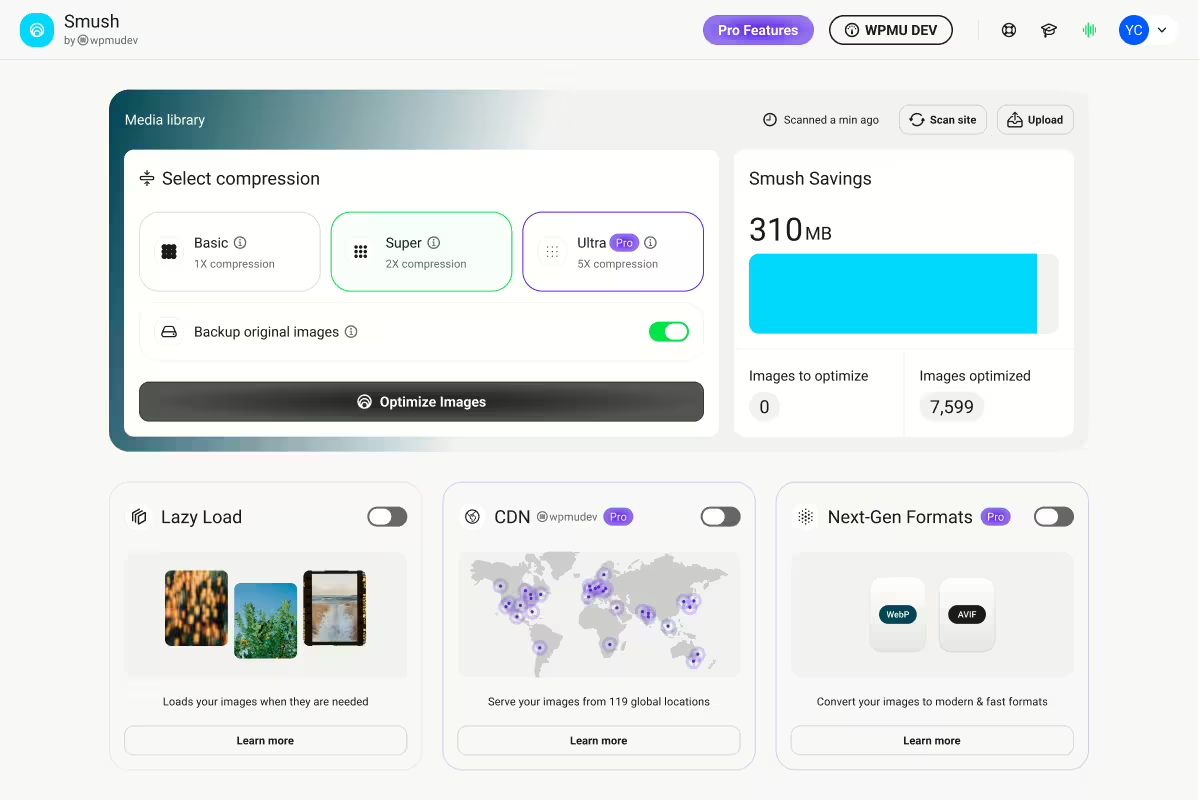
Smush Image Optimization - Optimize Images | Compress & Lazy Load Images | Convert WebP | Image CDN
WP Smushit, developed by WPMU DEV, is a popular WordPress plugin that was first released on 2008-12-05. It has over 1 000 000+ active installations and is used for image optimization, compression, and conversion to the WebP format to enable faster load times. A notable feature is the ability to perform lossless and lossy compression, allowing you to choose between higher image quality or smaller file sizes. It is aimed at WordPress users who want to improve their websites' performance through optimized images, regardless of their experience level. Thanks to a average rating of 4.8 out of 5 stars from 6 051 reviews, it is considered a trusted solution for image optimization. The following paragraph highlights the plugin's key features and explores the capabilities it offers.
"The best plugin for optimizing images on WordPress sites."
Features - Extensive image optimization and more
WP Smushit stands out with its versatile features that go far beyond basic image optimization. One notable feature is support for WebP conversion, which allows you to convert images to a compressed format with improved quality, resulting in a significant reduction in load times. With this feature, Smush ranks among the top plugins, especially for WordPress sites that value both speed and image quality. The ability to choose between lossless and lossy compression adds extra flexibility.
"Thanks to WP Smushit image optimization on my website is easier and more effective than ever before."
Free-Features - Extensive capabilities in the free version
- Lossless compression - Data is removed and images are compressed without affecting image quality.
- Lossy compression - Images can be compressed up to 2x more than with lossless compression.
- Built-In Lazy Loading - Images are only loaded when they are in the viewport.
- Bulk Smush - Images can be optimized and compressed in bulk with one click.
- Resize Images - Large images are scaled to a maximum width and height during optimization.
- Incorrect Image Size Detection - Finds images that slow down page load speed.
- Directory Smush - Optimizes images that are not in WordPress's standard media library.
- Automated Optimization - Images are automatically compressed on upload.
- No Monthly Limits - Unlimited optimization of all images (up to 5 MB) for free.
- Gutenberg Block Integration - Displays image compression information directly in image blocks.
- Multisite Compatible - Flexible global and subsite settings for multisite installations.
- Optimize All Image Files - Supports optimization of all PNG and JPEG files.
- No Performance Impact On Your Server - Optimization does not run on the website's server.
- Configs - Preferred settings can be saved and uploaded to other sites.
Pro-Features - Advanced options for even more optimization
- Ultra Smush - 5x more compression power for images while preserving image quality.
- Convert to WebP - Automatically converts images to the WebP format.
- Background Optimization - Optimization runs in the background even when the plugin is closed.
- 123-point global CDN Fast image delivery worldwide, including automatic WebP conversion and image resizing.
"The Pro version offers significant benefits, especially the background optimization which simplified my work."
License & price performance - Free and cost-effective
WP Smushit offers a free license that unlocks most features, making it an affordable solution for users who do not need intensive optimization. The Pro version, however, requires a paid license but comes with additional features and benefits, such as more aggressive compression and the use of a global CDN. Many users report satisfaction with the free model but appreciate the professionalism and extra features of the Pro version. This value proposition is especially appreciated by users who recognize the benefit of the advanced features.
"The free version already offers a variety of useful features, but the Pro features are a must for serious optimization."
Technical details - Deep dive into how it works
The technical operation of WP Smushit is evident in its lean and resource-saving architecture. Image optimization does not occur directly on the server hosting the website but is performed via the WPMU DEV Smush API. This externalization ensures that the website's server resources are hardly burdened and that reliable and fast processing is guaranteed. The use of shortcodes, hooks, and the Smush API provides flexibility for developers who want to design custom solutions. Another notable feature is the integration of a Gutenberg block that allows information about image compression to be displayed directly in the WordPress editor. The plugin's multisite capability also allows global or individual configuration for different sites in a network installation. By saving preferred settings and applying them to other sites, efficient management of image optimizations across the entire network is possible.
"The plugin is remarkably stable and easy to integrate with other tools."
System requirements - Compatible environment for smooth performance
To use WP Smushit smoothly, there are some basic system requirements that must be met. The plugin requires at least PHP version 7.4 and WordPress version 6.4 or higher as prerequisites for installation. It was tested for compatibility up to WordPress version 5.8. The current plugin version number is 4.3.2, and the last update was on 2026-08. These constants form the basis for the plugin's reliability and performance on most WordPress installations. Users working with older versions might encounter compatibility issues and should update their system environment accordingly to fully benefit from the plugin.
"The regular updates and good system requirements make Smush a reliable tool in the WordPress plugin world."
Quality - Smushit convinces with high-quality image optimization
WP Smushit delivers remarkable quality in image optimization for WordPress sites. By combining lossless and lossy compression, images can be heavily optimized without compromising visual integrity. Especially the “Ultra Smush” feature of the Pro version, which maintains up to five times stronger compression power without reducing image quality, stands out from other offerings on the market. In addition, integrated lazy loading contributes to improved website performance by loading images only when needed. The ability to convert images to WebP format makes Smushit a future-proof option to reduce file sizes while preserving optimal quality.
"Smush's image compression drastically improved my page load times and the image quality remains unmatched."
Support - Contact options and user experiences
The support for WP Smushit offers various options to help users with their concerns. Users can contact the official plugin support in the WordPress Plugin Directory or reach out directly to the development team via WPMU DEV. Support ratings are mixed. While some users praise support as fast and helpful, there is also criticism regarding the accessibility of customer service, especially for users of the free version. This limitation is highlighted in several reviews, indicating a need for improvement in accessibility.
"Works great! Also a great support team."
Rating - User voices and star ratings
WP Smushit enjoys consistently positive feedback from the WordPress community. With an impressive average rating of 4.8 out of 5 stars and a total of 6 051 reviews, the plugin is particularly praised for its ease of use and efficiency. Reviews often emphasize how the plugin effectively reduces image sizes and thereby significantly improves website load times.
One user commented particularly praising:
"I had no idea my load time was being affected by the images. The plugin nearly halved the time." - karlcw
Despite general approval there are occasional criticisms. Some users have noted that the plugin does not always deliver the expected improvements in loading speed:
"Sorry for the review. My blog scored 49 points for mobile on pagespeed.web.dev. After using Smush to reduce image size the score actually dropped to 44."
Overall, WP Smushit is nonetheless primarily perceived positively and recommended as a reliable tool for image optimization:
"Smush reduced the overall file size of my site and increased browsing speed. Well done, folks!" - pdci
Criticism - Issues and suggestions for improvement
The WordPress plugin WP Smushit receives mixed feedback when it comes to user criticism. Some users report issues affecting their website after using the plugin. A recurring issue is that optimized images are sometimes not displayed correctly, causing significant display problems on websites. In addition, there is no easy way to undo the changes made, which limits the user experience. Customer support is hard to reach for users of the free version, making it difficult to quickly find solutions to problems. Ongoing development and improvement of the plugin seems to indicate necessary adjustments to ensure security standards and user satisfaction.
"After activation I noticed that on my gallery page all images were stacked on top of each other."
Despite no reported security vulnerabilities, criticism of the privacy practices persists, particularly regarding interaction with the servers of WPMU DEV, to which images are sent for optimization, although EXIF data is not stored. Community suggestions for improvement include, for example, an advanced undo feature that allows users to easily restore image changes to retain control over their original content.
"This plugin 'hides' the images and prevents the product images on my site from being displayed."
Conclusion - Strengths and Weaknesses of WP Smushit at a Glance
WP Smushit from WPMU DEV offers a wide range of features that prove extremely useful for WordPress site users for image optimization. Its ability to convert to WebP, versatile compression methods, and integration into the Gutenberg block make it an attractive option for many users. While the free version is suitable for performing basic optimizations efficiently, professional users especially benefit from the Pro version with advanced features like Ultra Smush and a global CDN.
Despite its advantages, WP Smushit also faces some criticisms. Issues with image display after optimization and the limited undo functionality can cause problems in certain scenarios. Support also shows room for improvement, especially for users of the free version. Nevertheless, WP Smushit remains a preferred choice for image optimization in the WordPress community by offering a notable mix of functionality and usability.
#compress images #convert webp #image optimization #image optimizer #optimize images
Show more
Detailed plugin information
Plugin slug: wp-smushit
Plugin name: Wp Smushit
Plugin title: Smush – Image Optimization, Compression, Lazy Load, WebP & CDN
Plugin keywords: #compress images #convert webp #image optimization #image optimizer #optimize images
Plugin version: 4.3.2
Last updated: 2026-08
Release date: 2008-12-05
Required WP version: 6.4
Required PHP version: 7.4
Tested with WP version: 7.1
Active installations: 1 000 000+
Average rating: 4.8
Number of reviews: 6 051
Number of support requests: 4 (in the last 2 months)
Number of support requests resolved: 4 (in the last 2 months)
Plugin author: WPMU DEV - Your All-in-One WordPress Platform
Developer homepage: https://wpmudev.com/project/wp-smush-pro/
WP developer profile page: https://profiles.wordpress.org/wpmudev/
Support URL in the WordPress Plugin Directory: https://wordpress.org/support/plugin/wp-smushit/
Developer support URL: https://wpmudev.com/project/wp-smush-pro/
WP Plugin Directory: https://wordpress.org/plugins/wp-smushit/
Was the test report about Wp Smushit helpful?
Wp Smushit Was the right plugin?
Wp Smushit - Compare nowOpen plugin in sandboxTo the official WP StorePopular alternatives to Wp Smushit
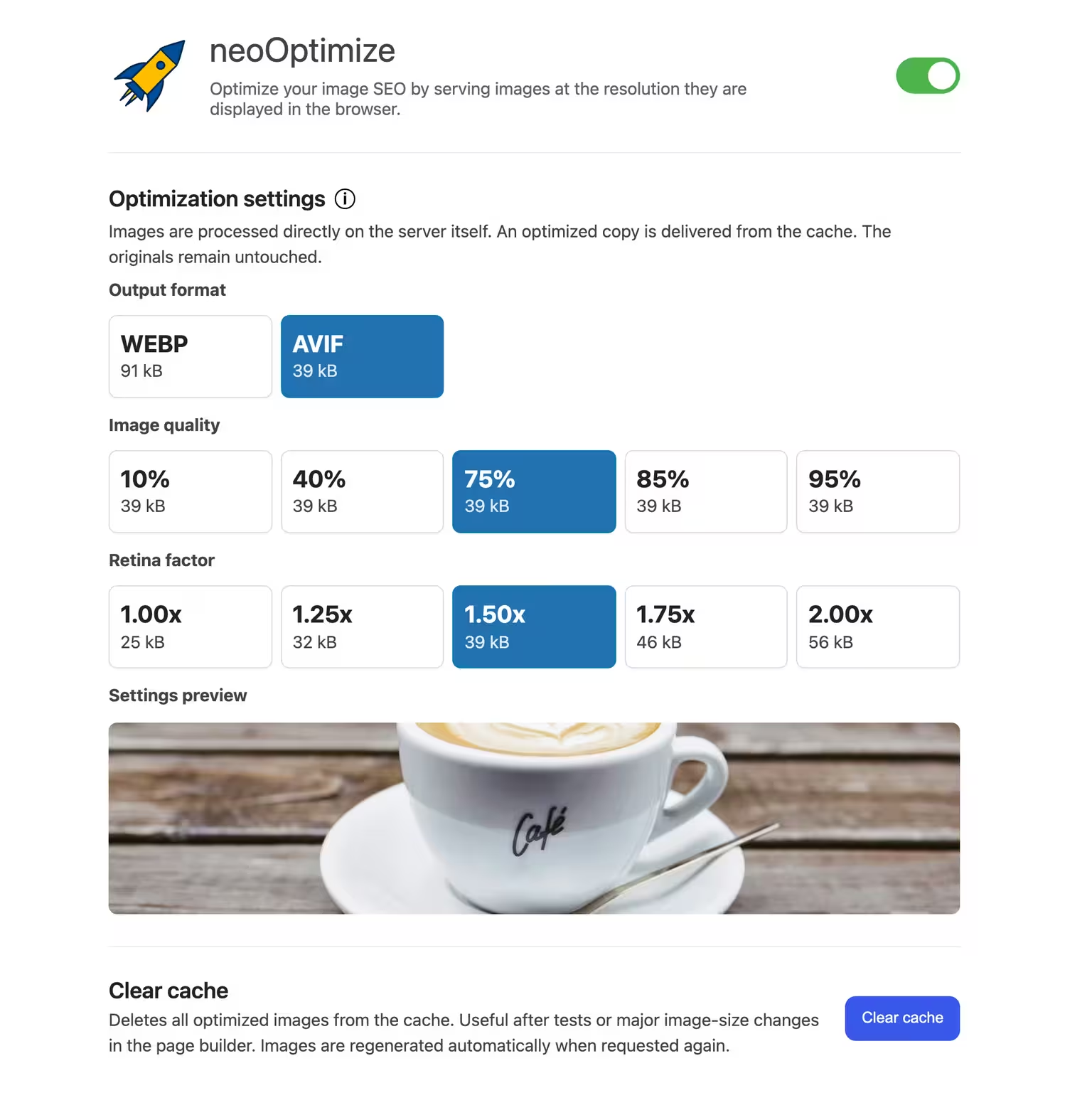


neo Optimize
Optimize your image SEO by serving images at the resolution they are displayed in the browser.
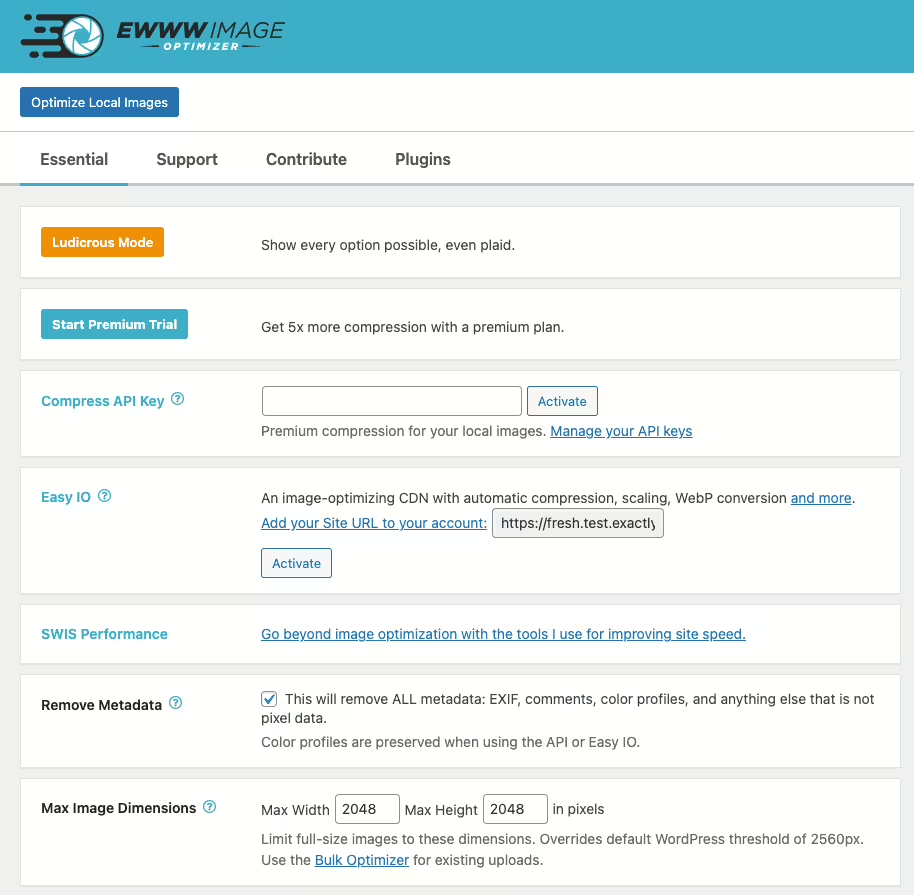
Ewww Image Optimizer
EWWW Image Optimizer
#compress #convert #lazy load #resize #webp
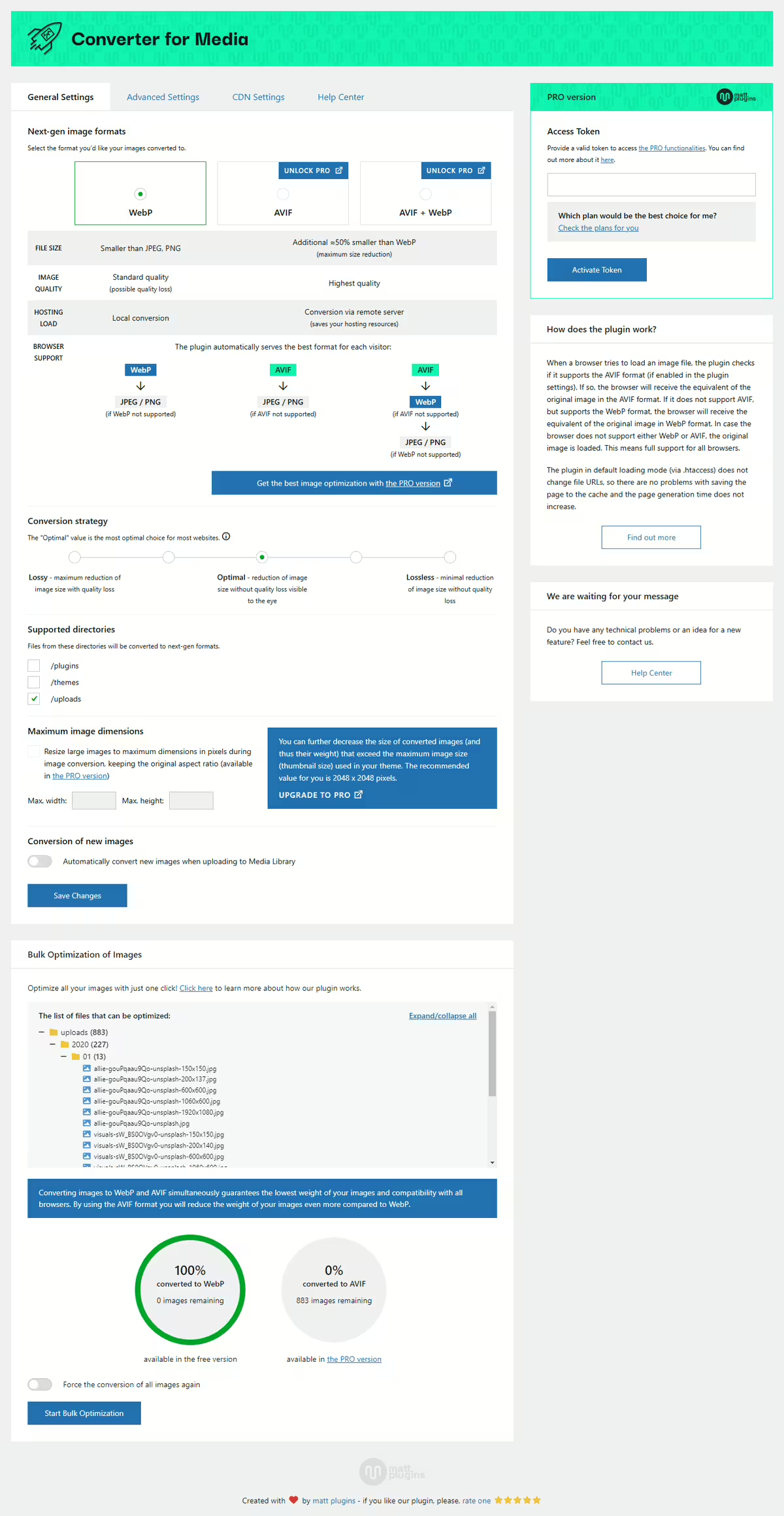
Webp Converter For Media
Converter for Media – Optimize images | Convert WebP & AVIF
#compress images #convert webp #image optimization #optimize images #webp
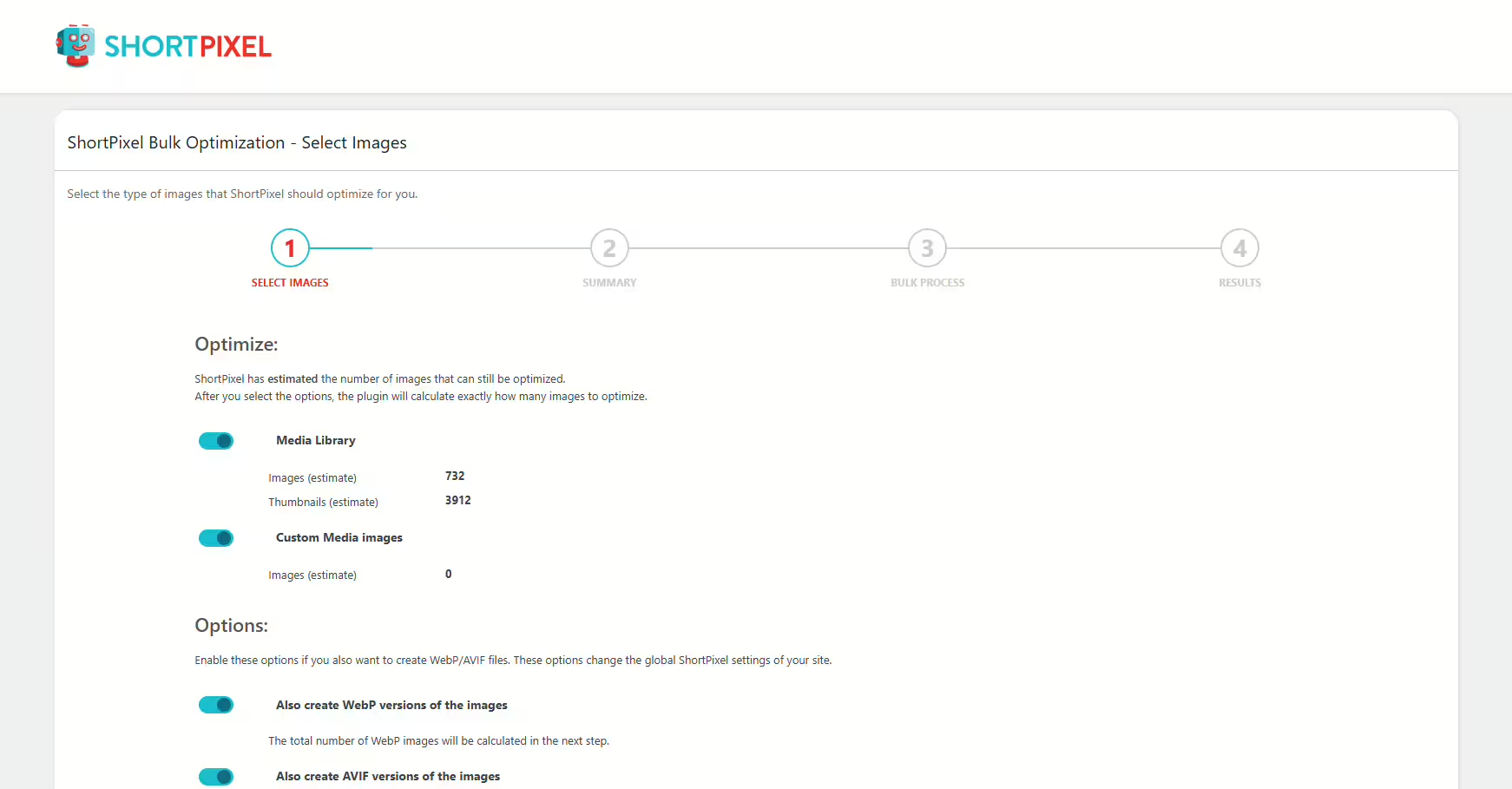
Shortpixel Image Optimiser
ShortPixel Image Optimizer – Optimize Images, Convert WebP & AVIF
#compress images #convert webp #image optimization #optimize images #resize
