
Password correct. Please wait...
Disable the chat with .custom-disable-chat
WP Plugin Comparisonby neo-wp.com


WP Plugin Phoenix Media Rename
Test report
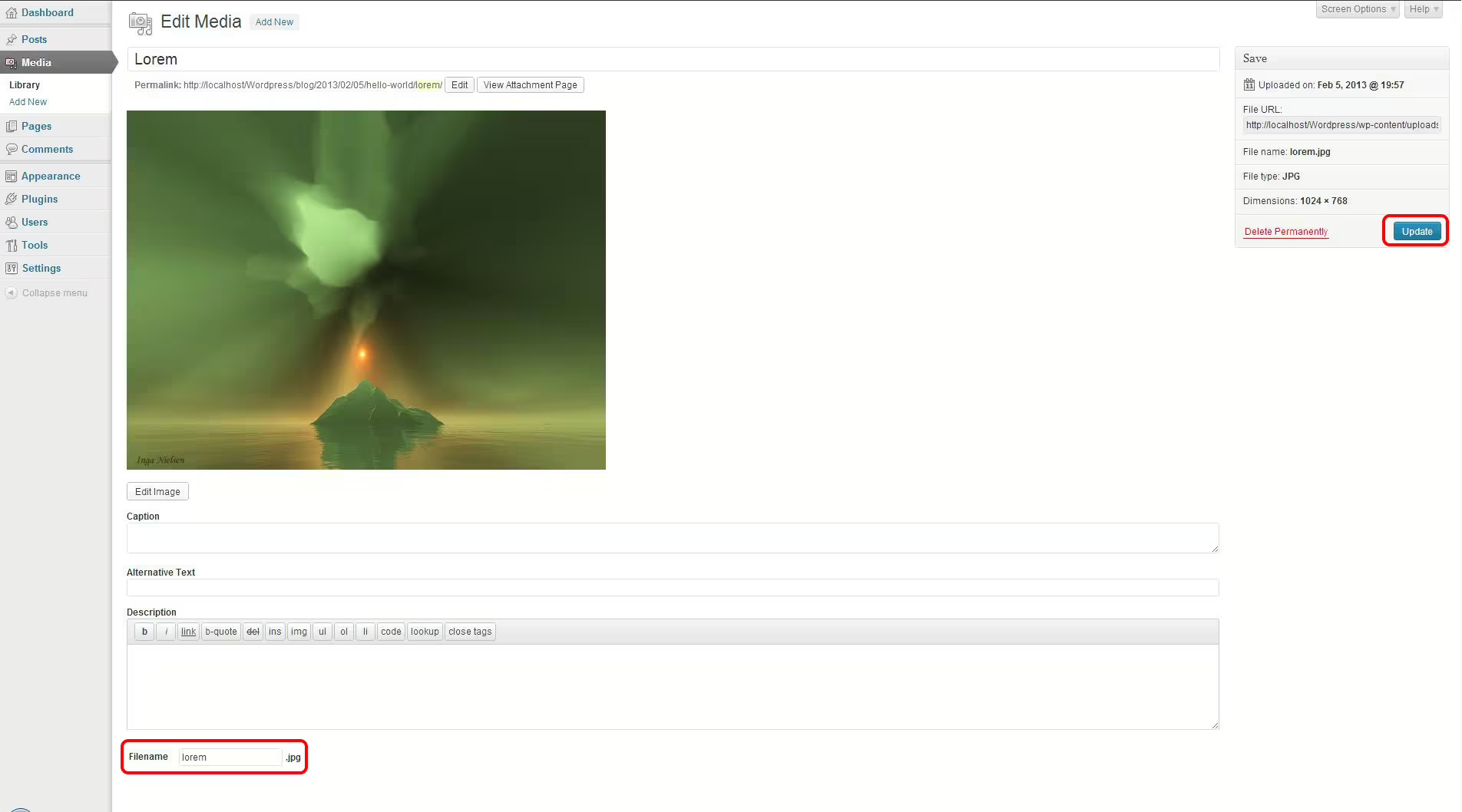
Phoenix Media Rename
Phoenix Media Rename is a WordPress plugin developed by crossi72 and was first released on 2016-08-29. With over 50 000+ active installations the plugin is very popular. It provides an easy way to rename media files directly from the WordPress media library. Particularly notable is that Phoenix Media Rename supports renaming filenames to improve the website's search engine optimization SEO. This is a significant unique selling point because it can lead to more effective content indexing and therefore better visibility in search engines. A comprehensive guide also helps users with handling and configuration. The plugin's target audience includes site owners who want efficient management of their media files. With an average rating of 4.7 out of 5 stars from 75 reviews in the official WordPress Plugin Directory, the quality and functionality of the plugin are generally highlighted positively. The rest of the text covers the specific features of the plugin that have contributed to its wide acceptance.
"This plugin focuses specifically on doing one task right - namely renaming media files you uploaded carelessly with non-SEO-friendly names."
Features - Comprehensive media management capabilities
Phoenix Media Rename not only offers simple renaming of media files to improve SEO but also comes with other useful features. A notable feature is bulk renaming, which allows renaming multiple files at once. This mass-editing option can be especially helpful when organizing large numbers of files. In addition, mass editing significantly increases the efficiency of file management. Another useful feature is integration with the WordPress user interface, creating a more intuitive user experience.
"It could not be easier, and it is exactly what is needed to prepare a site for client launch and for SEO - excellent!"
Free features - Features available at no cost
- Rename media filenames - Improves SEO by renaming media files.
- Bulk renaming - Allows simultaneous renaming of multiple files, making it easier to process large numbers of files.
- Integration with the WordPress user interface - Enables simple and intuitive operation directly in the familiar environment.
License - Free offering without a paid version
Phoenix Media Rename is a free plugin that offers numerous features without users having to pay for a pro version. This sets it apart from many other plugins that often require a paid version for advanced features. Users appreciate free access to all features, especially since it still provides full functionality that meets many SEO requirements. The general tone in reviews is that the free offering is seen as a clear advantage in market comparison.
“In a time when many plugins are paid, this one is a welcome exception.”
Technical details - Insight into plugin architecture and functionality
Phoenix Media Rename operates directly at the database level and integrates seamlessly into the existing WordPress media library. It is designed to perform filename changes efficiently without compromising database integrity. To achieve this, the plugin uses the internal WordPress API to make changes to media file metadata. It also uses WordPress's native filesystem to rename physical files. An interesting technical aspect is the handling of URL redirects in the background to ensure that older links do not break despite the new filenames. Although detailed information about interaction with shortcodes or hooks is missing, the plugin carries out its essential task - renaming - precisely.
"For such a simple task the plugin is crucial and reduces human error to a minimum."
System requirements - Requirements for installation and use
To run Phoenix Media Rename successfully, you need to meet specific technical requirements. The plugin requires at least PHP version 8.0, to ensure proper functionality. It is compatible with WordPress from version 5.0 and has been tested for functionality up to WordPress version 7.0.4. The current version of the plugin is 3.13.3 and was last updated in 2026-07. These technical specifications are crucial for the security and efficiency of the plugin and ensure that it runs without complications in most WordPress environments.
“Easy to install and compatible with the latest WordPress updates - it integrates smoothly into the existing system.”
Quality - Assessment of functionality and reliability
The quality of the Phoenix Media Rename plugin is generally rated positively. Many users praise its ease of use, especially the intuitive implementation into the WordPress interface that makes renaming media files effortless. A major advantage of the plugin is SEO optimization through improved filenames, which is highlighted as a functional unique selling point. The bulk editing feature greatly improves efficiency, although there are some reports of technical issues and incompatibilities with certain other plugins. Some development work would be needed here to ensure even broader compatibility. User satisfaction is reflected in the rating of 4.7 out of 5 stars, which underscores confidence in the plugin's reliability and usefulness. Negative aspects include occasional technical failures and compatibility issues, which however do not affect the majority of users. The high overall satisfaction is based on a good balance between functionality and reliability.
“This plugin works great! I used it to clean up some filenames on my site, it was super easy to use.”
Support - Reliable developer support
Support for Phoenix Media Rename is frequently praised in user reviews, especially regarding the developer's response time and helpfulness. Users report that the developer responds quickly to requests and assists in solving technical problems. Experiences indicate that the support is not only speedy but also efficient, even with complex issues. Direct contact is possible via the support forum on WordPress.org. In addition, the developer offers a commercial support option for users who need more individualized assistance.
Some user reviews highlight that support was particularly helpful when there were problems with other plugins, indicating high technical competence and flexibility on the part of the support. Despite the overall positive response, there are isolated reports of specific technical difficulties where support could not help in all cases.
"The author was very quick and responsive when there was an issue with another plugin..."
Rating - Assessment of user experiences
Phoenix Media Rename receives an average of 4.7 out of 5 stars from 75 reviews in the official WordPress Plugin Directory, reflecting a largely positive reception. The reviews show that many users are very satisfied with the plugin's functionality and ease of use. The clear focus on renaming media files is particularly praised, as it has a direct impact on a website's SEO optimization.
"It does exactly what it promises. A must for anyone who wants to quickly and easily fix incorrect file names."
Nonetheless, there are also critical voices. Some users report problems when using the plugin that can even cause the website to crash. These opinions often come from users with specific technical circumstances that can lead to complications.
"It simply does not work and crashes my website when I try to rename a media file."
Despite such isolated issues, the overall consensus remains positive. The majority of reviews emphasize the usefulness and ease of the plugin.
"Best plugin, 5 stars! It helped me improve the filenames of my images simply and efficiently."
Criticism - Issues and Suggestions for Improvement
Despite its popularity, Phoenix Media Rename is also criticized, particularly regarding bugs and technical problems. A frequently expressed criticism concerns unstable functionality when renaming media files. A repeatedly reported issue is the unwanted addition of a dot to the filename, leading to confusing names like "my-name..jpg" and impairing usability. Also problematic is the serialization feature enabled by default, which can lead to unexpected behaviors and additional bugs, especially when renaming multiple files at once. Another serious issue was reported by users who found that the plugin crashed their websites, which significantly affects reliability.
Critical voices also highlight inconsistent behavior, since some options in the user interface simply do not work. For example, the "Filename" option is missing on the attachment details screen or the list view often fails to save new filenames correctly. These technical weaknesses can cause significant delays and extra work in cases where the plugin is intended for business use.
Another area of criticism concerns the lack of compatibility with other plugins, specifically WPML, which makes integration into more complex websites difficult. Users want improvements and clearly defined roadmaps for future development to increase the plugin's functionality and stability.
"The plugin basically does what it is supposed to. But it caused the website's homepage to crash."
Conclusion - Summary of the strengths and weaknesses of a popular tool
Phoenix Media Rename by crossi72 offers a useful feature for renaming media files directly from the WordPress media library, which also benefits SEO optimization. Advantages include ease of use and free availability without functional limitations. The ability for bulk renaming and intuitive integration into the WordPress interface are particularly praised. Regarding functionality, the plugin, despite its merits, is not free of problems. Technical difficulties and compatibility issues with other plugins as well as unexpected system crashes are among the most significant criticisms. Nevertheless, many users agree that the benefits outweigh the drawbacks and the plugin is a helpful addition for site owners focused on SEO optimization and media-related tasks.
#file #image #media #rename #retitle
Show more
Detailed plugin information
Plugin slug: phoenix-media-rename
Plugin name: Phoenix Media Rename
Plugin title: Phoenix Media Rename
Plugin keywords: #file #image #media #rename #retitle
Plugin version: 3.13.3
Last update: 2026-07
Release date: 2016-08-29
Required WP version: 5.0
Required PHP version: 8.0
Tested with WP version: 7.0.4
Active installations: 50 000+
Average rating: 4.7
Number of reviews: 75
Number of support requests: 1 (in the last 2 months)
Number of resolved support requests: 0 (in the last 2 months)
Plugin author: crossi72
Developer homepage: https://www.eurosoftlab.com/en/phoenix-media-rename/
WP developer profile page: https://profiles.wordpress.org/crossi72/
Support URL in the WordPress Plugin Directory: https://wordpress.org/support/plugin/phoenix-media-rename/
Developer support URL: https://wordpress.org/support/plugin/phoenix-media-rename/#fallback-commercial-support-url
WP Plugin Directory: https://wordpress.org/plugins/phoenix-media-rename/
Was the test report about Phoenix Media Rename helpful?
Phoenix Media Rename Was the right plugin?
Phoenix Media Rename - Compare nowOpen plugin in sandboxTo the official WP StorePopular alternatives to Phoenix Media Rename



neo Rename
Maximize your image SEO with AI efficiently. Free or with your own API integration.
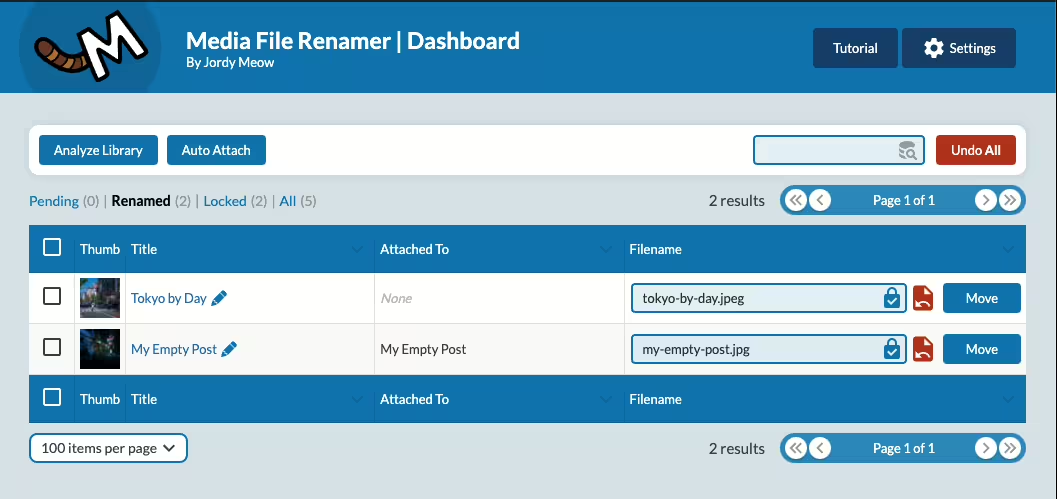
Media File Renamer
Media File Renamer: Rename for better SEO (AI-Powered)
#file #media #move #rename #seo
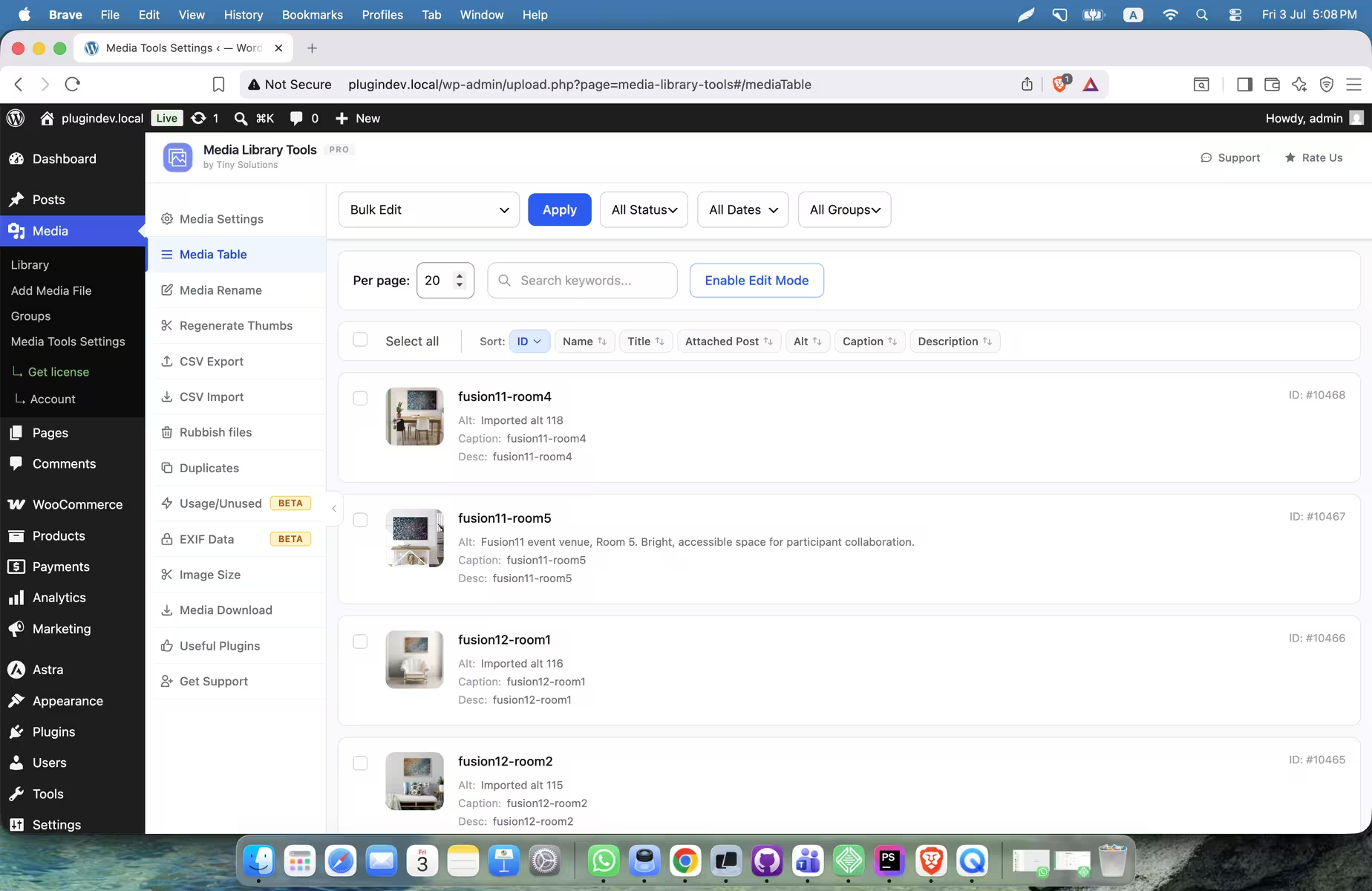
Media Library Tools
Media Library Tools – AI-Powered Rename, Clean & CSV Import/Export
#Alt Text #cleaner #csv export-import #duplicate #rename
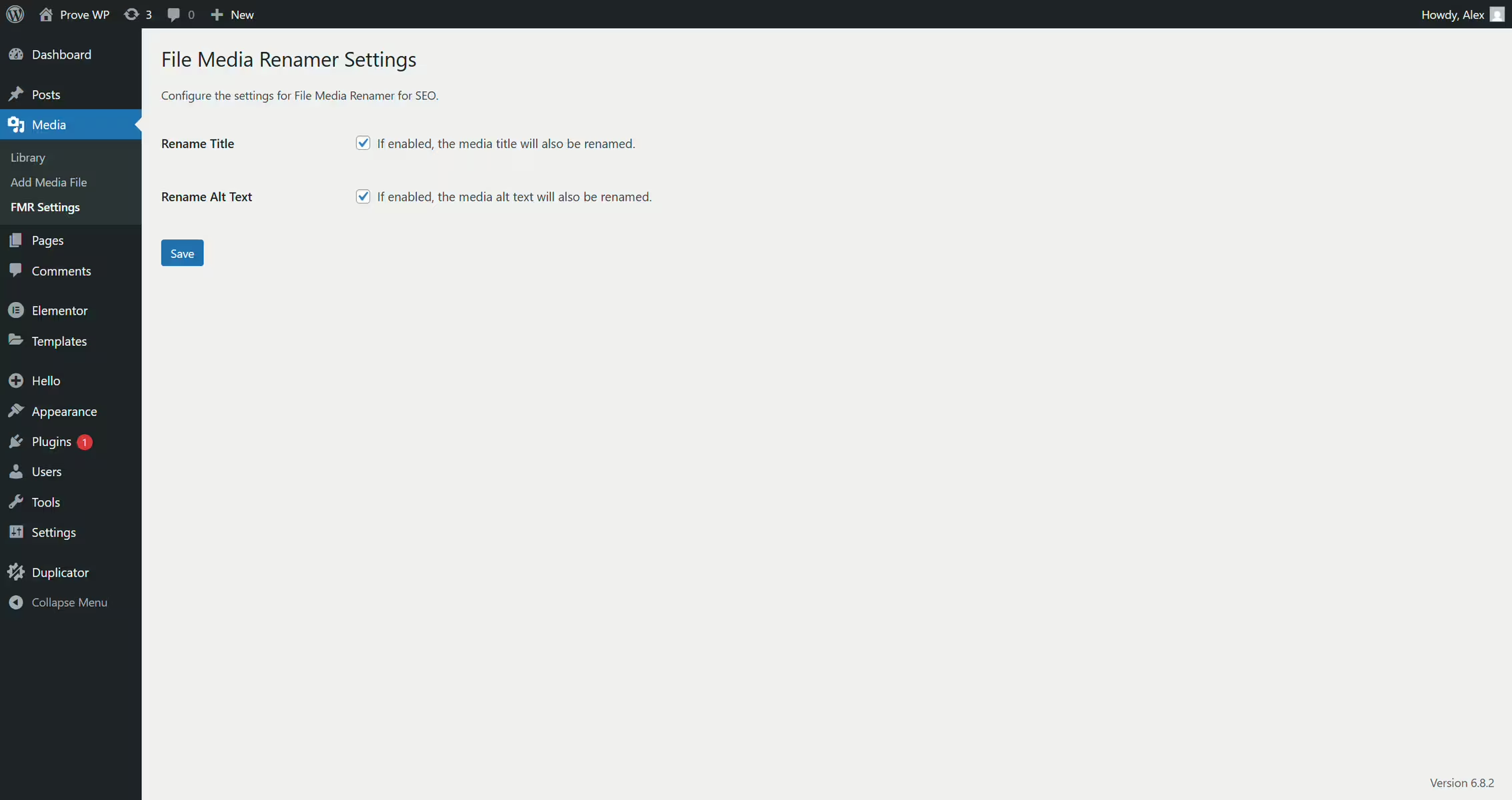
File Media Renamer For Seo
File Media Renamer for SEO
#Alt Text #bulk rename images #image seo #image titles #rename media files
