Password correct. Please wait...
Disable the chat with .custom-disable-chat
WP Plugin Comparisonby neo-wp.com


WP Plugin Wopo Paint
Test report
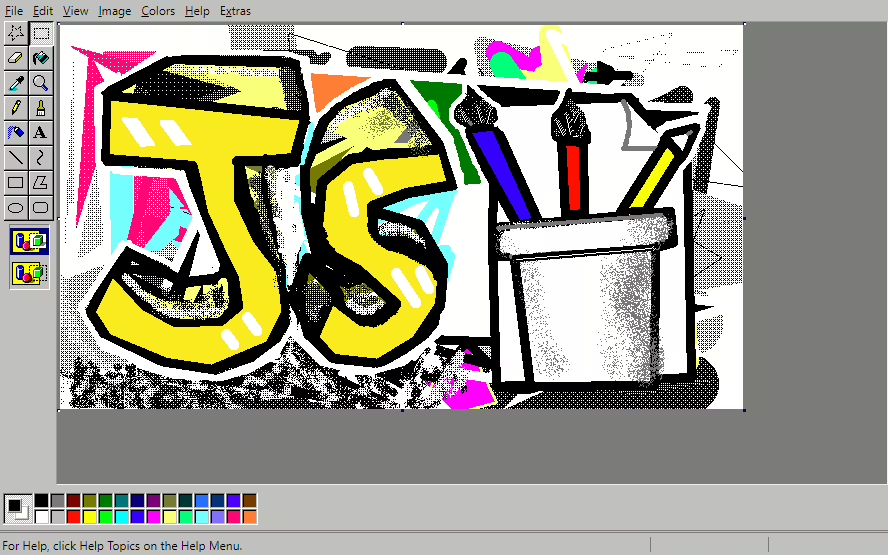
WoPo Paint
Wopo Paint, a plugin of WoPo Web, was released on 2020-04-24. It records more than 70+ active installations and offers an innovative way to draw images directly as comments. Notably it optionally integrates the painting process with loaded images. The main target audience are enthusiasts of simple painting tools who are already familiar with Windows 95, 98 and XP. Despite a modest user base the average rating of 5.0 out of 5 stars in the WordPress Plugin Directory from a single review indicates high satisfaction. The next section goes into more detail about Wopo Paint’s features.
"The product helped me reach my goals faster."
Features - Extensive image editing capabilities
Wopo Paint offers a selection of features specifically aimed at increasing interactivity and creativity on WordPress sites. Besides main features like posting drawings as comments and the ability to open the painter with a selected image the plugin includes tools for direct image editing in the media library as well as integration via shortcodes. These features help improve the user experience by enabling a smooth and seamless creative process.
"The plugin offers a wide range of features that significantly improve usability."
Free features - powerful tools at no cost
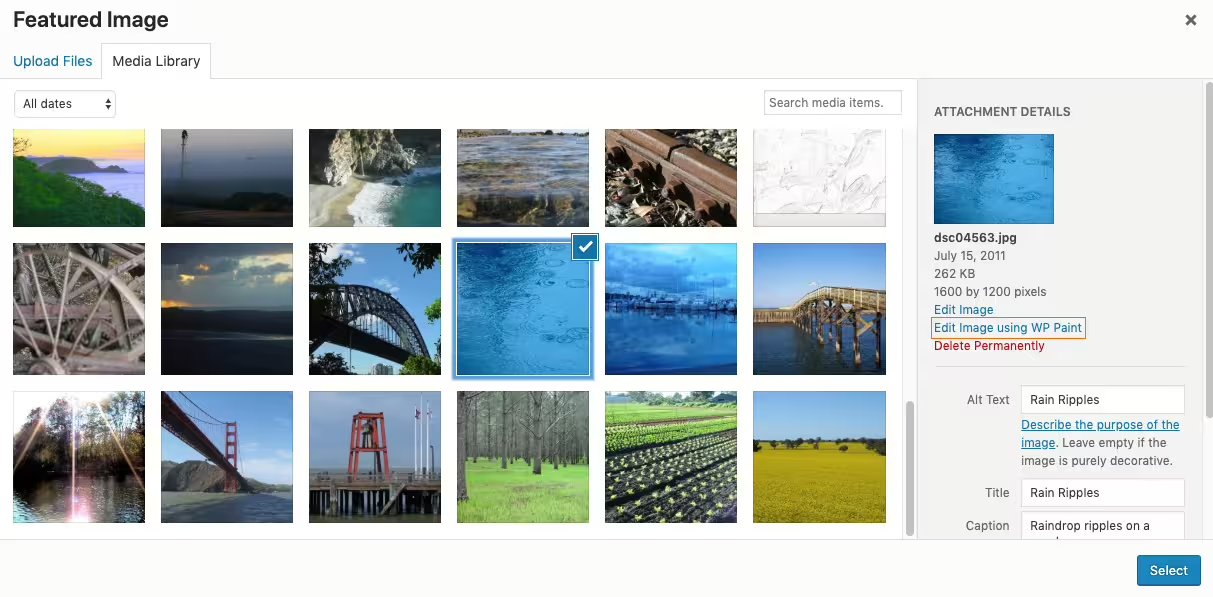
- Edit images in the media library - Enables editing images in the media library details for easy customization.
- Add shortcode [wopo-paint] - Allows inserting the painting tool on the desired page for optimized access.
Pro features - advanced functionality for professionals
- Post drawing as comment - Enables interactivity by posting drawn images as comments.
- Open painter with featured image or post images - Launches the painting tool directly with a featured image or the post’s images for seamless workflows.
"The Pro version is relatively expensive compared to other plugins.",
License & value - a fair compromise?
The core version of Wopo Paint is free and already offers a solid selection of features which users note positively. Still there are concerns about the cost of the Pro version which is perceived as expensive compared to similar plugins. The review indicates that the balance between cost and provided features in the Pro version still has room for optimization.
"The free version is already very powerful and offers many useful tools.",
Technical details - a look under the hood of Wopo Paint
Wopo Paint becomes particularly interesting for tech-savvy users due to its ability to interact with WordPress sites. Regarding how it works the plugin uses shortcodes among other things to integrate the editor into web pages allowing high flexibility. However detailed information about the internal database structure and the file system is missing. The use of shortcodes like [wopo-paint] allows uncomplicated embedding without deeper interventions in the source code which simplifies maintenance. However there is a lack of data on how it works regarding data migration multisite compatibility and import-export functionality. Additional information in the documentation would be desirable for a deeper technical insight into the mechanics.
System requirements - minimum needs and update information
To run Wopo Paint certain system requirements are essential. Minimum requirements start with a PHP version 7.1 or higher. Furthermore the plugin requires at least a WordPress version 5.2 or higher. Compatibility has been tested up to WordPress version 5.2 ensuring a fairly current integration into WordPress sites. The current plugin version is 1.2.3 and the last update in 2025-08 occurred in 2025-08. These data ensure the plugin works with a variety of common WordPress versions. Still more precise information would be helpful especially to ensure all plugins and themes on a WordPress installation are compatible with each other.
"The system requirements are moderate, which eases integration."
Quality - between speed and resource usage
Wopo Paint’s quality impresses with fast backend speed which makes operation smooth and efficient. Users perceive this as a prominent advantage because it contributes to an improved user experience. The ability to edit images directly in the media library is also appreciated as it increases the plugin’s flexibility. Nevertheless there are critical voices complaining about high resource usage. Especially on older devices this can noticeably impair performance. These weaknesses show that while the plugin stands out with a variety of useful features it also needs optimization regarding resource usage.
"The backend speed is impressive, but the resource usage can impact performance."
Support - Experiences and contact options
Despite Wopo Paint’s wide range of features there is relatively little information about support. Neither specific contact options nor response times are explicitly mentioned which could make it difficult for users to get help quickly when problems arise. Since no user experiences about support are known it remains unclear how effective it is. Contact options could theoretically be found via the support forum in the WordPress Plugin Directory or via the developer website. More available information and user experiences would help better assess support quality.
"More direct feedback about satisfaction with support would be desirable.",
Rating - high satisfaction with limited data
The rating of Wopo Paint in the WordPress Plugin Directory stands out with a average rating of 5.0 out of 5 stars. However this rating is based on only 1 review, which greatly limits its significance. Due to the limited number of reviews no comprehensive picture of overall user satisfaction or common criticism can be drawn. This could indicate that the plugin either has a very specific target audience or is still a relatively unknown tool. Given the current data it remains unclear whether the positive rating represents a representative opinion.
"The plugin is easy to use and provides exactly what I need."
Due to the lack of additional reviews, no further quotes or differentiated opinions are available.
Criticism - Missing information and potential for improvement
When looking at Wopo Paint, it is noticeable that there are currently no concrete complaints or reports of problems, bugs, or security vulnerabilities. The absence of such indications can mean one of two things: either the plugin works perfectly and users have not experienced serious issues so far, or there is a lack of widespread usage and therefore less evaluated criticism. Security aspects and detailed information on data protection are also not available, which could be a disadvantage for potential users who want to edit data-sensitive content.
The plugin offers room for future improvements, such as the ability to post a drawn image as a comment or to open the painting tool with a featured image. However, detailed plans or a roadmap showing structural development are missing. Integrating such features could expand the plugin's use cases and make it more attractive to a broader audience. A comprehensive revision regarding resource optimization would be particularly desirable to ensure effective use on older devices.
Due to the lack of available reviews, there are no quotes reflecting specific criticisms or change requests.
Conclusion - A plugin with potential but limited reach
Wopo Paint, developed by thanhbinh8703, is an interesting WordPress plugin that enables creative image editing as a comment feature. Despite the wide range of features, especially in the free version, the plugin's reach and reception remain limited. Due to the limited user base and the small number of reviews, opinions are not yet diversified enough to form a comprehensive judgment. The balance between the free and paid versions is seen as needing improvement. Particularly noticeable is the high resource consumption on older devices, which can impair the user experience. Overall, the plugin leaves room for technical optimizations and an expansion of the user base to realize its full potential.
#Image editor #paint #painting #photo editor #wopo
Show more
Detailed plugin information
Plugin slug: wopo-paint
Plugin name: Wopo Paint
Plugin title: WoPo Paint
Plugin keywords: #Image editor #paint #painting #photo editor #wopo
Plugin version: 1.2.3
Last updated: 2025-08
Release date: 2020-04-24
Required WP version: 5.2
Required PHP version: 7.1
Tested with WP version: 6.8.8
Active installations: 70+
Average rating: 5.0
Number of reviews: 1
Number of support requests: 0 (in the last 2 months)
Number of resolved support requests: 0 (in the last 2 months)
Plugin author: WoPo Web
Developer homepage: https://web.wopo.cc/product/wopo-paint/
WP developer profile page: https://profiles.wordpress.org/thanhbinh8703/
Support URL in the WordPress Plugin Directory: https://wordpress.org/support/plugin/wopo-paint/
Developer support URL: https://wordpress.org/support/plugin/wopo-paint/#fallback-commercial-support-url
WP Plugin Directory: https://wordpress.org/plugins/wopo-paint/
Was the review of Wopo Paint helpful?
Wopo Paint Was the right plugin?
Wopo Paint - Compare nowOpen plugin in sandboxTo the official WP StorePopular alternatives to Wopo Paint


neo Draw
Bring creative ideas to life with drawings directly in WordPress!
Wp Paint
WP Paint – WordPress Image Editor
#Image editor #media #media editor #photo #photo editor