
Password correct. Please wait...
Disable the chat with .custom-disable-chat
WP Plugin Comparisonby neo-wp.com


WP Plugin Real Media Library Lite
Test report

Real Media Library: Media Library Folder & File Manager
Real Media Library Lite, developed by devowl.io, is a WordPress plugin for improved management of media files. Since its release on 2020-02-26 the plugin has already recorded over 100 000+ active installations. The main benefit is organizing WordPress’s often chaotic media library by providing the ability to sort files into folders, collections, and galleries. This is especially advantageous for users who work with a large number of media files such as images, videos, or documents. A standout unique feature is the complete file and folder manager that offers precise control over organization, a feature not included in the standard WP media library. The target audience primarily includes WordPress users who need to manage and organize their media files efficiently, such as growing blogs or websites with daily uploads. With an average rating of 4.8 out of 5 stars from 290 reviews in the official WordPress Plugin Directory, the plugin has built a strong user base. The following section looks in more detail at the specific features of Real Media Library Lite.
"The plugin helps to get a better overview of all media uploads."
Features - Organizing and customizing the media library
The Real Media Library Lite plugin offers numerous features to efficiently organize WordPress’s media library. Another notable feature is the enhanced filter in the media dialog, which enables filtering media files by folders. This makes finding specific files much easier, especially in large libraries.
"It has everything I need to keep my large collection easily accessible and tidy."
Free features - Free access to essential functions
- Create unlimited root folders - Allows organizing media files without limiting the number of folders.
- Complete file and folder manager - Functions like create, rename, move, and delete folders.
- Drag & Drop - Easily move files between folders by dragging and dropping.
- Create file shortcuts - Use SHIFT and drag & drop to create shortcuts of files in different folders.
- Filter in the media dialog - Provides the ability to filter by folders in the WordPress media dialog.
- Custom image order - Arrange images by drag and drop for a specific order.
- List mode - Also works in the list mode of the WordPress media library for better overview.
- Advanced upload management - Shows status, remaining time, and upload speed during uploads.
- Upload files directly into folders - Select the destination folder while uploading in the media upload dialog.
- Create galleries from folders - Integrate folders to create galleries directly in the Gutenberg editor.
Pro features - Advanced functions for even more control
- Create subfolders - The Pro version expands media management capabilities by allowing creation of subfolders.
"The only plugin that keeps my media well organized without creating many subfolders."
License & value - Free features and fair prices for extra functionality
Real Media Library Lite is available for free in its base version and already offers a comprehensive set of features that is sufficient for many users. The Pro version enables additional features like creating subfolders, which makes organization easier for larger libraries. Users consider the Pro version’s pricing fair because the extra features provide real added value.
"I use both the free and the paid version, and both are great."
Technical details - Features and API integrations
From a technical perspective the Real Media Library Lite plugin is very interesting for developers because it offers a variety of developer APIs and customization options. On the frontend the plugin is written in React and provides a JavaScript API for integration into React applications or for interacting with plain JavaScript. This API enables developers to seamlessly integrate and customize media management functions into their own projects. On the backend modern PHP is used, working with WordPress actions and filters to extend functionality. Notable are the comprehensive PHP API and the REST API endpoints that allow deeper integration. This API architecture supports developers who want to create add-ons or make existing plugins compatible. The plugin uses the internal WordPress database system to manage folder structures and fully supports media management on the filesystem level, including features like drag & drop or immediate uploading into folders.
"This plugin is one of the few that has very detailed API documentation."
System requirements - Minimum requirements and compatibility
To use Real Media Library Lite, specific minimum requirements for the server environment must be met to ensure smooth operation. The required PHP version is at least 7.4.0, which ensures the plugin's basic features are supported. In addition, the plugin requires at least WordPress version 6.1, which is compatible with most current installations. The plugin has been tested up to WordPress version 7.1, ensuring high reliability and stability on these systems. The current plugin version number is 4.23.0, and the last update was released in 2026-08. These details underline the plugin's active development and support.
"This plugin helps you clear the clutter in the media library. It's easy to use and does exactly what it's supposed to."
Quality - Efficient organization and attention to detail
The Real Media Library Lite plugin stands out for its high quality and user-friendliness, with a particular focus on organizing media files in the WordPress media library. The ability to place files into specific folders while uploading and the easy moving via drag & drop give the user an intuitive experience. Broad compatibility with common page builders and other WordPress plugins ensures it integrates seamlessly into existing systems without impairing performance. Despite its functionality, the plugin is occasionally criticized for its size, as it is described as somewhat resource-intensive on the backend. This aspect should be considered when integrating into already heavily loaded systems. Still, for many users the benefit of tidy media management outweighs the downside of potentially increased system load.
"The plugin offers exactly the features needed to manage a large media library."
Support - Contact options and user experiences
Support for the Real Media Library Lite plugin is described by many users as fast and helpful. Various contact options are available, including creating a support ticket specifically for plugin use. Developers writing add-ons or ensuring compatibility with other systems are also offered comprehensive support. Users' experiences with support are mostly positive. Nevertheless, there are isolated reports of unsatisfactory assistance. Users can use the official developer support if further help is needed.
"The developers respond quickly and try to solve issues."
Rating - User opinions and ratings at a glance
Despite the extensive features of Real Media Library Lite, the plugin enjoys an impressive average rating of 4.8 out of 5 stars, supported by 290 user reviews. This high rating shows that many users appreciate the features and ease of use. The benefit most frequently highlighted is the facilitation of organizing large media libraries, which is a valuable feature especially for users with many media files.
Positive feedback often highlights the plugin's reliable performance:
"This plugin has worked smoothly for me for years, and I really appreciate the developers' work!"
However, there are critical voices that point to certain limitations, such as the need for the Pro version for some functions:
"The biggest downside is that only the Pro version offers the option to import folders from an old plugin."
Another aspect that is rated positively is the time savings the plugin enables through efficient file management:
"I can find the image I need in a tenth of the time."
Criticism - Problems, security issues and suggestions for improvement
The Real Media Library Lite plugin faces some criticisms that potential users should consider. A frequently mentioned problem is the occurrence of bugs that can cause created folders in the media library to disappear, undermining the effectiveness of organization. Another significant concern relates to compatibility after updates, especially after version 4.18.6, as reports followed of websites being deactivated, requiring rollback measures. This issue raises doubts about the plugin's update strategy.
Security concerns are also expressed in some reviews, despite GDPR compliance and the statement that no personal data is collected without consent. Critics emphasize that the required consent for using the plugin combined with the terms linking to data transfer is displeasing to some, which some consider unacceptable.
Suggestions for improvement often focus on documentation and the lack of new features after updates. Users report that the existing documentation is insufficient to fully understand all functions, and a clearly structured guide would be desirable. Furthermore, users call for new features to be included in updates rather than just bug fixes and language additions.
"I stopped using the plugin because after two years only bug fixes and no new features were implemented."
Conclusion - Summary of pros and cons
Real Media Library Lite, a product of devowl.io, offers improved media management for WordPress users who want to bring order to their media libraries. The free version provides basic yet powerful tools like folder creation, drag & drop and an advanced filter option, which help especially with large collections. The feature set is sufficient in many cases, while the Pro version offers extended possibilities and is perceived as reasonably priced despite additional costs.
On the technical side the plugin scores with a well thought-out API and modern software architecture, even though it is sometimes criticized for its resource consumption. Support is mostly perceived positively, though documentation could be expanded to provide a better user experience. Discussions about security issues require a watchful eye regarding privacy matters.
Overall, Real Media Library Lite offers a stable solution for proper media management and is particularly suitable for users who want to organize their media with minimal effort. Potential issues should, however, be considered when updating to ensure smooth operation.
#file manager #media folder #media library folder #media library folders #WordPress media library folders
Show more
Detailed plugin information
Plugin slug: real-media-library-lite
Plugin name: Real Media Library Lite
Plugin title: Real Media Library: Media Library Folder & File Manager
Plugin keywords: #file manager #media folder #media library folder #media library folders #WordPress media library folders
Plugin version: 4.23.0
Last updated: 2026-08
Release date: 2020-02-26
Required WP version: 6.1
Required PHP version: 7.4.0
Tested with WP version: 7.1
Active installations: 100 000+
Average rating: 4.8
Number of reviews: 290
Number of support requests: 4 (in the last 2 months)
Number of resolved support requests: 3 (in the last 2 months)
Plugin author: devowl.io GmbH
Developer homepage: https://devowl.io/wordpress-real-media-library/
WP developer profile page: https://profiles.wordpress.org/devowl/
Support URL in the WordPress Plugin Directory: https://wordpress.org/support/plugin/real-media-library-lite/
Developer support URL: https://wordpress.org/support/plugin/real-media-library-lite/#fallback-commercial-support-url
WP Plugin Directory: https://wordpress.org/plugins/real-media-library-lite/
Was the review of Real Media Library Lite helpful?
Real Media Library Lite Was the right plugin?
Real Media Library Lite - Compare nowOpen plugin in sandboxTo the official WP StorePopular alternatives to Real Media Library Lite
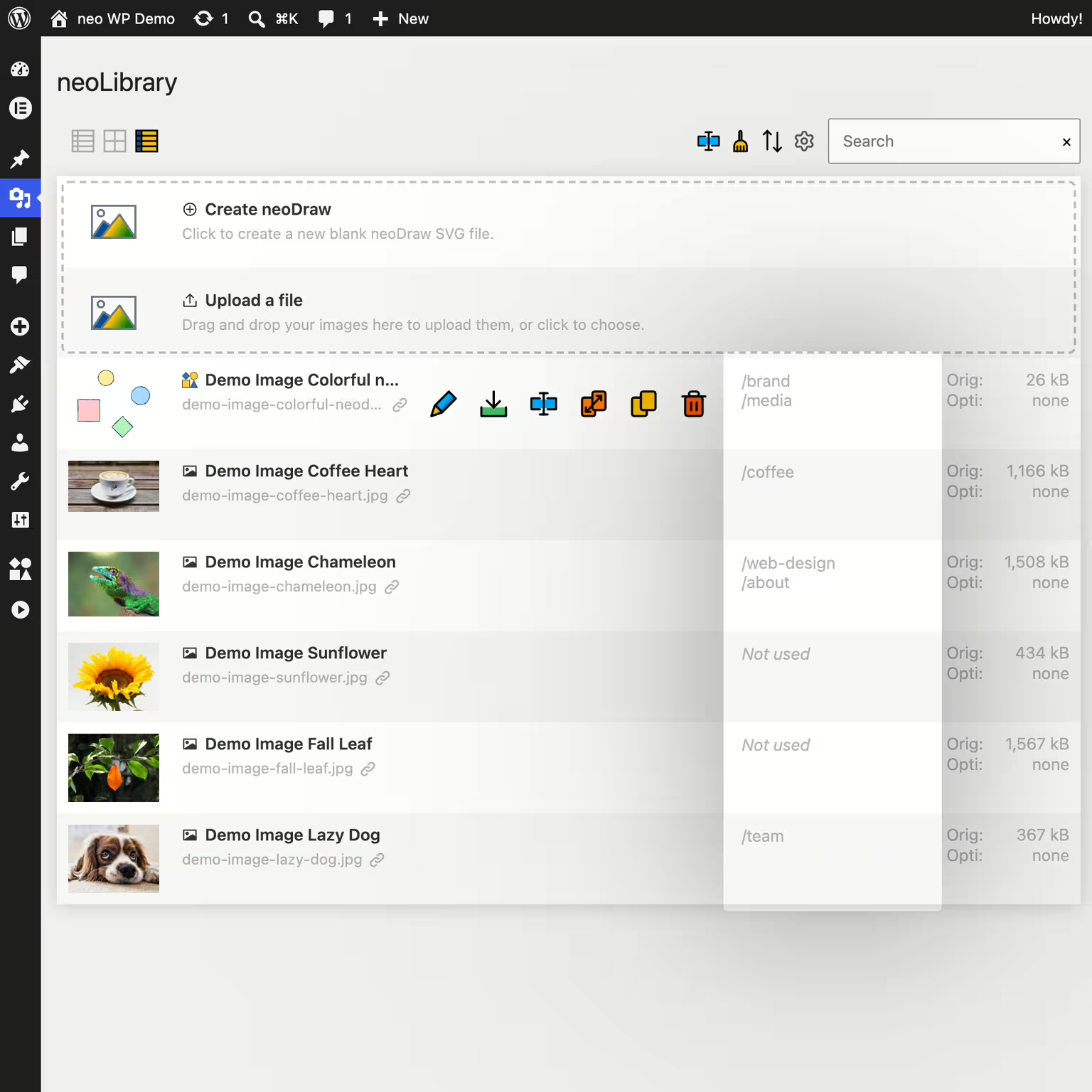


neo Library
Bring order to your media library and show where your images are being used!
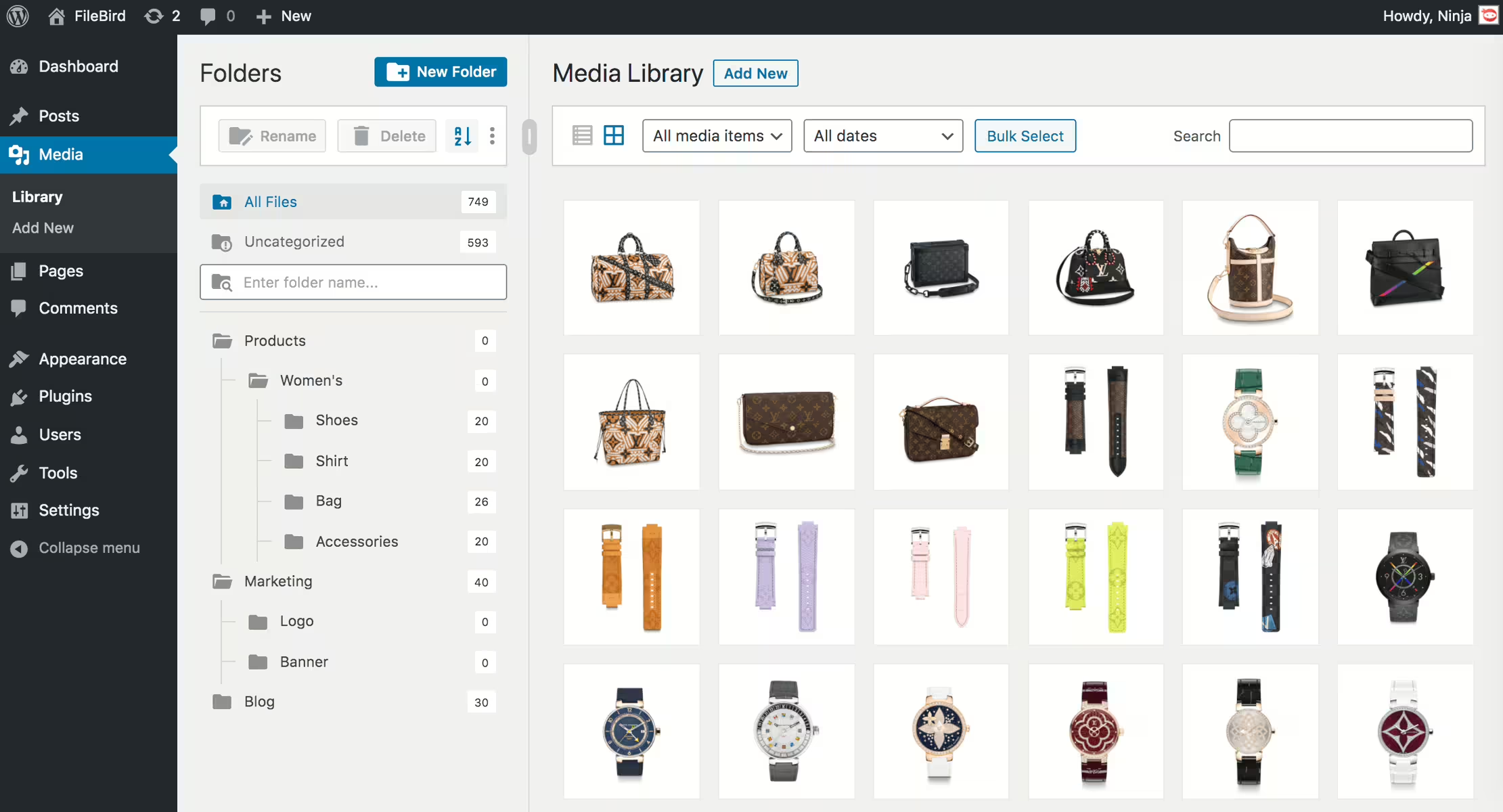
Filebird
FileBird – WordPress Media Library Folders & File Manager
#file manager #media #media folders #organization #WordPress media library folders
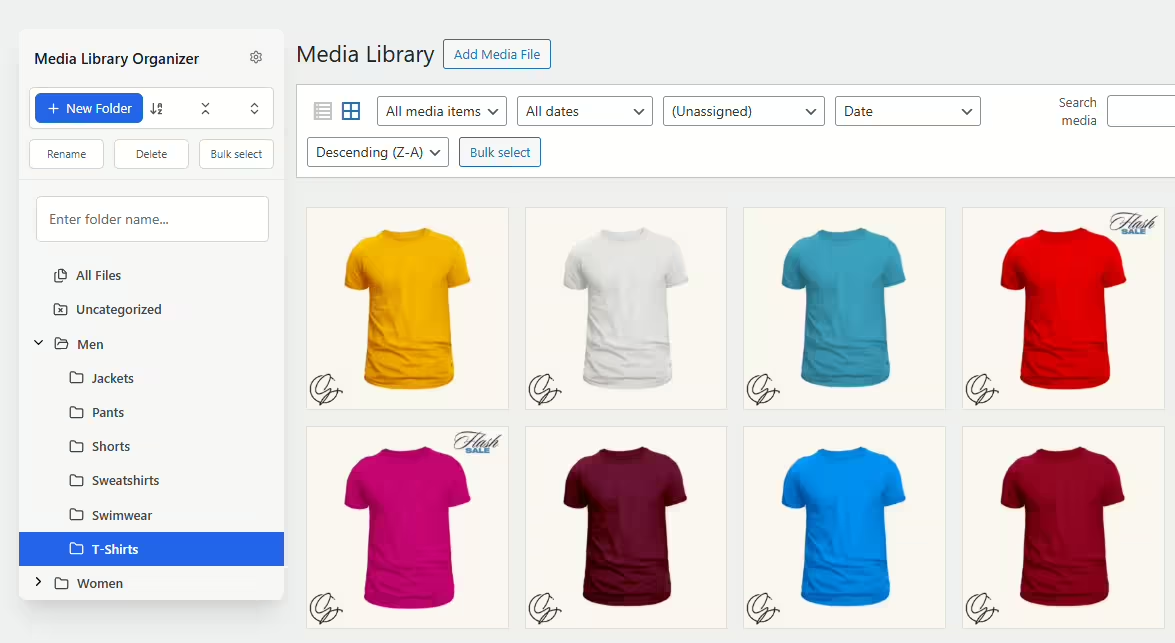
Media Library Organizer
Media Library Organizer – Folders, File Manager & Media Categories
#file manager #media categories #media folders #organize files #taxonomy
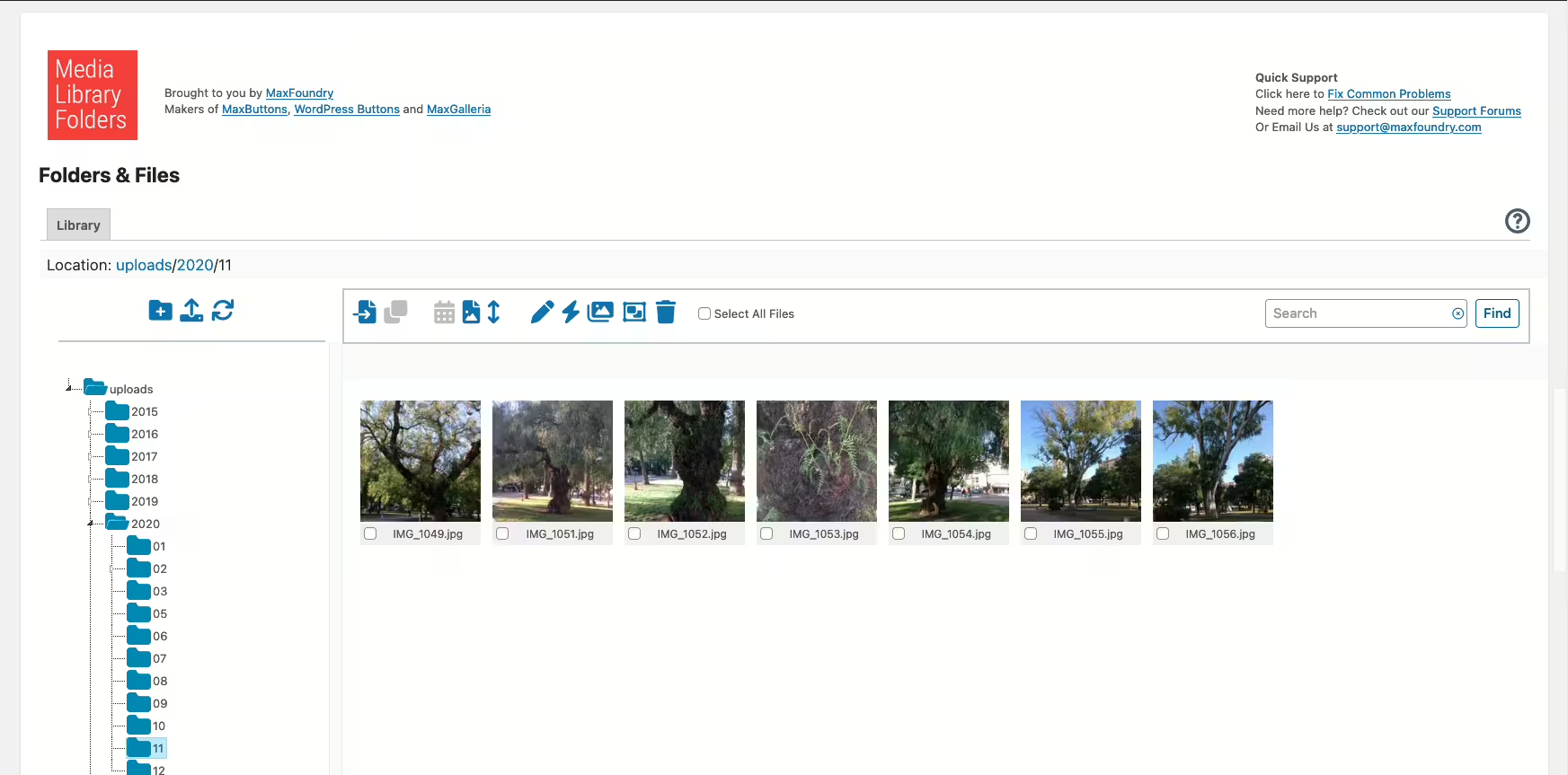
Media Library Plus
Media Library Folders
#media library folders #organize media library
