
Password correct. Please wait...
Disable the chat with .custom-disable-chat
WP Plugin Comparisonby neo-wp.com


WP Plugin Folders
Test report

Folders - Unlimited Folders to Organize Media Library Folder, Pages, Posts, File Manager
Folders, developed by Premio, was first released on 2015-05-01 and has since established itself with over 90 000+ active installations. This WordPress plugin is a useful tool for organizing media files, allowing you to manage photos, videos, music, pages, and blog posts systematically in folders. The main feature that sets Folders apart is the ability to create unlimited folders - an advantage many other plugins do not offer. In addition to folder creation, it also offers a media replacement function that ensures changes are automatically reflected on all relevant pages and posts. The target audience includes web developers, bloggers, e-commerce businesses, photographers, publishers, and digital agencies who can benefit from better content structure. With an average rating of 5.0 out of 5 stars from 1 517 reviews in the official WordPress Plugin Directory, high user satisfaction is evident. The next section provides an overview of the plugin's key features, offering deeper insight into its benefits and capabilities.
"Folders is a handy plugin that really helps organize the website."
Features - Extensive media management capabilities

Folders offers a variety of features to support content organization on WordPress sites. Besides unlimited folder creation and the media replacement feature the plugin also allows customizing folder icon colors. This option improves visual organization and lets you identify important folders faster. Another advantage is drag and drop functionality which simplifies moving pages posts and media files into the appropriate folders.
"The drag and drop functionality is very intuitive and makes organization significantly easier."
Free-Features - Essential features at no cost
- Create unlimited folders - You can create as many folders as you want.
- Drag and drop - Pages posts and media files can be easily moved into folders via drag and drop.
- Replace media - Replaces media files with other files so changes are reflected on all pages and posts.
- Folder icon colors - Folder icons can be color customized.
- Import and export folders - Import folders from other plugins and export the folder structure.
- Undo - Recent actions in the folders can be undone.
Pro-Features - Advanced features for power users
- Create unlimited subfolders - You can create unlimited subfolders.
- Dynamic folders - Automatically filters content based on various criteria.
- Delete unused media files - Searches for and deletes unused media files.
- User access management - Allows managing access to folders for team members.
- Advanced media replacements - Replaces media files on upload and updates all references.
- Duplicate folders - Existing folders can be duplicated.
"The Pro version is fantastic - it enriches the media library and offers many useful features."
License & price performance - Cost structure and user opinions
Folders is available in a free version that already provides many useful features. This includes the ability to create unlimited folders a feature that alone offers great value. The Pro version complements this offering with advanced features like dynamic folders and unlimited subfolders. The Pro license structure is flexible with options for annual and lifetime licenses. Users appreciate the good value for money especially because the free version is sufficient for many basic needs while the Pro version adds extra features for more intensive requirements.
"The free version covers most needs and the Pro version offers many additional features for a fair price."
Technical details - Insight into the plugin's internal workings
The WordPress plugin "Folders" offers a comprehensive solution for managing media content demonstrating thoughtful design and clear architecture. On a technical level the plugin is based on creating virtual folders which allow structuring files in the media library without actual physical changes. These virtual folders are controlled by metadata within the WordPress database enabling efficient and fast organization without unnecessarily burdening the file system.
A notable feature from a developer perspective is the dynamic folder creation, which categorizes content via automated actions based on specific attributes like author or publication date. The plugin also offers extensive possibilities for developer extension through hooks and the WordPress API, enabling customized adjustments for particular needs. This technological flexibility is especially valuable for developers who want to implement custom workflows and integrations in large projects.
System requirements - The necessary technical conditions
To use the Folders plugin, certain system requirements must be met. The minimum requirement for PHP is at least 7.4, which ensures the plugin can be kept up to date and run securely. It also requires WordPress version 4.7 or higher to enable smooth integration and full functionality. The latest plugin version was 3.1.9, and compatibility was thoroughly tested, most recently up to WordPress version 4.7 or higher. An important point for developers is that the plugin is continuously updated to remain compatible with the latest WordPress and PHP versions, with the last update in 2026-08.
"Folders is kept up to date and secure because it is regularly updated to remain compatible with the latest WordPress version."
Quality - Superior efficiency and organization
The quality of the WordPress plugin "Folders" is evident in several aspects frequently highlighted by users. Efficient organization of media, pages and posts through various folder and sorting functions results in a noticeable improvement in backend speed. Users benefit from optimized performance by structuring and editing content quickly. Bulk organization features and the ability to quickly replace media files significantly reduce management time. Particularly impressive is the ability to create dynamic folders in the Pro version, which further simplifies management by automatically sorting content based on certain criteria. These features are especially beneficial for sites with a lot of content, as they help maintain clarity and efficiency in the backend. At the same time, the plugin remains technically robust and compatible with a wide range of WordPress themes and plugins thanks to constant updates.
"Folders is a handy plugin that really helps organize the website."
Support - Fast help and efficient solutions
Support for the Folders plugin from Premio generally receives positive feedback from users. The support team's quick response time is particularly praised, as they handle user inquiries promptly and competently. Many users report helpful and patient responses that effectively resolved their issues. This ensures that any hurdles in using the plugin can be overcome quickly. Inquiries can be made via the WordPress support forum or directly to Premio support. Since users describe the support as helpful and friendly, the plugin is also a reliable option from a customer service perspective.
"I am grateful for the help I received from the Folders Pro Premio helpdesk. They fixed the issue on my website and helped me in a relaxed manner."
Rating - User satisfaction at a peak
The average rating of the WordPress plugin "Folders" is an impressive 5.0 out of 5 possible stars, based on a total of 1 517 reviews. This high score reflects users' broad satisfaction with the plugin's functionality and effectiveness for media organization. The reviews paint an overwhelmingly positive picture, with many highlighting the ease of use and useful features.
"Order your chaos! We had thousands of images in our library and many products in our online shop. I needed something to bring order to that chaos: Folders. Highly recommended."
However, some users express concerns about the user experience, particularly regarding promotion of the Pro version, which is perceived as intrusive.
"Way too cluttered with constant 'Upgrade to Pro' popups whenever you try something."
Still, the plugin's performance is generally seen as positive, reflected in numerous praises for improved management of media and content.
"I love it. I like things to be organized, and WP Media always fell short in that regard."
Criticism - problems, vulnerabilities and suggestions for improvement
While the WordPress plugin "Folders" receives much positive feedback for its functionality, there are also areas where users see room for improvement. One of the most frequent complaints concerns the plugin's user interface. Users find the constant "Upgrade to Pro" popups disruptive and intrusive, which can impair usability. This marketing strategy feels overwhelming to some users and diminishes the overall user experience.
Technical issues seem to be in the minority but are occasionally mentioned. Some users report minor complications with permission management or licensing the plugin. These aspects could be improved through targeted optimizations to ensure a smoother user experience.
Notably, no specific security vulnerabilities or serious error reports are mentioned in the reviews. Local data storage and GDPR compliance contribute to security and data protection, which is highlighted as a positive aspect.
"The user interface is way too cluttered with constant 'Upgrade to Pro' popups whenever you try something."
Overall, criticisms of the plugin are mainly aesthetic and usage-related, while major security issues do not come to the fore.
Conclusion - The verdict on the Folders plugin
The WordPress plugin Folders, developed by Premio, is a versatile tool for media organization that impresses especially with its ease of use and comprehensive features. The ability to create unlimited folders and subfolders and to structure the media library dynamically sets it apart from other tools in this area. While the free version covers many basic features, the Pro version offers additional advanced features for even more efficient management. Potential users should, however, consider the occasionally intrusive promotions for the Pro version, which some find annoying. Despite these minor criticisms, Folders remains a highly valued plugin in the WordPress community, especially for users seeking improved organization of their content.
#folder #folders #media library #pages folders #replace media
Show more
Detailed plugin information
Plugin slug: folders
Plugin name: Folders
Plugin title: Folders – Unlimited Folders to Organize Media Library Folder, Pages, Posts, File Manager
Plugin keywords: #folder #folders #media library #pages folders #replace media
Plugin version: 3.1.9
Last updated: 2026-08
Release date: 2015-05-01
Required WP version: 4.7
Required PHP version: 7.4
Tested with WP version: 7.1
Active installations: 90 000+
Average rating: 5.0
Number of reviews: 1 517
Number of support requests: 1 (in the last 2 months)
Number of Resolved Support Requests: 1 (in the last 2 months)
Plugin author: Premio
Developer homepage: https://wordpress.org/support/plugin/folders/#fallback-homepage
WP developer profile page: https://profiles.wordpress.org/premio/
Support URL in the WordPress Plugin Directory: https://wordpress.org/support/plugin/folders/
Developer support URL: https://wordpress.org/support/plugin/folders/#fallback-commercial-support-url
WP Plugin Directory: https://wordpress.org/plugins/folders/
Was the test report about Folders helpful?
Popular alternatives to Folders
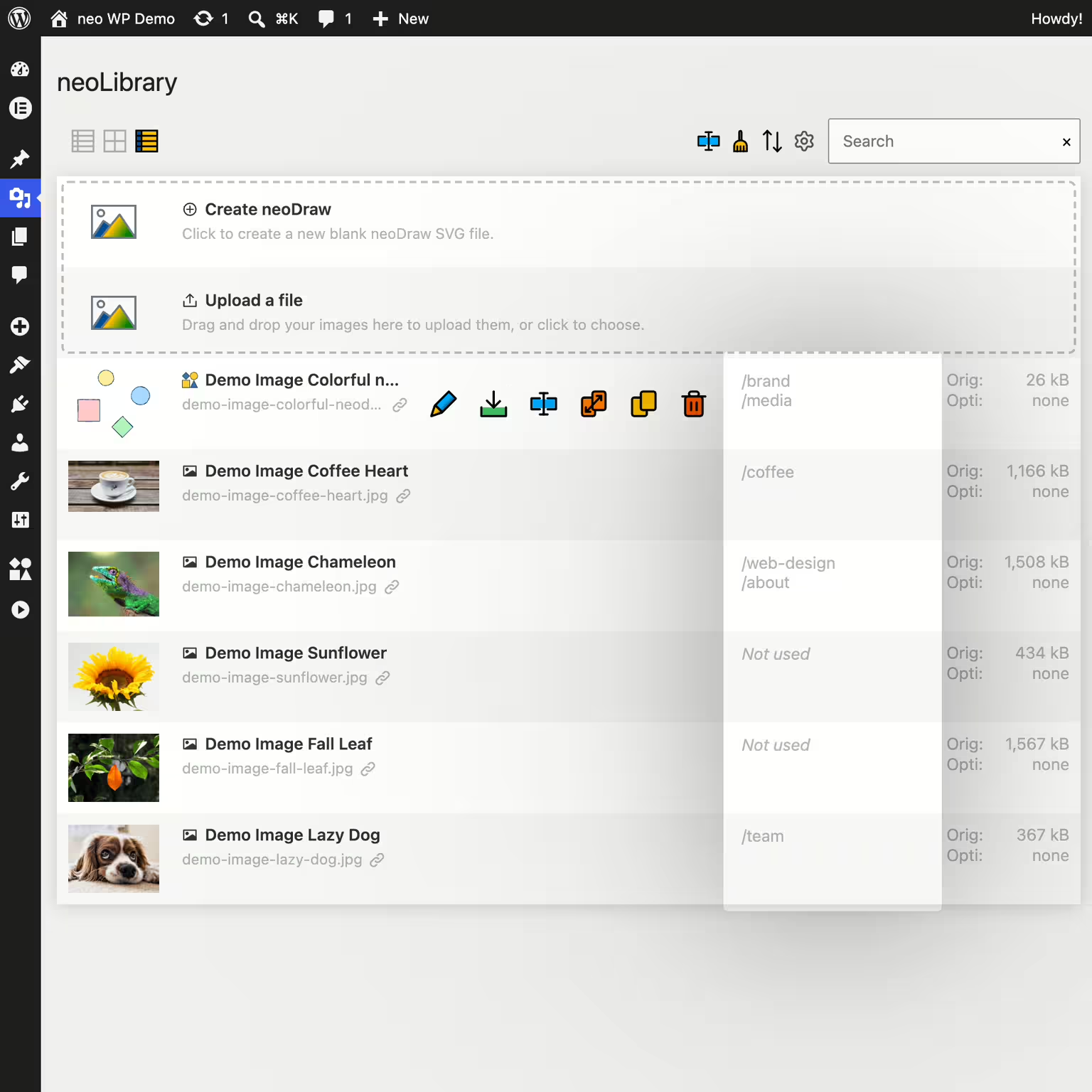


neo Library
Bring order to your media library and show where your images are being used!
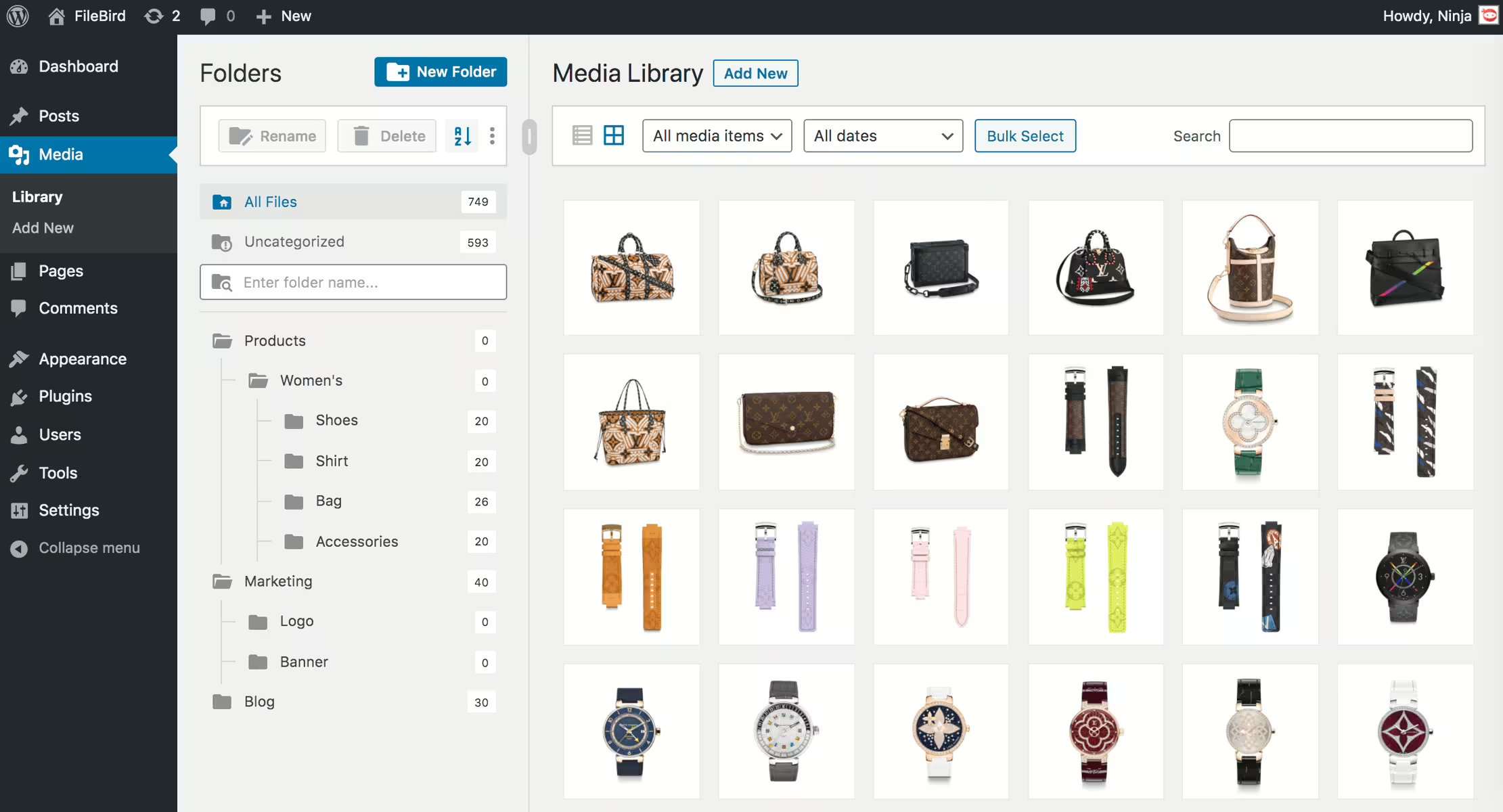
Filebird
FileBird – WordPress Media Library Folders & File Manager
#file manager #media #media folders #organization #WordPress media library folders
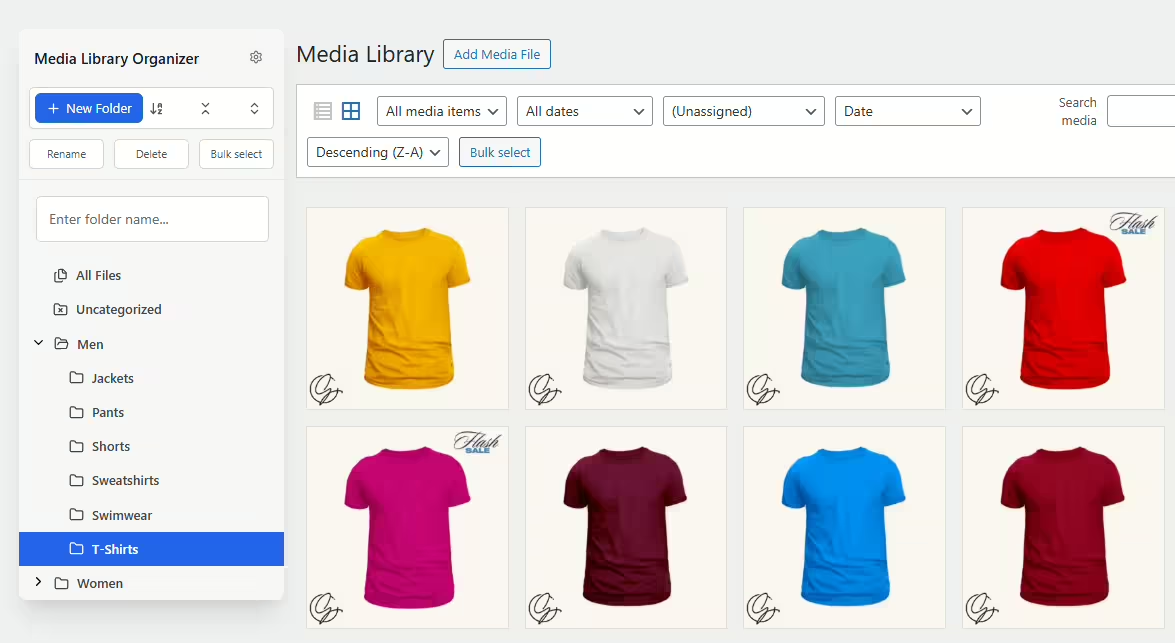
Media Library Organizer
Media Library Organizer – Folders, File Manager & Media Categories
#file manager #media categories #media folders #organize files #taxonomy
Real Media Library Lite
Real Media Library: Media Library Folder & File Manager
#file manager #media folder #media library folder #media library folders #WordPress media library folders
