
Password correct. Please wait...
Disable the chat with .custom-disable-chat
WP Plugin Comparisonby neo-wp.com


WP Plugin Filebird
Test report
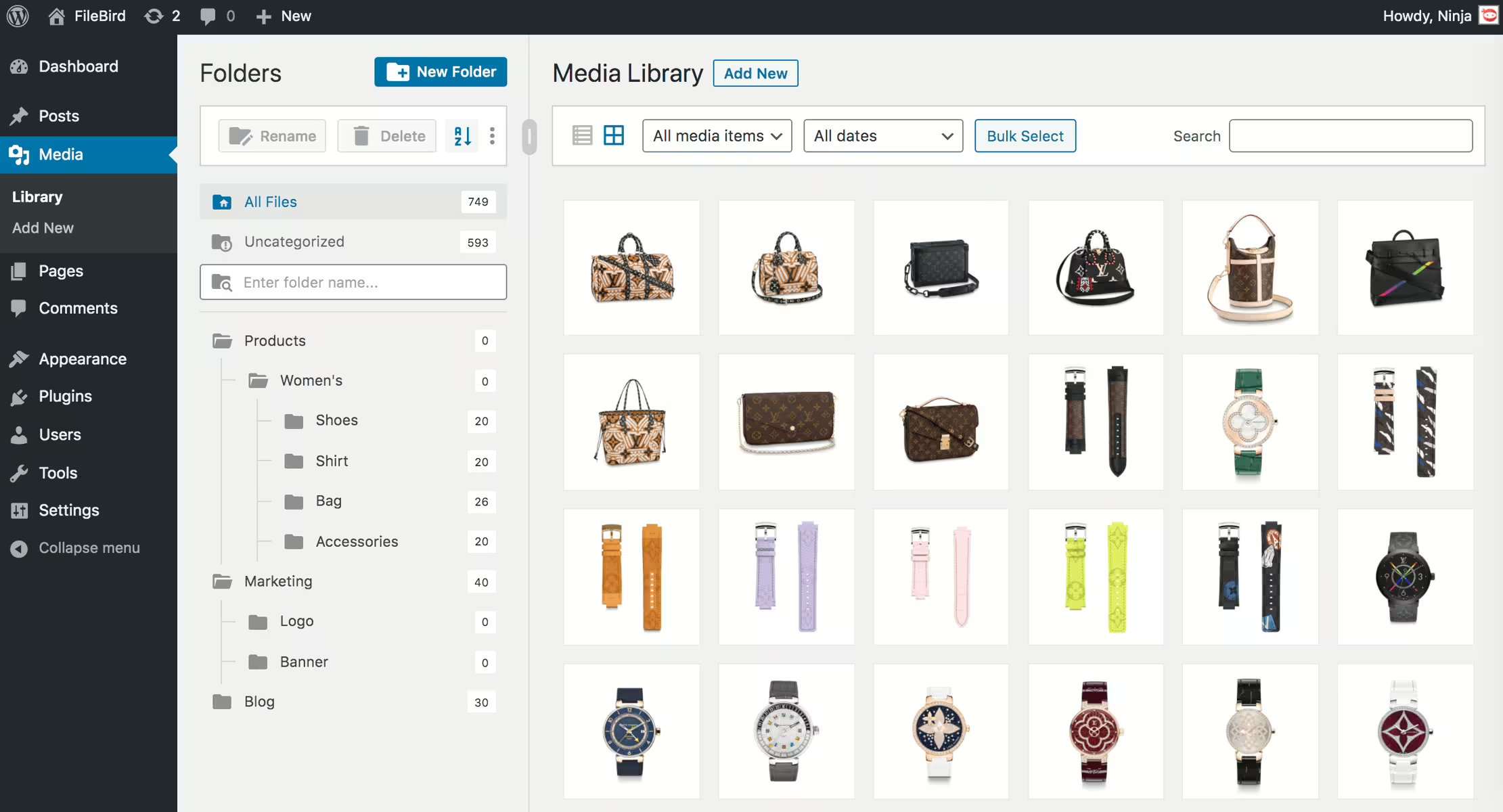
Filebird - WordPress Media Library Folders & File Manager
Filebird - Organize the media library efficiently
Filebird, a plugin developed by Ninja Team, was released on 2018-07-02 and is now used on over 200 000+ websites. Its main goal is to simplify the organization of the WordPress media library by offering virtual folders and flexible sorting options. This allows users to efficiently categorize media files and quickly access needed content. A standout feature of Filebird is the drag and drop organizer, which provides an intuitive and user-friendly way to organize files without affecting permalinks. The target audience of the plugin is primarily administrators of WordPress sites with extensive media assets. With an average rating of 4.7 out of 5 stars, based on 1 120, Filebird has gained significant trust within the WordPress community. The following provides a look at the plugin's specific features.
“This plugin is a great help in organizing the media library.”
Features - Extensive organization tools for the media library
Filebird offers a variety of features that greatly simplify managing media files in WordPress. In addition to the drag-and-drop organizer, the plugin stands out with the ability to create virtual folders. These do not affect media file links, allowing stress-free organization of large file collections. It also provides advanced search functions and the option to export the entire media folder structure, which speeds up workflows. This combination of intuitive handling and practical functions sets Filebird apart from many other media management tools.
“An absolute must for organizing the media library - easy to set up and effective.”
Free-Features - Useful tools in the free version
- Unlimited main folders and subfolders - Allows organizing files without limiting the number of folders.
- Virtual folders - Efficiently categorizes media uploads without changing existing links.
- Drag & Drop - Easy management of files and folders by dragging and dropping.
- Search function - Enables targeted finding of files and folders within the media library.
- Export folder structure - WP media folder structure exportable with one click.
Pro-Features - Advanced functions for professionals
- Folder tree themes - Allows customizing the appearance in styles like Dropbox or Windows 11.
- Download media folders - Exports complete folders including subfolders into a ZIP file.
- Smart start folders - Starts with a selected or last opened folder.
- Change file location - Provides the option to assign files to a different folder.
- Sorting options - Expands options for arranging files and folders.
- User-based folder view - Users can create individual categories without affecting other structures.
- Custom folder color - Color settings adjustable for better visibility.
- Categorization of pages and posts - Managing WordPress content in folders possible.
“The Pro version offers exactly the functions I need for efficient management of my content.”
License & value - Free version versus Pro upgrade
Filebird is available in a free and a paid Pro version. The free version already offers useful basic features, especially for users seeking improved control over their media library. The value of the Pro version is praised because it provides additional features, like downloading complete media folders or advanced sorting options not available in the free version. Users appreciate investing in the Pro version because the extended functions enable even more effective media management.
"Although the free version is extensive, the Pro version offers many additional features that are worth the investment."
Technical details - Insights for developers and tech enthusiasts
Filebird is distinguished by a number of technical features that may be of interest to developers. The plugin uses a shortcode- and API-based framework to ensure maximum customizability and integration. The use of virtual folders enables organizing files without affecting URLs or data structures. Internally, the media library with Filebird loads only the files of the currently needed folder, which significantly reduces load times and uses server resources more efficiently. The plugin's REST API offers extension options that allow deeper integration with other WordPress themes and plugins, while the hooks and filters facilitate customization at code level. The smart structure for drag-and-drop experiences in the backend is another highlight for developers interested in user-friendly UI components.
System Requirements - Important numbers and compatibilities
For the installation and operation of Filebird, certain system requirements are necessary to ensure smooth functioning. The plugin requires at least PHP version 7.4 or higher and WordPress version 3.0. Compatibility has been tested up to the latest WordPress version 7.1, which contributes to stable operation on modern platforms. Filebird is available in plugin version 6.5.8, and the last update was in 2026-08. This ongoing maintenance underscores the reliability and support of the development team.
“The continuous updates and support are remarkable. The plugin is always up to date and works smoothly.”
Quality - Performance and usability are the focus
Filebird has earned a recognized reputation for quality and performance in the WordPress ecosystem. The plugin impresses with its intelligent loading system, where only one folder is loaded at a time to optimize media library load times. It is also resource-efficient and allows efficient management of media files. In the backend, Filebird shines with fast and intuitive organization via drag and drop, enabling quick structuring of media files. The powerful search and sort functions also contribute to increased productivity. Users particularly praise the thoughtful user experience, which allows easy and seamless integration into existing WordPress installations.
“This plugin shows that the developers put a lot of thought into the functionalities and the user experience.”
Support - Fast and helpful assistance
Support for Filebird receives predominantly positive feedback, especially for its fast response times and efficient problem solving. Several user reports highlight that the developers provide committed and helpful support for both free and paid users. Contact options are available via the official support forum or directly with the developer.
“The support team was reachable within minutes and helped effectively over several days to restore my file organization.”
Despite the positive reviews, there are occasional reports of misunderstandings or technical issues that can mar the support experience. One review mentions alleged misassumptions by the support team that led to incorrect conclusions. Nevertheless, most experiences indicate that the support team is able to resolve issues quickly and efficiently.
Rating - A closer look at user experiences
The WordPress plugin Filebird receives a largely positive response with an average rating of 4.7 out of 5 stars from over 1 120 users. This high rating reflects the satisfaction of many users who consider the plugin a useful tool for organizing their media library in WordPress.
Reviews often highlight the efficient structuring of the media library and the intuitive user interface. Users particularly praise the drag and drop functionality and the ability to bring clear order to large media collections.
“This plugin is a great help in organizing the media library.”
However, there are occasional critical voices that point out certain bugs or the lack of some features. Some users express the desire for additional features in the free version and criticize that certain functions, such as folder management, are only available in the paid Pro version.
“There are some bugs and missing features.”
Despite the criticisms, the general consensus remains that Filebird is a valuable plugin that significantly increases efficiency in media management, as confirmed by satisfied users.
“An absolute must for organizing the media library - easy to set up and effective.”
Criticism - Problems and suggestions for improvement
Filebird, despite its popularity, has not been without criticism. Users report various bugs and functionality issues. Some users complain that the Filebird gallery block does not force the inclusion of the block CSS file, which leads to display problems when using block editor themes. This can cause the CSS for block editing themes not to display correctly unless a regular gallery block is added. There are also reports of irregular plugin behavior after updates, which sometimes results in complete loss of functionality on affected sites.
Another common issue is the disappearance of subfolders within the Filebird library, which impairs usability. In addition, accessibility of newly created folders in certain editing views is criticized, as they are not shown as a reference point in every context.
The update policy is also perceived negatively by some. Users state that updates are only available through platforms like CodeCanyon/Envato, which restricts access, especially when purchases were made through special agreements such as government contracts. Some users see this as an unnecessary complication.
“The process is pretty slow. The app also has some issues, like creating a folder, which can easily cause the new folder to be accidentally placed in a previous folder.”
Conclusion - A well thought out solution with room for improvement
Filebird offers a versatile solution for efficient organization of media files in WordPress and is primarily aimed at site owners with large media collections. The intuitive drag and drop functionality and the ability to create virtual folders make it a valuable everyday tool. The extensive Pro version further expands functionality and offers special features for professional user needs. Positive reviews and feedback underline the user friendliness and the support provided by the developer Ninja Team.
However, there is room for improvement regarding occasional bugs and the update policy. Providing updates is cumbersome for some users, which can make access more difficult. Despite these criticisms, Filebird remains one of the powerful plugins in its field and contributes significantly to more efficient media management. Continuous maintenance and support speak to the developers' ongoing commitment to address existing weaknesses and further adapt the plugin to users' needs.
#file manager #media #media folders #organization #WordPress media library folders
Show more
Detailed plugin information
Plugin slug: filebird
Plugin name: Filebird
Plugin title: FileBird – WordPress Media Library Folders & File Manager
Plugin Keywords: #file manager #media #media folders #organization #WordPress media library folders
Plugin version: 6.5.8
Last updated: 2026-08
Release Date: 2018-07-02
Required WP Version: 3.0
Required PHP version: 7.4
Tested with WP version: 7.1
Active Installations: 200 000+
Average rating: 4.7
Number of reviews: 1 120
Number of support requests: 4 (in the last 2 months)
Number of support requests resolved: 4 (in the last 2 months)
Plugin author: Ninja Team
Developer Homepage: https://ninjateam.org/wordpress-media-library-folders/
WP Developer Profile Page: https://profiles.wordpress.org/ninjateam/
Support URL in the WordPress Plugin Directory: https://wordpress.org/support/plugin/filebird/
Developer Support URL: https://wordpress.org/support/plugin/filebird/#fallback-commercial-support-url
WP Plugin Directory: https://wordpress.org/plugins/filebird/
Was the test report about Filebird helpful?
Popular alternatives to Filebird
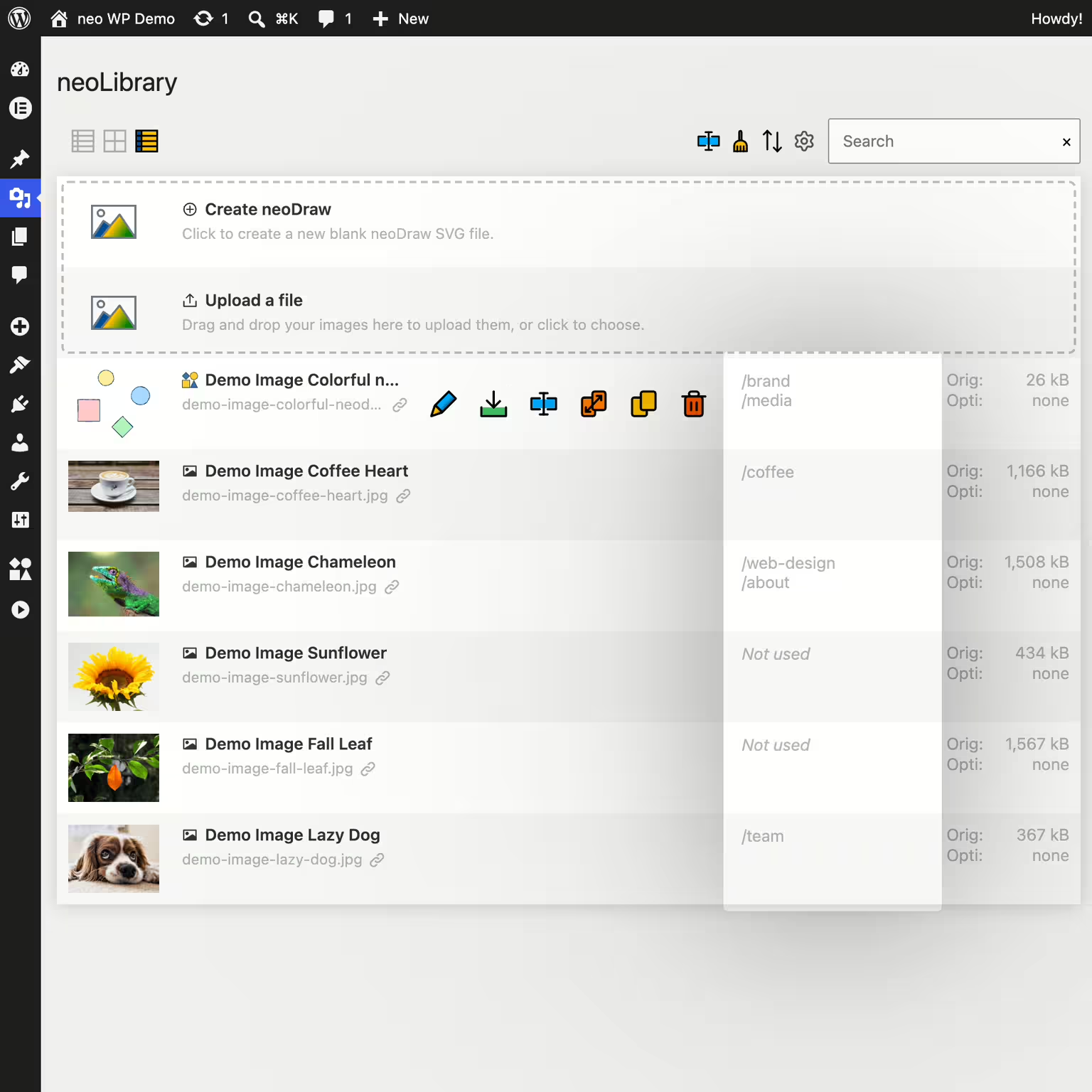


neo Library
Bring order to your media library and show where your images are being used!
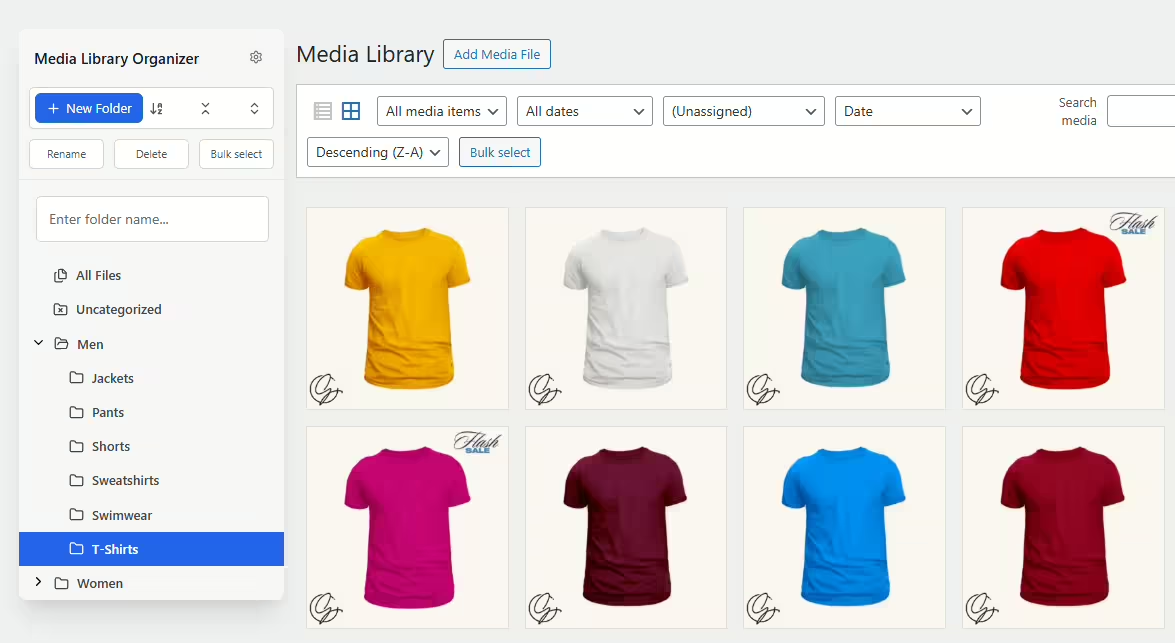
Media Library Organizer
Media Library Organizer – Folders, File Manager & Media Categories
#file manager #media categories #media folders #organize files #taxonomy

Real Media Library Lite
Real Media Library: Media Library Folder & File Manager
#file manager #media folder #media library folder #media library folders #WordPress media library folders
Media Library Plus
Media Library Folders
#media library folders #organize media library
