Password correct. Please wait...
Disable the chat with .custom-disable-chat
WP Plugin Comparisonby neo-wp.com


WP Plugin Svgator
Test report
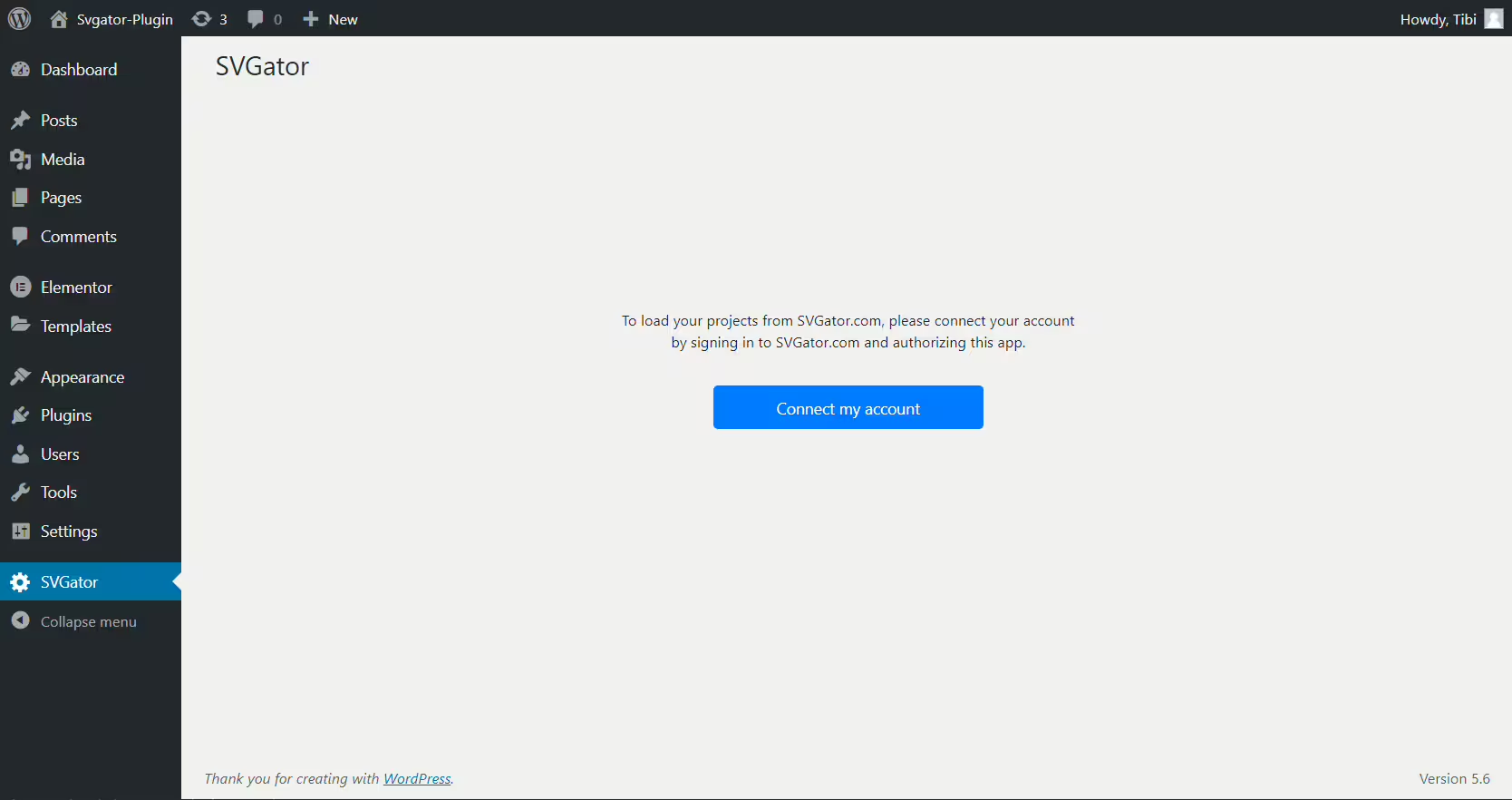
SVGator - Add Animated SVG Easily
Svgator is a versatile WordPress plugin developed by SVGator. Since its release on 2020-11-19 it has reached over 1 000+ active installations, highlighting the relevance of its features. The plugin lets you seamlessly import SVG files into the WordPress media library and animate them using either CSS or JavaScript. A standout feature of Svgator is the ability to create impressive SVG animations without coding skills, making it especially attractive for users interested in designing and integrating animated graphics. The target audience includes web designers and bloggers who want to enrich their digital content with interactive and visually appealing elements. The plugin has an average rating of 5.0 out of 5 stars, based on 2 reviews in the official WordPress Plugin Directory, reflecting its quality and user satisfaction. The following section goes into more detail about the specific features and functions the plugin offers.
"This is absolutely amazing, probably the first plugin on WordPress that really makes it easy and fast to add impressive SVG animations to your website."
Features - Extensive functionality
Svgator stands out for its ease of use and enables you to create impressive SVG animations. In addition to the mentioned drag and drop interface, the plugin offers automatic code generation in CSS or JavaScript. Another notable feature is the use of animated SVGs in various website areas such as sidebars or footers via the Svgator widget. These features are particularly suited for users who want easy customization and extension of website designs.
"Finally! A plugin for SVG animations that actually works great."
Free features - Functions available for free
- Import of SVG files - SVG files can be imported from the Svgator library into the WordPress media library.
- Choice of animation type - Option to choose between CSS or JavaScript as the animation type.
- Drag and drop interface - User-friendly interface for easy creation of animations.
- Automatic code generation - Code is automatically generated in CSS or JavaScript.
- Use in widgets - Animated SVGs can be used in sidebars or footers via the Svgator widget.
- Scaling without loss of quality - Animated SVGs can be scaled to any size without losing quality.
License - Free software under the GNU GPL
Svgator is distributed under the GNU General Public License, allowing you to use, modify, and redistribute the plugin for free. This licensing promotes transparency and adaptability within the community. Users appreciate the freedom a GPL license provides because it allows changes and optimizations by users themselves without legal restrictions. Despite free access, the plugin is often praised for its reliable functionality and easy integration.
"No more compatibility issues, no more testing required."
Technical details - A deep look into how it works
The Svgator plugin offers many technical aspects that are of interest to developers. It relies on an API provided by SVGator.com to dynamically import SVG files into the WordPress media library via API requests. Because a third-party service like SVGator.com is used, a stable internet connection and API authorizations are required. Internally the plugin ensures that imported SVG files are embedded as <svg>-tags, allowing seamless use in WordPress. Developers may be particularly interested in the service API, which provides detailed information and documentation at https://github.com/SVGator/SDK/. Import and export of SVG files is straightforward but does not support direct storage in the WordPress database, taking file system operations into account to avoid performance bottlenecks.
System requirements - Environment requirements
To use the Svgator plugin smoothly, certain system requirements must be met. It requires at least PHP version 7.4 or higher. In addition, WordPress version 5.9 or higher should be installed. Compatibility was tested up to WordPress version 5.9. The plugin version 1.4.0 is currently provided, with the last update in 2026-08.
"The smooth integration into the existing WP environment makes using Svgator simple and efficient."
Quality - Excellent performance and scalability
The quality of the Svgator plugin is characterized especially by the scalability and sharpness of SVG files, which maintain their visual integrity across different screen sizes. Thanks to efficient file sizes SVG graphics offer excellent performance without compromising page load speed. The plugin enables hassle-free integration and customization of animated SVG files that can be used in various parts of the website, increasing interactivity and appeal. In addition conversion processes during graphic inclusion are eliminated which simplifies the workflow significantly. Positive user reviews underline Svgator's performance and reliability and highlight its goal-oriented functionality without additional compatibility testing required.
"No more compatibility issues, no more testing needed."
Support - User experiences and contact options
The Svgator plugin offers comprehensive support options that are generally rated positively. Users praise the fast response times and the helpfulness of the team, indicating the effectiveness and customer focus of the support system. A commonly mentioned advantage is the easy way to get in touch, both via the Email and the official support forum. In addition, there is a dedicated support area for commercial inquiries that can be accessed here. User feedback is actively taken on board, and you are encouraged to rate the plugin and submit improvement suggestions. Despite the limited number of reviews, support is mostly described as friendly and competent, with no negative experiences reported.
"Thanks, guys! It was simply great how fast and efficiently you helped."
Rating - Positive reviews and small number
Svgator has an impressive average rating of 5.0 out of 5 stars, based on just 2 reviews in the official WordPress Plugin Directory. This high score suggests that the existing users are very satisfied with the plugin's performance and functionality. However, the small number of reviews makes it difficult to form a comprehensive assessment of user opinion, as it is not representative of a wide user base.
"This is absolutely amazing, probably the first plugin on WordPress that really makes it easy and fast to add impressive SVG animations to your website."
A negative review or critical feedback is not found with such a small number of reviews, which further indicates that users are either predominantly satisfied or that the plugin is not yet widespread enough to reveal negative aspects.
"Finally! A plugin for SVG animations that actually works great."
Criticism - Security issues and challenges
One of the main criticisms of the Svgator plugin concerns security issues. In particular, the fact that the plugin authorizes the user via API calls and grants WordPress access to the Svgator library raises questions. This means that any animation created in the Svgator account can be listed and exported. While this functionality is essential for integrating animations, it could also lead to potential security risks if the API is not sufficiently protected. There are concerns about how these authorization processes are handled and whether they are adequately protected to prevent misuse.
There is also a lack of detailed information about the future development and roadmap of the plugin. This could give the impression that the plugin's development might stagnate, which could be a problem for users who rely on continuous improvements. This uncertainty about future updates and features could unsettle potential users.
Another criticism is the lack of extensive reviews and feedback in the official WordPress Plugin Directory, which makes comprehensive comparison difficult. Without significant responses, it remains unclear whether the user base is genuinely satisfied with the plugin's performance and functionality or whether only a small number of satisfied users have reported back.
"It's a great plugin with a lot of potential, but the security implications are not fully clarified."
Conclusion - Summary of the review
The Svgator plugin, developed by Svgator, demonstrates solid functionality in integrating and animating SVG files in WordPress and impresses especially with its simplicity and performance. Its GPL license allows you to make adjustments easily and benefit from the strengths of open source. Security concerns and the small number of representative reviews in the Plugin Directory may make some users skeptical, but overall Svgator shows promising approaches for the straightforward use of SVG animations. The plugin's future could become more established by improving security protocols and ensuring continuous updates.
#SVG #vector image
Show more
Detailed plugin information
Plugin slug: svgator
Plugin name: Svgator
Plugin title: SVGator
Plugin Keywords: #SVG #vector image
Plugin version: 1.4.0
Last updated: 2026-08
Release Date: 2020-11-19
Required WP version: 5.9
Required PHP version: 7.4
Tested with WP version: 7.1
Active installations: 1 000+
Average rating: 5.0
Number of ratings: 2
Number of support requests: 0 (in the last 2 months)
Number of resolved support requests: 0 (in the last 2 months)
Plugin author: SVGator
Developer Homepage: https://www.svgator.com/help/getting-started/how-to-add-svg-to-wordpress
WP Developer Profile Page: https://profiles.wordpress.org/svgator/
Support URL in the WordPress Plugin Directory: https://wordpress.org/support/plugin/svgator/
Developer Support URL: https://wordpress.org/support/plugin/svgator/#fallback-commercial-support-url
WP Plugin Directory: https://wordpress.org/plugins/svgator/
Was the test report about Svgator helpful?
Popular alternatives to Svgator


Animation Addons For Elementor
Animation Addons for Elementor – GSAP Motion Elementor Addons & Website Templates
#animation #elementor #elementor addons #elementor templates #elementor widgets

Scrollsequence
Scrollsequence – Cinematic Scroll Image Animation Plugin
#image animation #image sequence #scroll #scroll animation #video scroll