


Password correct. Please wait...
Disable chat with .custom-disable-chat
WP Plugin Comparisonby neo-wp.com


WP Plugin neoOptimize
Test report

neo Optimize - cache and resize images - the original remains untouched
The WordPress plugin neo Optimize from neo WP was released on 2026-01-01 and is part of the new neoWP plugin series. The plugin leverages modern web development capabilities, reflected in its performance and intuitive design. Reviews indicate that since its release the plugin has delighted users with well-chosen and cleverly implemented features. Particularly noteworthy is the solid coding. A look into the source code confirms that an experienced software development company stands behind the plugin.
“The plugins in the neo package are very well coordinated and solve all common problems with images in WordPress.”
Features - Powerful tools cleverly implemented
- Maximize the SEO ranking of your images
- We keep your media file in its original
- Resizing on your own server
- Free WebP support for delivered images
- Optimization of neo Draw SVG graphics
- Image scaling based on frontend display size
- Adjustable image quality (optional: per image) (Pro)
- SEO-friendly, automatically generated alt texts based on SVG text contents (Pro)
- Minimization of raster graphics in SVG files (Pro)
“Great what can be done with neo Rename. The Pro version takes it even further.”
Technical details - modern implementation with high compatibility
The plugin neo Optimize is available free of charge for download in the current version 1.0.0. It requires at least WordPress version 6.2 and PHP version 8.0 or higher. The plugin was tested up to the current version 6.9 by the beta tester circle. The developers released the last update in 2026-01. The continuous updates and expansion of the plugin reflect the commitment to further development.
“It's convenient to get all media plugins from a single developer. The complete neo universe runs performantly, reliably and stably.”
Quality and support - fast and helpful assistance
Support for neo Optimize receives mostly positive feedback, especially due to fast response times and effective problem solving. Many users report that the developers provide committed and helpful support for both the free and Pro versions. The neo WP team is directly reachable via the developers' page by chat, email and contact form. Additionally, the official support forum is available for further assistance.
“The developers respond quickly, personally and are very helpful.”
Conclusion - very high-quality WordPress plugin package
The plugin neo Optimize lives up to its slogan “Boost your SEO pagespeed by resizing and caching images!” in every respect. Even the free version offers the entire neo plugin series a comprehensive solution for typical media management requirements in WordPress. If you already use neo Optimize, it’s worth taking a look at the other plugins from neo WP.
#optimize #optimizer #resize #cache #compress
Show more
Detailed plugin information
Plugin slug: neo-optimize
Plugin name: neoOptimize
Plugin title: neo Optimize - Bilder cachen und resizen - das Original bleibt unberührt
Plugin keywords: #optimize #optimizer #resize #cache #compress
Plugin version: 1.0.0
Last Update: 2026-01
Release Date: 2026-01-01
Required WP Version: 6.2
Required PHP version: 8.0
Tested with WP version: 6.9
Active Installations: 1+
Average Rating: 5.0
Number of Ratings: 2
Number of support threads: 0 (in the last 2 months)
Number of resolved support requests: 0 (in the last 2 months)
Plugin author: neo WP
Developer Homepage: https://neo-wp.com/
WP Developer Profile Page: https://profiles.wordpress.org/neoplugins/
Support URL in the WordPress Plugin Directory: https://neo-wp.com/support/
Developer Support URL: https://neo-wp.com/support/
WP Plugin Directory: https://neo-wp.com/plugin/neo-optimize/?ref=wporg-info
Was the test report about neo Optimize helpful?
neoOptimize - The right plugin?
neoOptimize - Compare nowOpen plugin in sandboxTo the official WP StorePopular alternatives to neo Optimize


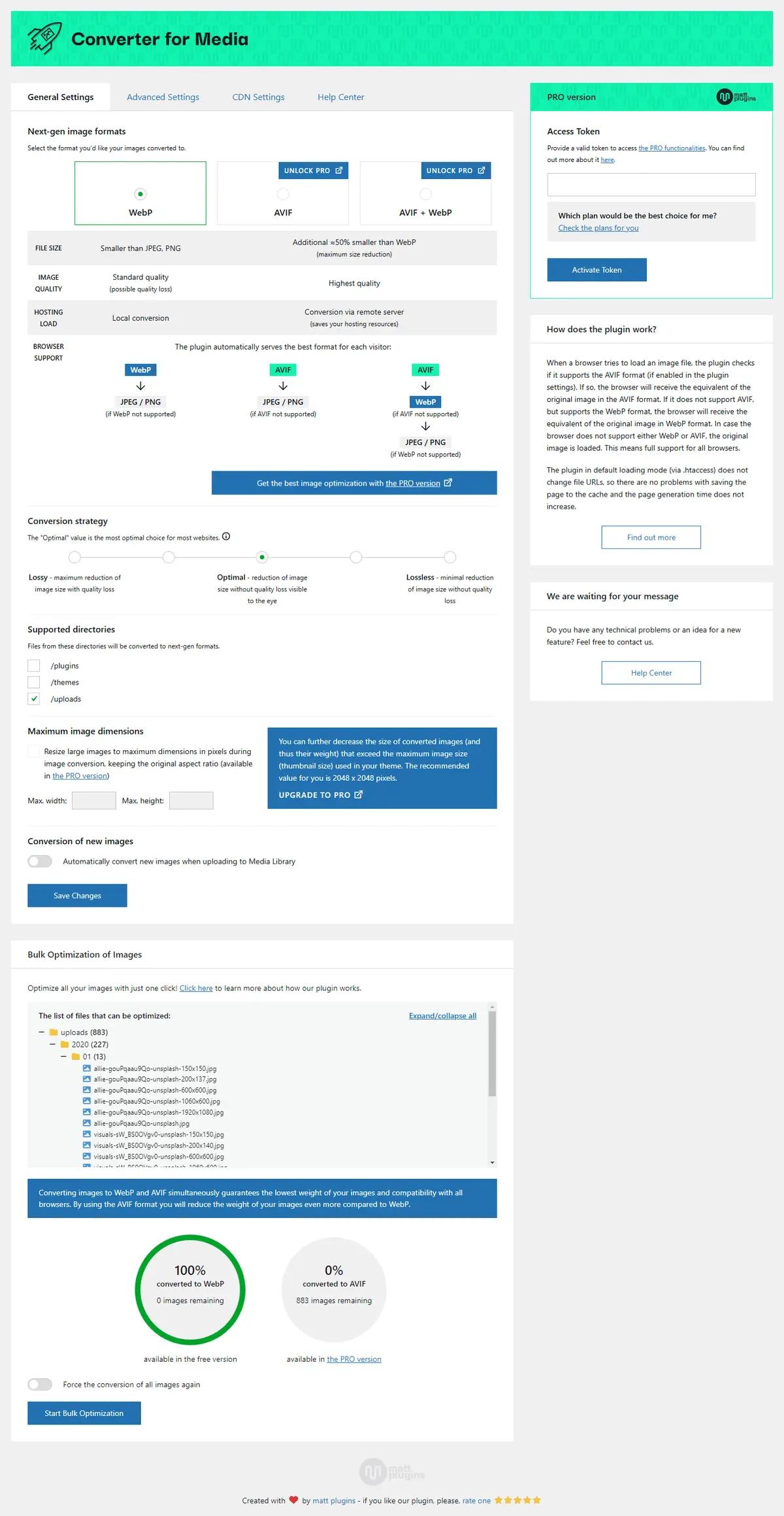
Webp Converter For Media
Converter for Media – Optimize images | Convert WebP & AVIF
#compress images #convert webp #image optimization #optimize images #webp
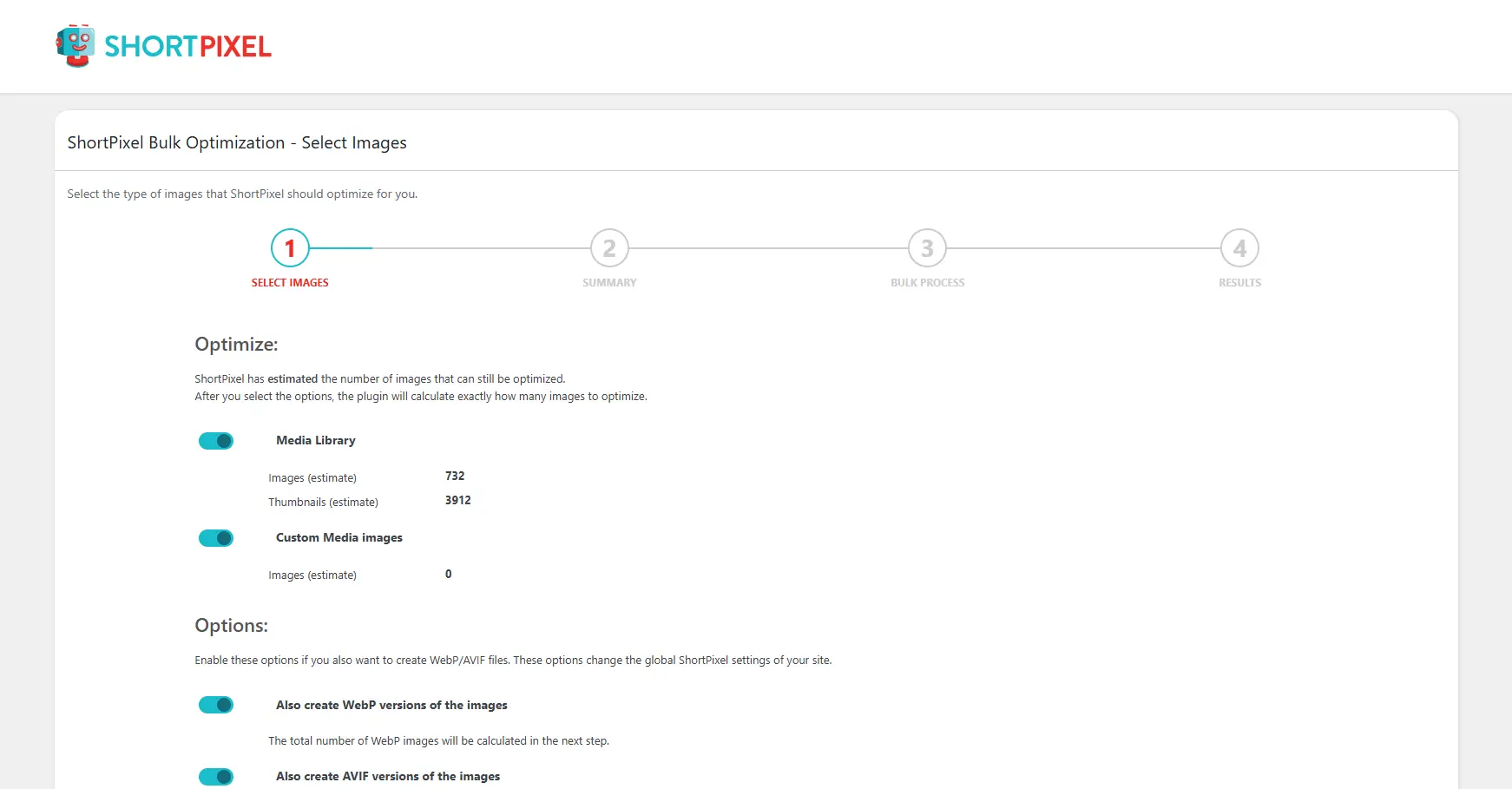
Shortpixel Image Optimiser
ShortPixel Image Optimizer – Optimize Images, Convert WebP & AVIF
#compress images #convert webp #image optimization #optimize images #resize
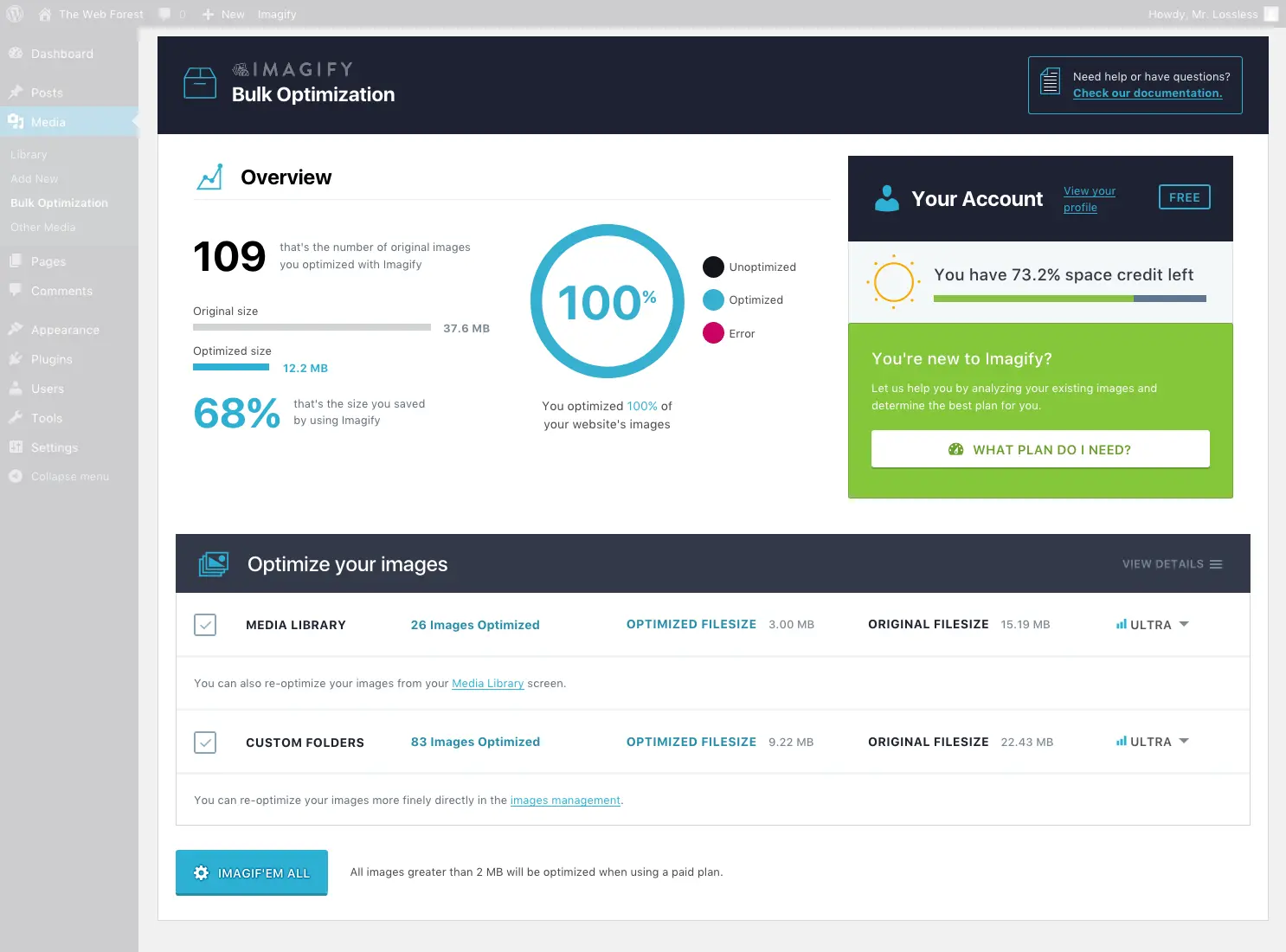
Imagify
Imagify Image Optimization – Optimize Images | Compress Images | Convert WebP | Convert AVIF
#compress images #convert AVIF #convert webp #image optimization #optimize images
