Password correct. Please wait...
Disable chat with .custom-disable-chat
WP Plugin Comparisonby neo-wp.com


WP Plugin Interactive Image Map Builder
Test report
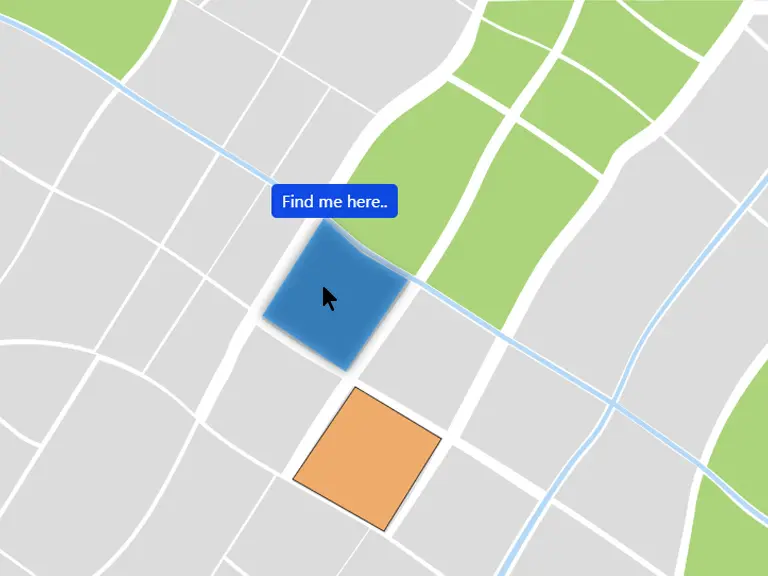
Interactive Image Map Builder
Interactive Image Map Builder - A new plugin for interactive image links
The Interactive Image Map Builder, developed by Mehjabin Orthi, has been available since 2023-01-25 and has already reached over 1 000+ active installations. This WordPress plugin allows you to create interactive hotspots on images, which is especially useful for image maps, floor plans, and similar applications. It lets you add points to images that provide additional information or links to other content without requiring coding knowledge.
One main feature of the plugin is the variety of customization options available to users. You can customize fonts, background colors, and sizes for tooltips and modals. Implementing interactive elements is thus simple, making the plugin ideal for website or blog owners who want to add interactive features to their site. The Interactive Image Map Builder has an average rating of 5.0 stars, based on 17 reviews in the official WordPress Plugin Directory - a sign of user satisfaction.
The next section takes a closer look at and compares the plugin’s main features.
"Very nice plugin! Easy to handle and gives any website a lovely style. There are many options to choose from for formatting etc. Very customizable!"
Features - Extensive application options
The Interactive Image Map Builder stands out with a wide range of features that allow users to create interactive and user-friendly image components. In addition to creating clickable hotspots, the plugin also offers stylish design options for these areas. Especially noteworthy is the ability to integrate embedded videos and maps. This feature allows multimedia content to be easily integrated into the interactive map, enhancing the user experience. Overall, the plugin provides comprehensive functionality to present dynamic content and better interact with website visitors.
Free-Features - Solid foundation for interactive functionality
- Creation of clickable hotspots - Adds interactive points that provide information or link to other pages.
- Two view modes - Offers tooltip and modal views for displaying content.
- Templates - Over 20 custom templates available.
- Customizable content - Font size, color, and background individually adjustable.
- Drag-and-drop functionality - Enables easy repositioning of hotspots.
- Area style options - Adjustable area size, color, and design.
- Editing options - Includes functions to edit and delete hotspots.
- CSS & shortcodes - Supports custom CSS and shortcodes for advanced customization.
- Compatibility with latest themes - Supports various WordPress themes and page builders.
- Embedded video and map code - Integration of media content via simple code.
License - Flexibility and user-friendliness
The Interactive Image Map Builder plugin is available for free, allowing you to use the basic functionalities without financial barriers. It offers excellent value, especially since many core features are already included in the free version. User feedback often highlights flexibility and accessibility as key factors. Because the plugin is suitable for both small and larger projects, it enjoys general popularity, particularly among those seeking flexible and cost-effective solutions.
"Even the free version is amazing! The free version is sufficient for small projects.",
Technical details - Behind the scenes of the Interactive Image Map Builder
The Interactive Image Map Builder is technically designed to work seamlessly with WordPress as well as common themes and page builders. The plugin’s architecture supports an unlimited number of shortcodes and can be easily customized with custom CSS. Core elements like hotspot functionality and embedding external content use existing WordPress APIs for seamless integration of features within the established CMS environment.
A special feature is the ability to integrate embedded videos and maps through a simple interface into the interactive maps. This efficient extensibility is supported by consistent use of JavaScript and PHP for interactive rendering, creating a responsive user experience. Developers also appreciate the support for hooks, allowing the plugin to be adapted to specific application needs. Data management and storage within the WordPress database are centrally organized; however, migration or import/export functions are currently not documented.
System requirements - Requirements and compatibility
In order to use the Interactive Image Map Builder effectively, certain system requirements are necessary. The plugin requires at least PHP version 5.6 or higher and WordPress version 5.4 or higher. The plugin has been tested up to WordPress version 6.8.5 and therefore offers high compatibility with current WordPress updates. The plugin version is 3.0, and the last update was released on 2023-01-25. These requirements ensure that the plugin can be run smoothly on most WordPress installations.
"The consistency regarding support for the latest WordPress versions gives me confidence when using it. You don't have to worry that something will stop working.",
Quality - Reliable performance with adaptability
The Interactive Image Map Builder impresses with its high-quality implementation based on modern standards. Compatibility with the latest WordPress themes and page builders ensures a seamless user experience. Resource usage is efficiently optimized so the plugin runs effectively across different platforms without affecting website performance. The user-friendly backend design and intuitive drag-and-drop functionality significantly simplify implementing interactive elements, which is especially beneficial for users without technical knowledge. The responsive design ensures interactive maps look and function well on all devices. The variety of customization options allows you to create visually appealing content, improving overall output quality. Additionally, numerous custom templates help streamline the creation process and ensure professional results.
"Very nice plugin! Easy to handle and gives any website a lovely style. There are many options to choose from for formatting etc. Very customizable!"
Support - Commitment to satisfied users
Support for the Interactive Image Map Builder is generally rated very positively by users. Particularly highlighted are the quick response times and efficient problem resolution by the plugin team, as emphasized in reviews in the WordPress Plugin Directory. The preferred contact method for support inquiries is via the developer's official support page. Users report straightforward assistance and rapid issue resolution, making the support highly recommended.
"I found a bug and it was fixed within a day! Highly recommend."
Rating - User satisfaction at the highest level
The Interactive Image Map Builder enjoys overwhelmingly positive reviews. With a perfect average rating of 5.0 from 17 reviews, users show high satisfaction. Many praise the ease of use and versatile customization options, making it particularly attractive for beginners. There are occasional critical voices about specific points, but these are in the minority. The consistently high ratings highlight the tool's usability and functional design.
"Great plugin. Easy to use and offers many customization options. Recommend it to everyone!"
Criticism - Flaws and suggestions for improvement in focus
The Interactive Image Map Builder has not received specific negative criticisms or reports of frequent security issues in available reviews. The developers appear to respond quickly to potential problems, as the rapid bug fixes in positive reviews indicate. However, the limited information on possible security and privacy aspects leaves room for improvement. More detailed documentation on security standards and regular updates could further build user trust. A transparent roadmap for future development would also be desirable to give users insight into upcoming features and improvements.
At the moment there are no specific negative quotes from users regarding the Interactive Image Map Builder, which suggests that no serious defects have been noticed or criticized so far.
Conclusion - Summary and outlook
Overall, the Interactive Image Map Builder, developed by Mehjabin Orthi, offers an excellent solution for creating interactive image content on WordPress websites. The wide range of features, combined with flexibility and a user-friendly interface, sets the plugin apart from other available solutions. Although there is room for improvement in some areas, such as security documentation and a roadmap for future developments, it still represents a strong tool for website operators who want to integrate interactive elements. The consistently positive reviews underscore user satisfaction and the plugin's reliability in everyday use.
#draw floor plan #image canvas #image labeling tool #interactive image map #interactive image map builder
Show more
Detailed plugin information
Plugin slug: interactive-image-map-builder
Plugin name: Interactive Image Map Builder
Plugin title: Interactive Image Map Builder
Plugin keywords: #draw floor plan #image canvas #image labeling tool #interactive image map #interactive image map builder
Plugin version: 3.0
Last update: 2025-08
Release date: 2023-01-25
Required WP version: 5.4
Required PHP Version: 5.6
Tested with WP version: 6.8.5
Active installations: 1 000+
Average Rating: 5.0
Number of reviews: 17
Number of support threads: 0 (in the last 2 months)
Number of resolved support requests: 0 (in the last 2 months)
Plugin author: mehjabin6310
Developer homepage: https://wordpress.org/plugins/interactive-image-map-builder/
WP developer profile page: https://profiles.wordpress.org/mehjabin6310/
Support URL in the WordPress Plugin Directory: https://wordpress.org/support/plugin/interactive-image-map-builder/
Developer support URL: https://wordpress.org/support/plugin/interactive-image-map-builder/#fallback-commercial-support-url
WP Plugin Directory: https://wordpress.org/plugins/interactive-image-map-builder/
Was the test report about Interactive Image Map Builder helpful?
Interactive Image Map Builder - The right plugin?
Interactive Image Map Builder - Compare nowOpen plugin in sandboxTo the official WP StorePopular alternatives to Interactive Image Map Builder


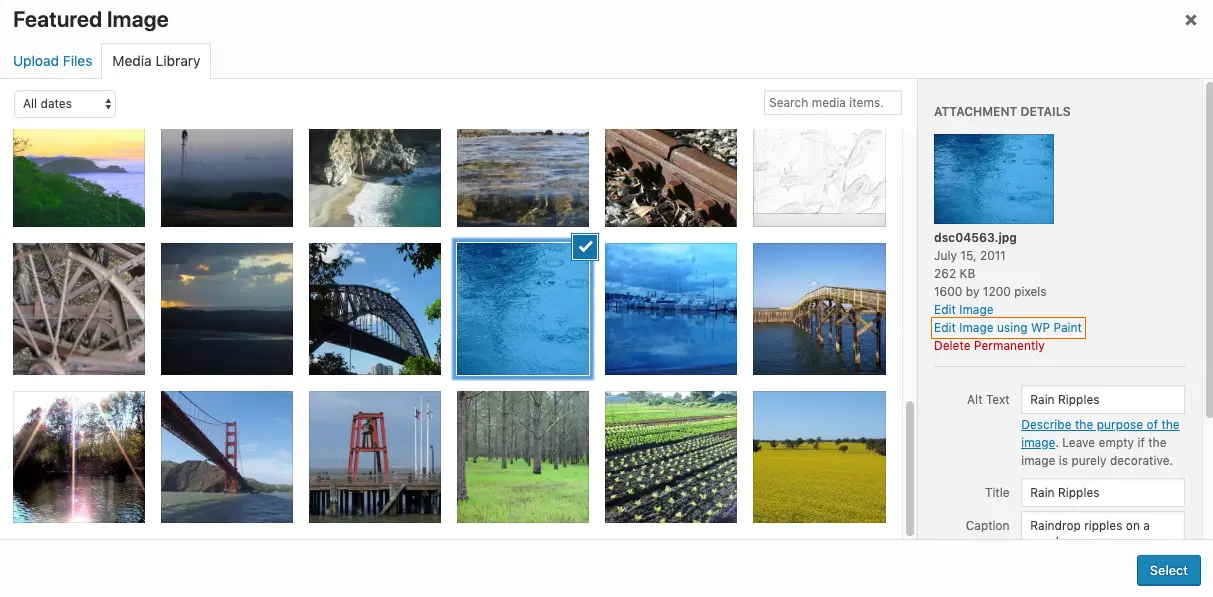
Wp Paint
WP Paint – WordPress Image Editor
#Image editor #media #media editor #photo #photo editor