


Password correct. Please wait...
Disable the chat with .custom-disable-chat
WP Plugin Comparisonby neo-wp.com


WP Plugin Easy Optimizer
Test report
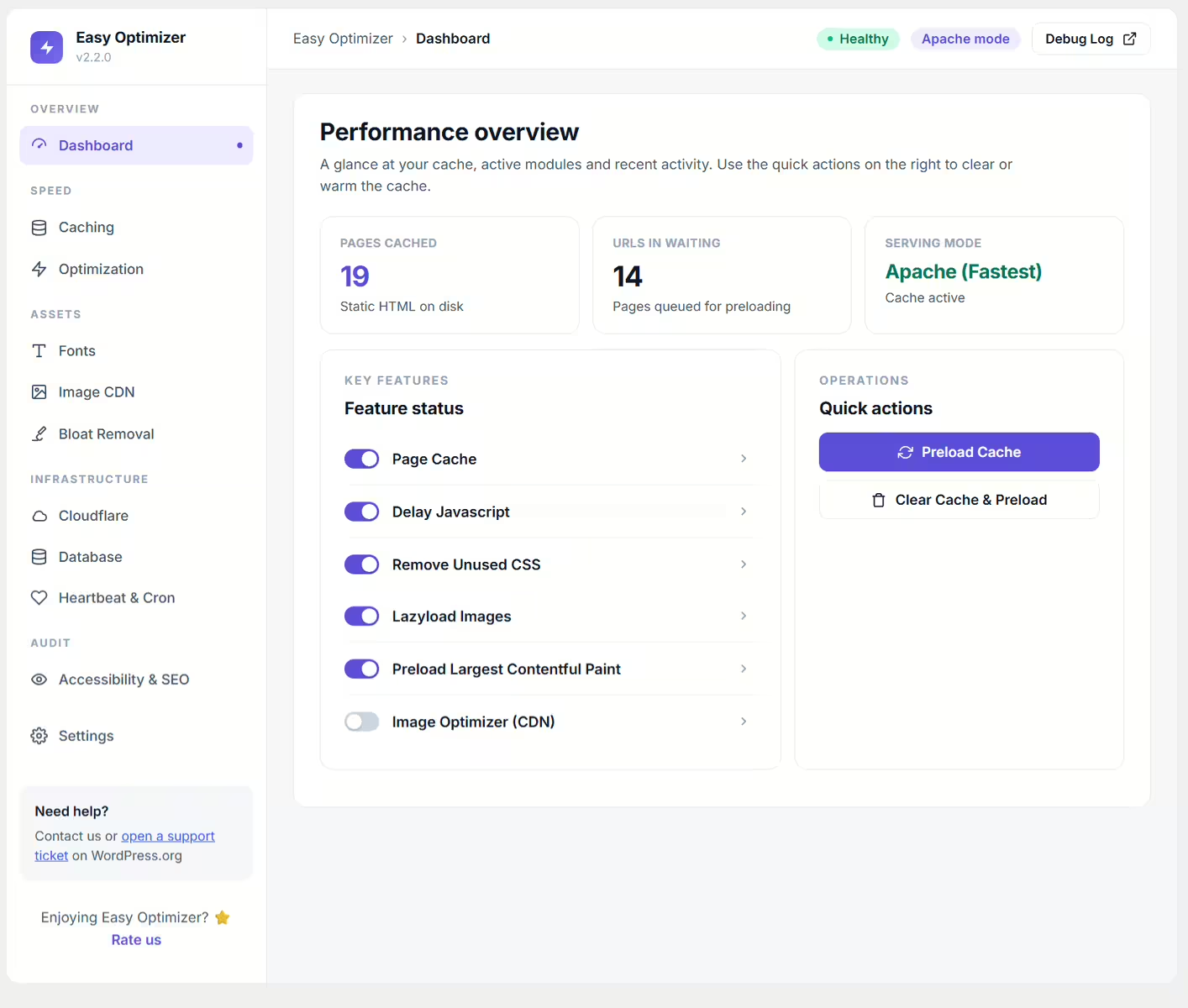
Lazy load images, videos, iframes, convert to WebP & AVIF - Easy Optimizer
Easy Optimizer, developed by Uzair, was released on 2023-01-04 and has over 700+ active installations. This WordPress plugin aims to improve website performance by enabling lazy loading for images, videos, and iframes. It also automatically converts images to modern formats like WebP and AVIF via the ShortPixel CDN, which leads to reduced load times and better FCP and LCP metrics. A standout feature is its ability to further reduce load times by preloading pages in the background, improving the user experience. The specific target audience is WordPress users, particularly those who use the popular Page Builder plugin Elementor and are looking to boost their sites' performance. With a average rating of 4.5 out of 5 stars, based on 14 reviews in the official WordPress Plugin Directory, it offers a promising approach to optimizing WordPress sites. The next section takes a closer look at the plugin's main features and compares it with similar plugins.
"This plugin helped optimize a poorly coded theme where no other lazy-loading plugin worked."
Features - Extensive performance improvements
The Easy Optimizer excels with a range of features specifically designed to optimize webpage load times. In addition to using next-gen image formats and lazy loading for images and iframes, the plugin also offers an automatic width and height attribute addition for images when lazy loading is enabled. This ensures a more stable and visually pleasing rendering of page content as it loads. Seamless integration with Elementor also makes it easy to apply optimizations to existing WordPress sites.
"The easy setup and integration with Elementor make optimization particularly user-friendly."
Free features - Free optimization options
- Lazy Load Images - Improves load times by only loading images when they appear in the user's viewport.
- Lazy Load Iframes and HTML Video - Extends lazy-loading functionality to iframes and auto-playing HTML5 videos.
- Page preloading - Preloads linked pages in the background to shorten load times on subsequent page visits.
- Serve images in next-gen formats - Automatically converts images to Avif or WebP via ShortPixel CDN when the browser supports them.
- Automatic width and height for images - Automatically adds width and height to images when lazy loading is enabled.
- Elementor integration - Fully compatible with Elementor for seamless integration and optimization.
License - Free usage options
Easy Optimizer is licensed for free use without restrictions for basic features. By registering with ShortPixel, up to 500 MB of free usage per month is available, making it a cost-effective option for smaller sites. Users appreciate this value proposition, especially since it allows using modern image formats like Avif and WebP without extra fees. The core functionality and free availability of the plugin are often highlighted positively in reviews, although occasional technical issues are reported.
"The free usage and support for next-gen formats make it ideal for smaller projects."
Technical details - Behind the scenes of Easy Optimizer
Easy Optimizer is designed to integrate deeply into the WordPress structure. It uses specially developed scripts to implement lazy loading for various media types such as images, videos, and iframes. The JavaScript code used by the plugin is only loaded when necessary, minimizing resource consumption. Intelligent caching ensures the required scripts are loaded only once per session. This technique is complemented by the implementation of service workers to make page preloading efficient. If a link has already been visited, the associated content is fetched and stored in the background to make the user experience especially smooth. Compatibility with the ShortPixel CDN for converting images to modern formats like Avif and WebP is ensured via a RESTful API approach embedded directly in the plugin, enabling seamless data exchange.
System requirements - Minimum requirements and compatibility
The Easy Optimizer requires a minimum PHP version 7.4 and WordPress version 4.7 to function properly. Compatibility has been tested up to the current WordPress version 5.8, indicating regular maintenance and an effort to stay up to date. In the current plugin version 2.6.5, it was last updated on 2026-08. These technical requirements ensure that the plugin runs stably on both older and modern WordPress installations, provided the basic compatibility requirements are met. Users particularly appreciate the plugin for its low system requirements and the resulting stability across a variety of WordPress setups.
"Even offers features on older PHP versions that other plugins often only provide with newer releases."
Quality - Strengths and weaknesses
The WordPress plugin Easy Optimizer has received mixed reviews regarding its quality. Positive experiences focus on its remarkable ability to provide effective lazy-loading functionality even with demanding or poorly designed themes. This practical benefit makes the plugin stand out in challenging environments and earns it high appreciation from some users. Its lean and efficient coding ensures Easy Optimizer uses minimal system resources, positively impacting overall site performance. A challenge remains, however, as some users report server errors, particularly in connection with Google indexing. This discrepancy in performance leads to mixed public perception. Despite its promising capabilities, the plugin is not free of issues that could affect its reliability in certain scenarios.
"This plugin helped optimize a poorly coded theme where no other lazy-loading plugin worked."
Support - Little information and insights
Easy Optimizer offers support via the platforms WordPress.org and a direct channel to the developer Uzair. However, there is so far no specific information about contact options or support response times. User feedback from people who have experience with the support is also missing. These gaps in information could indicate that support is either not widely used or that there is a lack of communication from the developers. User reviews in the WordPress Plugin Directory give little indication of the quality or efficiency of the support, which makes the overall picture incomplete and could pose a greater challenge for users when problems arise.
"I have not used the support response time so far, but I hope for further optimizations."
Rating - Insight into user reviews
Easy Optimizer achieves an average rating of 4.5 out of 5 stars in the WordPress Plugin Directory, based on 14 reviews. This indicates a mixed user response, with both positive and critical voices. Some users praise the plugin for its performance and the working optimization features, especially on elusive or complex issues:
"I give 5 stars because it finally worked."
Nevertheless, there are critical voices pointing out technical difficulties the plugin can cause under certain circumstances:
"Think carefully before you install this plugin."
Finally, some users confirm the effectiveness of the plugin, especially when it is correctly integrated into existing setups:
"This plugin helped optimize a poorly coded theme where no other lazy-loading plugin worked."
The mix of reviews shows both the power of the plugin and challenges that can arise with specific environmental factors. Still, Easy Optimizer remains a strong tool for website optimization, particularly with careful implementation and configuration.
Criticism - Challenges and weaknesses of the plugin
Although Easy Optimizer offers a variety of features to improve performance, there are specific criticisms frequently mentioned in user reviews. A prominent issue is server errors occurring after installing the plugin. Some users report difficulties with Google indexing their pages due to a server error (5xx). This issue was resolved by uninstalling the plugin. Additionally, comprehensive information about the plugin's security features is lacking, which could potentially be a privacy risk. Users request regular updates and a clear roadmap for further development of the plugin to improve existing features and add new ones. Improvement ideas such as optimizing core web vitals are numerous, but it remains unclear when and how these will be implemented.
"After installation a server error occurred that made my site unindexable. Was fixed by uninstalling. So better think carefully before installing."
Conclusion - Summary of the plugin's advantages and disadvantages
Easy Optimizer offers a solid basic set of tools for optimizing WordPress websites, notably features like lazy loading for various media types and delivering next-gen image formats via the ShortPixel CDN. It is particularly noteworthy that it can run on older 7.4 versions while delivering reliable results. Despite this, the experience with the plugin is mixed, reflecting both the positive performance on disproportionately demanding themes and the reported technical issues.
Integration with Elementor provides additional benefits, but some users note downsides, particularly server errors and lack of security features. The missing detailed information about support could also be an area to improve to enhance the user experience. Still, Easy Optimizer, developed by Uzair, remains an interesting option for those looking for straightforward optimization solutions and willing to deal with minor challenges.
#cache #core web vitals #pagespeed #performance #speed
Show more
Detailed plugin information
Plugin slug: easy-optimizer
Plugin name: Easy Optimizer
Plugin title: Easy Optimizer – PageSpeed, Cache & Core Web Vitals (Unused CSS, Delay JS, Lazy Load)
Plugin keywords: #cache #core web vitals #pagespeed #performance #speed
Plugin version: 2.6.5
Last updated: 2026-08
Release date: 2023-01-04
Required WP version: 6.4
Required PHP version: 7.4
Tested with WP version: 7.1
Active installations: 700+
Average rating: 4.5
Number of reviews: 14
Number of support requests: 9 (in the last 2 months)
Number of resolved support requests: 8 (in the last 2 months)
Plugin author: FluxPress
Developer homepage: https://fluxpress.io
WP developer profile page: https://profiles.wordpress.org/easywpstuff/
Support URL in the WordPress Plugin Directory: https://wordpress.org/support/plugin/easy-optimizer/
Developer support URL: https://wordpress.org/support/plugin/easy-optimizer/#fallback-commercial-support-url
WP Plugin Directory: https://wordpress.org/plugins/easy-optimizer/
Was the review of Easy Optimizer helpful?
Easy Optimizer Was the right plugin?
Easy Optimizer - Compare nowOpen plugin in sandboxTo the official WP StorePopular alternatives to Easy Optimizer


Lazy loading responsive images
Lazy Loader
#images #Lazy Loading #lazysizes #performance
Rocket Lazy Load
LazyLoad Plugin – Lazy load images, videos, and iframes
#defer offscreen images #lazy load #lazy load images #lazy load plugin #Lazy Loading
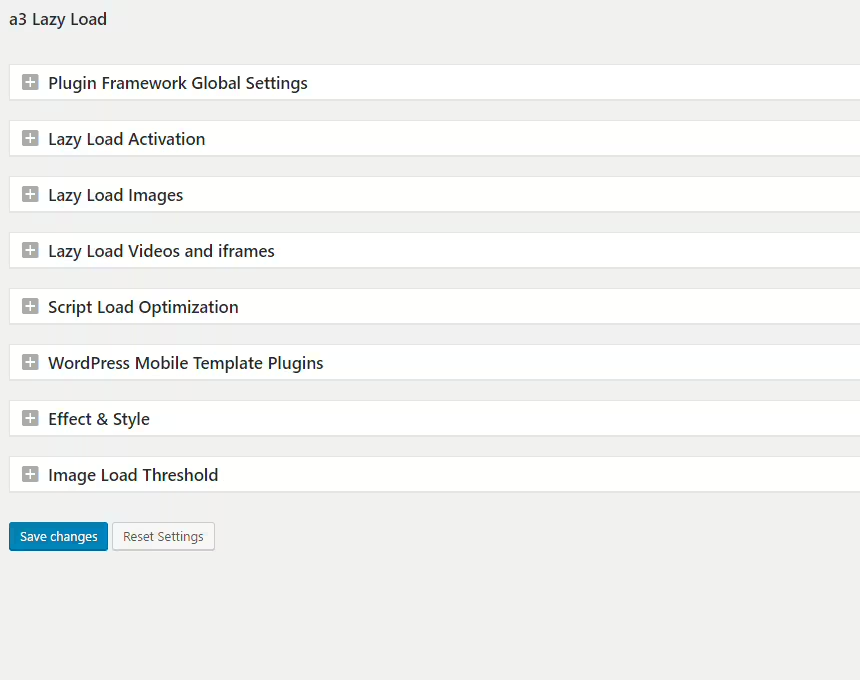
A3 Lazy Load
a3 Lazy Load
#a3 lazy load #image lazy load #Lazy Loading #lazyload
