
Password correct. Please wait...
Disable chat with .custom-disable-chat
WP Plugin Comparisonby neo-wp.com


WP Plugin neoMotion
Comparison & Alternatives
The 2 best alternatives to the WordPress plugin neoMotion by neoWP
WordPress Plugin Top List
Comparison & Ranking
Farewell letter
Sorry that you want to leave neo WP.
Your opinion is very important to us. Please contact us so we can help you. We really appreciate your feedback.
If you are still looking for an alternative, we have put together some suggestions for you below. We hope you find a suitable solution for yourself.
Number #
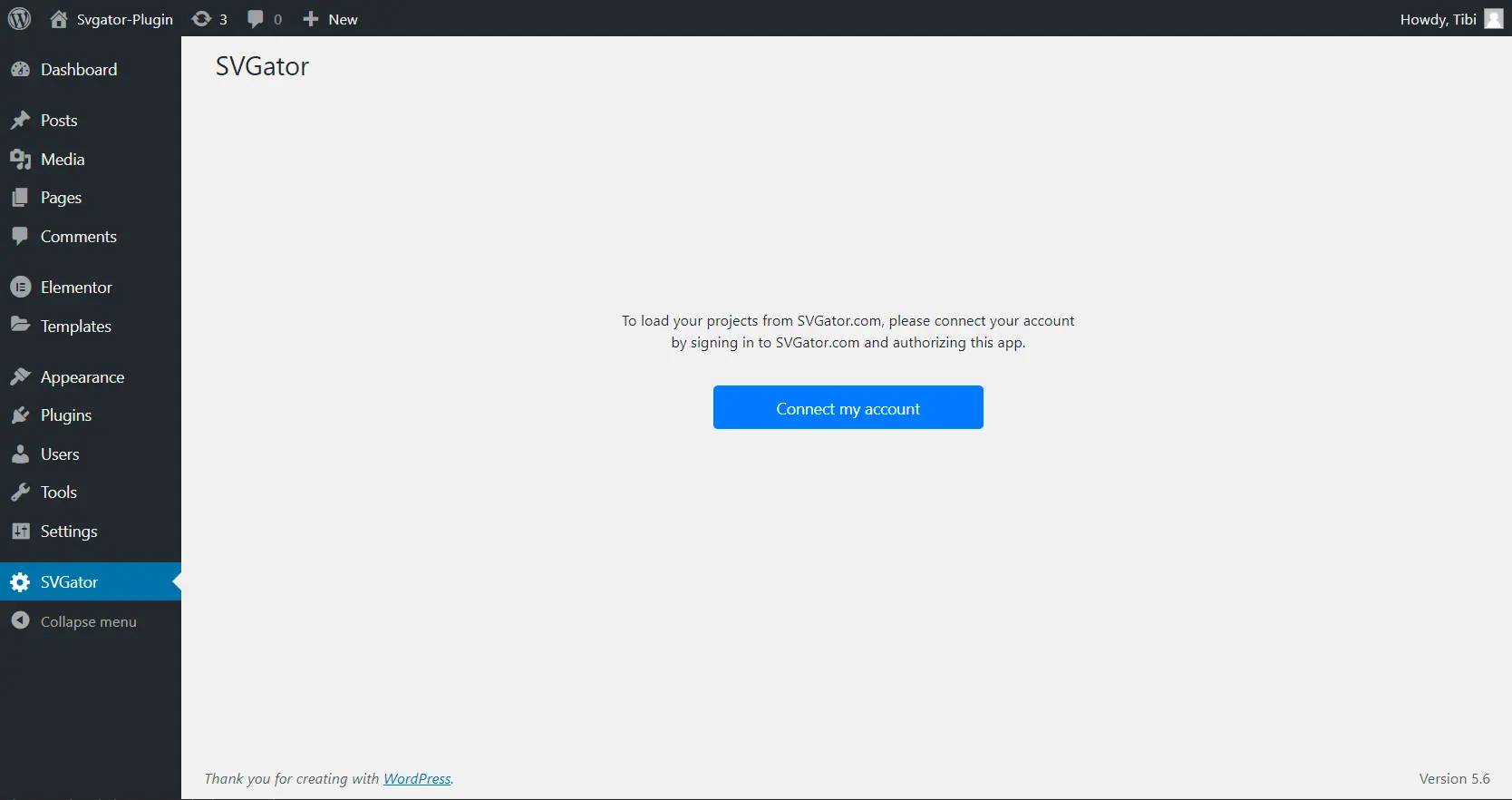
SVGator - Easily add animated SVGs
Svgator is a WordPress plugin from SVGator, that effortlessly creates and embeds animated SVG graphics. It requires no programming knowledge and is ideal for web designers and bloggers. The plugin averages 5.0 out of 5 stars, based on 2 reviews.
"This is absolutely amazing, probably the first plugin on WordPress that really makes it easy and fast to add impressive SVG animations to your website."
Features - Animated SVGs in a few clicks
- Import SVG files - Integration from the plugin library into the media library.
- Choose animation type - CSS or JavaScript-based animations.
- Drag-and-drop interface - Simple UI for creating animations.
- Automatic code generation - CSS/JS code is generated automatically.
- Use in widgets - Embed in sidebars or footers.
- Scale without quality loss - Resize freely without quality degradation.
- Pro features - Extended with additional features (Pro).
"Finally! A plugin for SVG animations that really works superbly."
Technical details - API integration and requirements
The plugin embeds SVGs via an API from SVGator.com, requires a stable internet connection and API authorizations. The files are embedded as <svg>-tags. For optimal functionality, PHP 7.0+ and WordPress 5.0 are required. Technical resources are available in the GitHub SDK.
Quality and support - Reliable and customer-focused
Svgator impresses with efficient SVG scaling and excellent performance. Support stands out with fast response times and is reachable via email and the support forum. Commercial inquiries are handled in the dedicated area. Users praise the plugin for its reliability.
"Thanks, folks! It was simply great how quickly and efficiently you helped."
Conclusion - Strong performance, but room for improvement
Svgator offers a solid solution for SVG animations in WordPress with easy handling and a GPL license. Security concerns and few reviews in the plugin directory may make users skeptical. The plugin could gain popularity through improved security measures and regular updates.
Show more
Detailed plugin information
Plugin slug: svgator
Plugin name: Svgator
Plugin title: SVGator
Plugin keywords: #SVG #vector image
Plugin version: 1.3.5
Last Update: 2026-01
Release date: 2020-11-19
Required WP version: 5.0
Required PHP Version: 7.0
Tested with WP version: 6.9.4
Active installations: 1 000+
Average Rating: 5.0
Number of Ratings: 2
Number of support threads: 0 (in the last 2 months)
Number of resolved support requests: 0 (in the last 2 months)
Plugin author: SVGator
Developer homepage: https://www.svgator.com/help/getting-started/how-to-add-svg-to-wordpress
WP developer profile page: https://profiles.wordpress.org/svgator/
Support URL in the WordPress Plugin Directory: https://wordpress.org/support/plugin/svgator/
Developer support URL: https://wordpress.org/support/plugin/svgator/#fallback-commercial-support-url
WP Plugin Directory: https://wordpress.org/plugins/svgator/
0.0
/ 10
#SVG #vector image
Number #
Show more
Detailed plugin information

Plugin slug: animation-addons-for-elementor
Plugin name: Animation Addons For Elementor
Plugin title: Animation Addons for Elementor – GSAP Motion Elementor Addons & Website Templates
Plugin Keywords: #animation #elementor #elementor addons #elementor templates #elementor widgets
Plugin Version: 2.6.0
Last update: 2026-03
Release Date: 2024-04-04
Required WP version: 6.6
Required PHP version: 7.4
Tested with WP version: 6.9.4
Active Installations: 10 000+
Average rating: 4.6
Number of Reviews: 57
Number of support requests: 2 (in the last 2 months)
Number of resolved support requests: 1 (in the last 2 months)
Plugin author: Wealcoder
Developer Homepage: https://animation-addons.com/
WP Developer Profile Page: https://profiles.wordpress.org/wealcoder/
Support URL in the WordPress Plugin Directory: https://wordpress.org/support/plugin/animation-addons-for-elementor/
Developer Support URL: https://wordpress.org/support/plugin/animation-addons-for-elementor/#fallback-commercial-support-url
WP Plugin Directory: https://wordpress.org/plugins/animation-addons-for-elementor/
0.0
/ 10
#animation #elementor #elementor addons #elementor templates #elementor widgets
Compared with:

neo Motion - Creative Stop-Motion Editor for neo Draw
The WordPress plugin neo Motion from neo WP was released on 2026-01-01 and is part of the new neoWP plugin series. The plugin leverages modern web development capabilities, reflected in its performance and intuitive design. Reviews suggest that since its release the plugin has delighted users with well-chosen and cleverly implemented features. Particularly noteworthy is the solid coding. A look into the source code confirms that a company with experienced software developers is behind the plugin.
“The plugins in the neo package are very well coordinated and solve all common problems with images in WordPress.”
Features - Powerful tools cleverly implemented
- Delight your visitors with stop motion animations
- Create stopmotion drawings effortlessly with neo Draw
- Unlimited frames in any size
- Export animated SVGs (more efficient than GIFs)
- Additional settings like framerate and delay time (Pro)
“Great what can be done with neo Rename. The Pro version takes it even further.”
Technical details - modern implementation with high compatibility
The plugin neo Motion is available for free in the current version 1.0.0 for download. It requires at least WordPress version 6.2 and PHP version 8.0 or higher. The plugin has been tested by the beta tester circle up to the current version 6.9. The developers released the last update in 2026-01. The continuous updating and expansion of the plugin reflects the commitment to further development.
“It's convenient to get all media plugins from a single developer. The complete neo universe runs performantly, reliably and stably.”
Quality and support - fast and helpful assistance
Support for neo Motion receives predominantly positive feedback, mainly due to fast response times and effective problem solving. Many users report that the developers provide dedicated and helpful support for both the free and Pro versions. The neo WP team is directly reachable via the developer page by chat, email and contact form. Additionally, the official support forum is available for further assistance.
“The developers respond quickly, personally and are very helpful.”
Conclusion - very high-quality WordPress plugin package
The plugin neo Motion lives up to its slogan “Make an impression with fascinating stop-motion animations!” in every respect. Even in the free version the entire neo plugin series offers a comprehensive solution for typical media management needs in WordPress. For everyone already using neo Motion, it’s worth taking a look at the other plugins from neo WP.
Show more
Detailed plugin information
Plugin slug: neo-motion
Plugin name: neoMotion
Plugin title: neo Motion - Kreativer Stop-Motion-Editor für neoDraw
Plugin keywords: #animation #animate #effect #svg #gif
Plugin version: 1.0.0
Last Update: 2026-01
Release Date: 2026-01-01
Required WP Version: 6.2
Required PHP version: 8.0
Tested with WP version: 6.9
Active Installations: 1+
Average Rating: 5.0
Number of Ratings: 1
Number of support threads: 0 (in the last 2 months)
Number of resolved support requests: 0 (in the last 2 months)
Plugin author: neo WP
Developer Homepage: https://neo-wp.com/
WP Developer Profile Page: https://profiles.wordpress.org/neoplugins/
Support URL in the WordPress Plugin Directory: https://neo-wp.com/support/
Developer Support URL: https://neo-wp.com/support/
WP Plugin Directory: https://neo-wp.com/plugin/neo-motion/?ref=wporg-info
#animation #animate #effect #svg #gif
Was the comparison to neo Motion helpful?
All about neo Motion - Creative stop-motion editor for neo Draw
neo Motion - Creative Stop-Motion Editor for neo Draw
The WordPress plugin neo Motion from neo WP was released on 2026-01-01 and is part of the new neoWP plugin series. The plugin leverages modern web development capabilities, reflected in its performance and intuitive design. Reviews suggest that since its release the plugin has delighted users with well-chosen and cleverly implemented features. Particularly noteworthy is the solid coding. A look into the source code confirms that a company with experienced software developers is behind the plugin.
“The plugins in the neo package are very well coordinated and solve all common problems with images in WordPress.”
Features - Powerful tools cleverly implemented
- Delight your visitors with stop motion animations
- Create stopmotion drawings effortlessly with neo Draw
- Unlimited frames in any size
- Export animated SVGs (more efficient than GIFs)
- Additional settings like framerate and delay time (Pro)
“Great what can be done with neo Rename. The Pro version takes it even further.”
Technical details - modern implementation with high compatibility
The plugin neo Motion is available for free in the current version 1.0.0 for download. It requires at least WordPress version 6.2 and PHP version 8.0 or higher. The plugin has been tested by the beta tester circle up to the current version 6.9. The developers released the last update in 2026-01. The continuous updating and expansion of the plugin reflects the commitment to further development.
“It's convenient to get all media plugins from a single developer. The complete neo universe runs performantly, reliably and stably.”
Quality and support - fast and helpful assistance
Support for neo Motion receives predominantly positive feedback, mainly due to fast response times and effective problem solving. Many users report that the developers provide dedicated and helpful support for both the free and Pro versions. The neo WP team is directly reachable via the developer page by chat, email and contact form. Additionally, the official support forum is available for further assistance.
“The developers respond quickly, personally and are very helpful.”
Conclusion - very high-quality WordPress plugin package
The plugin neo Motion lives up to its slogan “Make an impression with fascinating stop-motion animations!” in every respect. Even in the free version the entire neo plugin series offers a comprehensive solution for typical media management needs in WordPress. For everyone already using neo Motion, it’s worth taking a look at the other plugins from neo WP.
Show more
Detailed plugin information
Plugin slug: neo-motion
Plugin name: neoMotion
Plugin title: neo Motion - Kreativer Stop-Motion-Editor für neoDraw
Plugin keywords: #animation #animate #effect #svg #gif
Plugin version: 1.0.0
Last Update: 2026-01
Release Date: 2026-01-01
Required WP Version: 6.2
Required PHP version: 8.0
Tested with WP version: 6.9
Active Installations: 1+
Average Rating: 5.0
Number of Ratings: 1
Number of support threads: 0 (in the last 2 months)
Number of resolved support requests: 0 (in the last 2 months)
Plugin author: neo WP
Developer Homepage: https://neo-wp.com/
WP Developer Profile Page: https://profiles.wordpress.org/neoplugins/
Support URL in the WordPress Plugin Directory: https://neo-wp.com/support/
Developer Support URL: https://neo-wp.com/support/
WP Plugin Directory: https://neo-wp.com/plugin/neo-motion/?ref=wporg-info
Before switching to the alternative
If you have problems with the plugin "neo Motion - Creative Stop-Motion Editor for neoDraw" it might be wise to check the WordPress and server requirements before switching to a plugin alternative.
The current plugin version 1.0.0 from 2026-01 requires at least WordPress version 6.2 and was tested with WordPress 6.9. The server should preferably be an Apache server running at least PHP version 8.0.
WordPress offers a support forum for the neo Motion plugin. In the past two months 0 questions were posted there and 0 of them were answered by neo WP, which indicates the level of support activity.
Further troubleshooting information might be found on the neo Motion website and its support page.
neo Motion has been developed by neo WP since 2026-01-01 and runs on a total of 1+ active WordPress installations. About 0 users have rated the plugin with an average of 5.0 stars. Still, some users are looking for an alternative with different features.
The alternative plugins can be found in the official WordPress Plugin Directory using the following tags and can be downloaded for free: #animation #animate #effect #svg #gif
The comparison above contrasts and evaluates the key features of these plugin alternatives.
Decision criteria of the plugin ranking
- Usability:
The plugin should be easy to install, configure and use. - Functionality:
The plugin should perform the promised functions reliably and efficiently. - Performance:
It should not negatively affect the website's loading times and should be resource-efficient. - Security:
The plugin must receive regular updates to ensure long-term secure operation. - Reviews:
Positive feedback from many users is a good indicator of quality and reliability. - Support:
Good customer support and comprehensive documentation are crucial to resolving problems quickly. - Documentation:
Comprehensive and understandable documentation makes setup and use easier. - Value for money:
The plugin should either be free or offer a fair price-performance ratio. - Adaptability:
The plugin should be flexible enough to allow for individual requirements and customizations. - Compatibility:
The plugin should be compatible with various WordPress versions, themes, and other plugins.
