


Password correct. Please wait...
Disable chat with .custom-disable-chat
WP Plugin Comparisonby neo-wp.com


WP Plugin Animate On Scroll
Test report

Animate on Scroll
Animate On Scroll is a WordPress plugin developed by Arya Dhiratara and was first released on 2023-02-14. With over 4 000+ active installations, Animate on Scroll is primarily aimed at developers and designers who want to integrate interactive animations into their WordPress sites without extensive coding. The plugin enables easy inclusion of the AOS JavaScript library by simply adding class names. A standout unique selling point is the seamless integration with various page builders and the wide range of predefined animations. With an average rating of 4.3 out of 5 stars from 6 reviews in the official WordPress Plugin Directory, Animate On Scroll distinguishes itself from other plugins through its ease of implementation and versatility. The next section takes a closer look at the plugin's essential features.
"Simple and straightforward porting of AOS to WordPress. Works flawlessly so far 👍"
Features - Extensive customization options
The WordPress plugin "Animate on Scroll" scores with a variety of features that enable flexible use. In addition to integrating the AOS JS library, the plugin offers an impressive selection of predefined animations. These range from subtle effects like Fade and Slide to more striking actions like Flip and Zoom. Another notable feature is the ability to selectively disable animations on specific devices to tailor the user experience. This function has the advantage of showing animations only on devices where they can be displayed optimally.
"Really cool plugin and also really lightweight compared to others. A recommendation! 🥳"
Free features - basic functions for everyone
- Integration with AOS JS library - Allows inserting AOS animations using class names in WordPress to create visual effects.
- Predefined animations - Provides an extensive selection of animations like Fade, Flip, Slide, and Zoom that can be used without complex coding.
- Animation settings - Enables customization of global animation settings including offset, duration, easing, and delay for individual effects.
- Device-specific disable - Animations can be disabled on specific devices by assigning classes to ensure targeted user experiences.
License - free and easy to handle
The "Animate On Scroll" plugin is provided free of charge. It is designed so that no permanent changes are made to the database, allowing safe deactivation and deletion if it's no longer desired. Users appreciate the ease and non-commitment of using the plugin, as it makes the site both functional and performant.
"Very lightweight plugin that provides a library of classes that can be added for management."
Overall, "Animate On Scroll" offers a straightforward solution for WordPress users who want to enliven their websites with animations without much effort. With user-friendly customization options and an open license, it remains a popular choice among developers and designers.
Technical details - a look under the hood
The Animate On Scroll plugin uses the AOS JS library to effortlessly integrate scroll-triggered animations into WordPress. By using PHP filters, global animation settings can be conveniently adjusted. The developer can add_filter('aos_init', function($aos_init) {...}); use this to modify parameters like offset, duration, easing, delay, and behavior after a single animation. The plugin only loads the required AOS JS and CSS files when needed classes are present in the HTML; this conserves system resources and improves load times. Special attention was given to device compatibility by allowing developers to disable animations on specific devices via CSS media queries. Thanks to the use of custom classes without touching the database, the plugin remains lightweight and safe to remove.
System requirements - everything in the green
The plugin requires a minimum PHP version and WordPress version to run. The specific version requirements are typically as follows: PHP Version 7.4 or higher and WordPress Version 5.8 or higher. The plugin has been tested up to WP 6.5.8 or newer. The currently available plugin version is 1.0.7, with a last update in 2024-04. These technical details should be observed to ensure smooth integration and functionality of the plugin.
"Very lightweight plugin that provides a library of classes that can be added for management."
For smooth use of the plugin, system requirements should always be considered to avoid potential incompatibilities. The plugin's lightweight and efficient design remains one of its stated strengths, as it barely affects site performance.
Quality - lightweight performance and compatibility
The quality of the "Animate On Scroll" plugin is widely praised, particularly for its lightweight structure that contributes to reliable performance. The integration of the AOS JS library allows animations to be added seamlessly without noticeable impact on page load speed. The ability to load CSS and JS only when actually needed reduces unnecessary traffic and conserves resources. Users appreciate the delay feature that allows animations to be timed to enhance user experience without affecting overall performance. Additionally, compatibility with various page builders and themes is a plus for developers. However, there are criticisms regarding complexity when used with certain editors, and some users complain about insufficient documentation, especially concerning new website editors.
"So far it works flawlessly."
Support - feedback on accessibility
Support for the WordPress plugin "Animate On Scroll" appears largely unclear, as there is little information about contact options or typical response times. A detailed guide or a specified support structure is not evident in the available information. Users can use the official support forum in the WordPress Plugin Directory for questions or problems, as well as the developer's support page. However, there are no specific reviews that directly comment on the quality or efficiency of support, which gives the impression that assistance is either considered adequate or is rarely used. The lack of an established feedback structure could indicate that support depends on improved resources and communication.
"So far it works flawlessly."
Rating - Average ratings and mixed reactions
The plugin "Animate On Scroll" has an average rating of 4.3 out of 5 stars based on 6 reviews in the official WordPress Plugin Directory. This relatively high rating reflects overall user satisfaction, although the reviews show some mixed reactions.
Some users praise the plugin for its simplicity and effectiveness:
"Easy and straightforward porting of AOS to WordPress. So far it works flawlessly 👍"
However, there are also critics who complain about certain aspects, particularly regarding integration with current website editors:
"Please add to the documentation how to use it with the new Website Editor. Thank you."
Nevertheless, the overall consensus remains positive, with the easy implementation highlighted compared to other plugins:
"Really cool plugin and also really light compared to others. A recommendation! 🥳"
These mixed reviews suggest that while the plugin works well for many users, there is still room for improvement, especially regarding documentation and compatibility with new technologies.
Criticism - Challenges and areas for improvement
While "Animate On Scroll" is appreciated for its simplicity and easy implementation, there are specific criticisms to consider. One major point repeatedly mentioned by users is poor documentation. In particular, users of the new WordPress block editor complain about insufficient guidance, making the plugin harder to use in that context. Although there are no indications of security vulnerabilities or serious technical issues, the documentation gap remains an obstacle to smooth use of the plugin.
Another technical issue is the lack of flexibility in integrating custom CSS attributes. Some users report that adding the AOS attribute to additional CSS did not work as expected, indicating limitations in customizability. Since animations can greatly impact a site's visual effect, this is a significant challenge for users who want to fully leverage the plugin's potential.
Suggestions for improvement focus on expanding the documentation and providing targeted information specifically addressing usage with modern WordPress technology. Clearer communication about CSS customization options would also be desirable to give users more freedom in designing their websites.
"Please add to the documentation how to use it with the new Website Editor. Thank you."
Conclusion - A comprehensive overview of strengths and weaknesses
The WordPress plugin Animate On Scroll, developed by Arya Dhiratara, offers a valuable resource for developers and designers who want to efficiently integrate animations into their WordPress sites. With its simple handling and seamless integration of the AOS JavaScript library, it stands out from other solutions. The ability to tailor animations to specific devices and the wide range of predefined effects further enrich the plugin.
Despite its advantages, some challenges remain, particularly regarding documentation and compatibility with new website editors. These aspects could be significantly strengthened through targeted improvements. Nevertheless, due to its easy implementation and flexibility, the plugin remains a preferred choice within the WordPress community. The mixed reviews indicate that while there are many satisfied users, there is also room for further development.
#animate #animation #aos #scroll #scroll animation
Show more
Detailed plugin information
Plugin slug: animate-on-scroll
Plugin name: Animate On Scroll
Plugin title: Animate on Scroll
Plugin keywords: #animate #animation #aos #scroll #scroll animation
Plugin version: 1.0.7
Last update: 2024-04
Release date: 2023-02-14
Required WP version: 5.8
Required PHP version: 7.4
Tested with WP version: 6.5.8
Active Installations: 4 000+
Average Rating: 4.3
Number of reviews: 6
Number of support threads: 0 (in the last 2 months)
Number of resolved support requests: 0 (in the last 2 months)
Plugin author: Arya Dhiratara
Developer homepage: https://wordpress.org/support/plugin/animate-on-scroll/#fallback-homepage
WP developer profile page: https://profiles.wordpress.org/aryadhiratara/
Support URL in the WordPress Plugin Directory: https://wordpress.org/support/plugin/animate-on-scroll/
Developer's support URL: https://wordpress.org/support/plugin/animate-on-scroll/#fallback-commercial-support-url
WP Plugin Directory: https://wordpress.org/plugins/animate-on-scroll/
Was the test report about Animate On Scroll helpful?
Animate On Scroll - The right plugin?
Animate On Scroll - Compare nowOpen plugin in sandboxTo the official WP StorePopular alternatives to Animate On Scroll



Animated Text Block
Animated Text Block – Add Typing and Looping Text Effects
#animated text #animation text block #text animation #text block
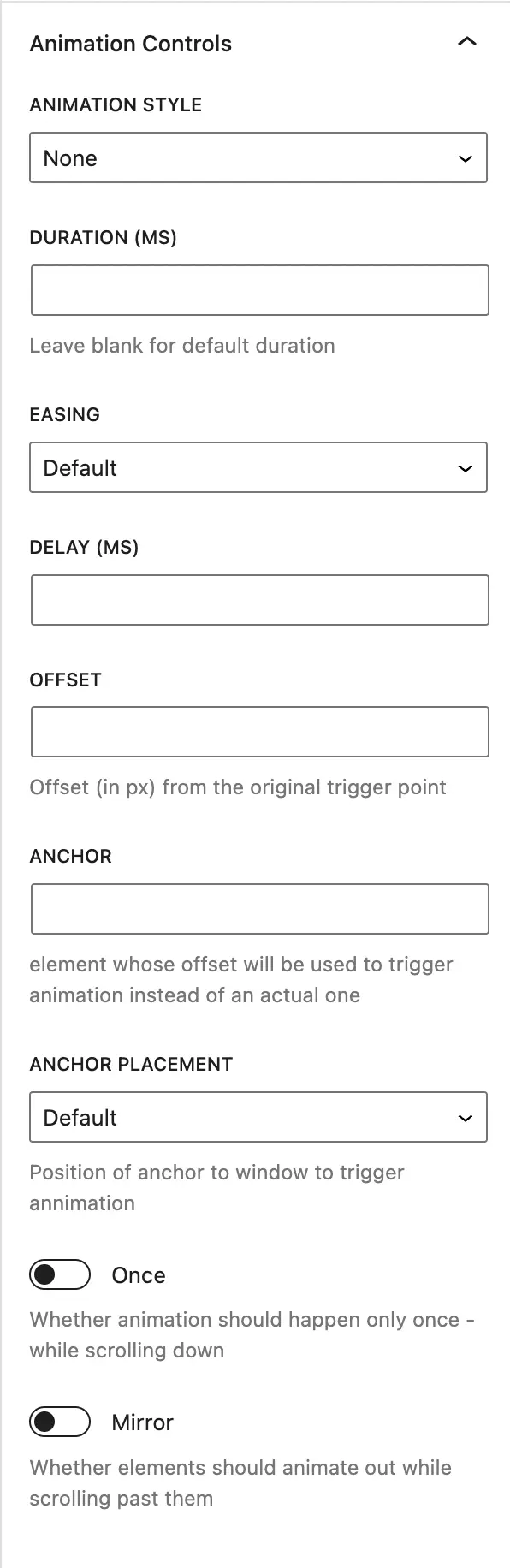
Ani Mate Animation Extension
Ani-Mate Gutenberg Animation Extension
#animation #aos #blocks #gutenberg
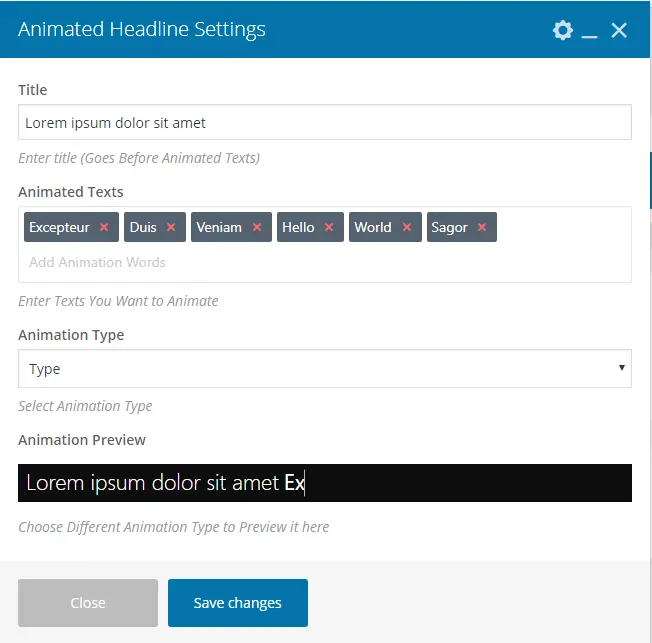
Animated Headline Visual Composer
Animated Headline – Visual Composer (WPBakery Page Builder)
#animated effect #animated text #Animation Effect #effect #WPBakery
